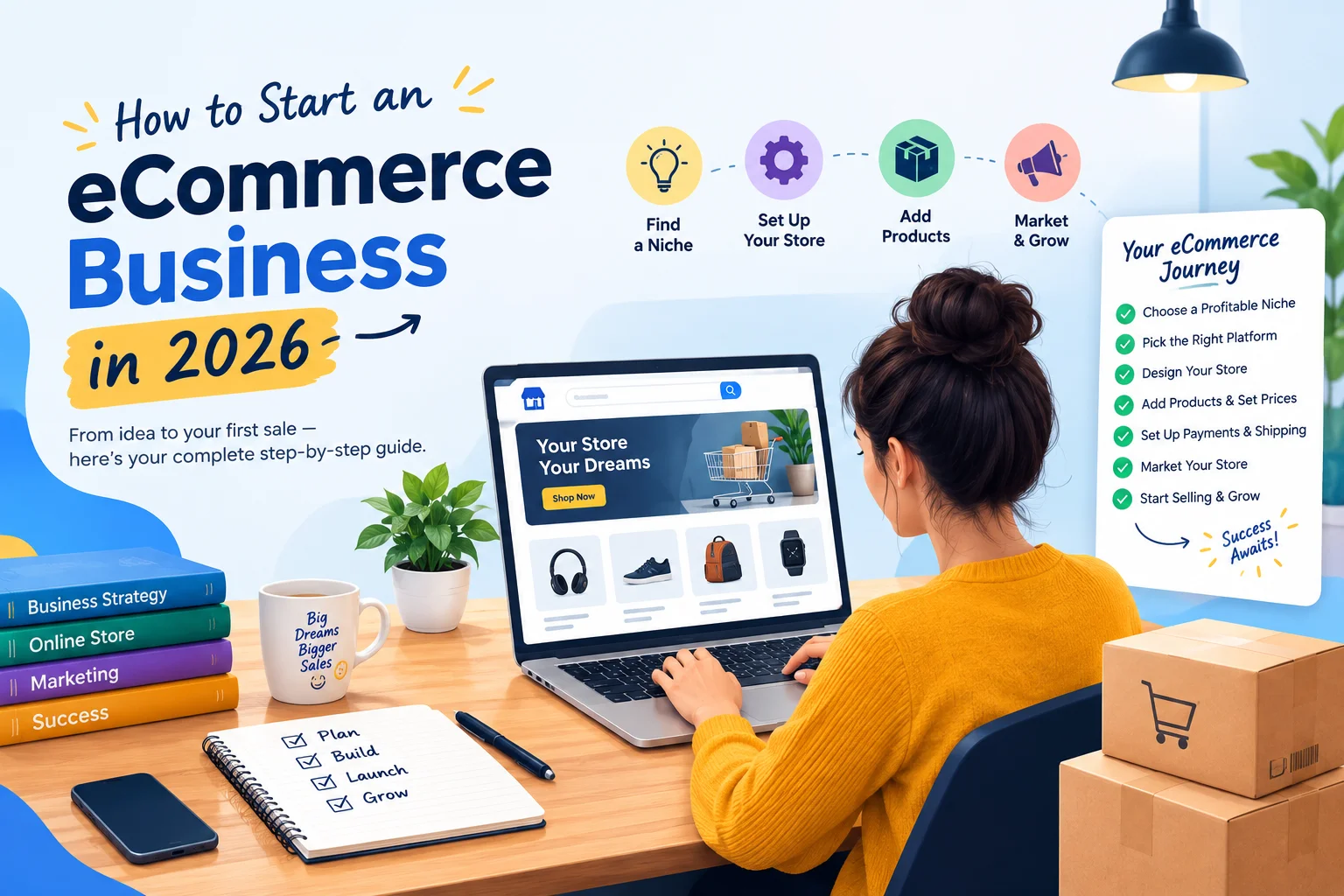
Starting an eCommerce business can be an effective way to sell products or services beyond a physical location, but building a successful online store involves more than choosing a product and creating a website.
You need to understand your target customers, validate your idea, choose the right business model, set up your store, accept payments, manage fulfillment, and create a plan to attract and retain customers.
If you’re wondering how to start an eCommerce business, the best approach is to build the business step by step instead of investing heavily before you know what customers actually want.
Learn how to start an eCommerce business from the ground up, including choosing and validating a product, setting up your online store, selecting the right platform, configuring payments, marketing your business, improving SEO, and preparing for launch.
What Do You Need to Start an eCommerce Business?
To start an eCommerce business, you generally need:
- A product, service, or business idea
- A clearly defined target audience
- A suitable eCommerce business model
- A domain and online store
- A payment solution
- Shipping or fulfillment processes, if applicable
- Essential business and customer policies
- A marketing strategy
- Analytics to measure performance
The exact requirements depend on your location, product type, business model, and sales channels. Legal, tax, privacy, and consumer requirements can also vary by country, so verify the applicable rules before launching.
A common mistake is spending most of the initial budget on website design before validating the product. A better approach is to confirm demand, competition, pricing, costs, and customer needs first.
1. Choose What You Want to Sell
The first step in starting an eCommerce business is deciding what you will offer.
You could sell:
- Physical products
- Digital products
- Subscriptions
- Services
- Customized products
- Private-label products
- Wholesale or resold products
Don’t choose a product simply because it is trending. Consider whether people have a clear reason to buy it, whether you can source or create it consistently, and whether the selling price leaves enough margin after product costs, payment fees, shipping, returns, marketing, and other expenses.
Ask yourself:
- Who needs this product?
- What problem does it solve?
- What alternatives already exist?
- How will my offer be different?
- Can I deliver it reliably?
- Is the potential margin realistic?
This initial research can prevent you from building an online store around a product that has little sustainable demand.
2. Identify Your Target Customers
If you’re learning how to start an online business, defining the customer should happen before choosing your marketing channels.
Create a basic customer profile based on factors such as:
- Age and location
- Needs and problems
- Budget
- Buying habits
- Preferred shopping channels
- Reasons for choosing one product over another
You should also study competitors. Look at their pricing, product pages, reviews, shipping policies, customer complaints, and overall buying experience.
Customer reviews can be particularly useful because they show what people like and dislike about existing products. Those insights can help you improve your own offer instead of simply copying another store.
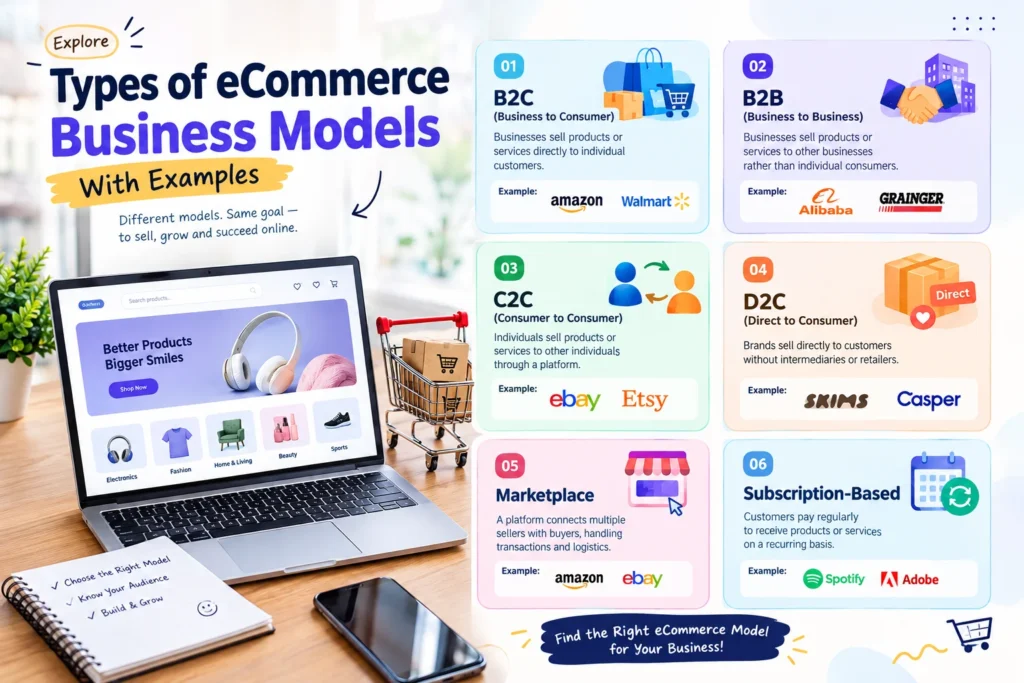
3. Choose an eCommerce Business Model
Your business model affects your costs, margins, inventory requirements, and day-to-day operations.
| Business model | Best suited for |
| Own inventory | Businesses wanting more control over products and fulfillment |
| Dropshipping | Testing products with less upfront inventory |
| Wholesale/reselling | Selling established products |
| Private label | Building a differentiated brand |
| Print-on-demand | Customized products without holding traditional inventory |
| Digital products | Products delivered electronically |
There is no universally best model. A business with physical inventory may offer greater control but require more capital, while a low-inventory model can reduce upfront costs but may introduce other limitations.
Choose the model that matches your budget, capabilities, customer expectations, and long-term goals.
4. Validate Your Product Idea Before Investing Heavily
Before spending significantly on inventory, development, or advertising, test whether your idea has genuine demand.
Research:
- Search interest
- Competitor products
- Customer reviews
- Pricing
- Product complaints
- Social media discussions
- Marketplace listings
- Estimated costs and margins
A useful process is:
Research → Validate demand → Calculate costs → Test the offer → Review results
Validation does not guarantee that a business will succeed, but it can reduce the risk of investing heavily in an unproven idea.
For example, you might test a smaller product range, collect early customer feedback, or run a limited campaign before expanding your inventory.
5. Complete Your eCommerce Business Setup
Once you’ve validated the concept, move into the practical eCommerce business setup.
Depending on your location and business model, this can include:
- Choosing a business name
- Registering the business where required
- Purchasing a domain
- Setting up business banking
- Reviewing tax obligations
- Choosing payment providers
- Planning shipping and fulfillment
- Creating return and refund policies
- Creating privacy and terms pages
- Reviewing product-specific compliance requirements
Requirements differ between countries and industries. Don’t assume that a setup that works in one market automatically applies internationally.
If you’re selling across multiple countries, also consider currency, shipping zones, taxes, returns, payment preferences, and consumer protection requirements before expanding.
6. Choose the Right eCommerce Platform
Your platform becomes the foundation of your online store, so choose it based on your actual requirements rather than popularity alone.
Two widely used options are WooCommerce and Shopify.
WooCommerce is a flexible option for businesses that want extensive customization, WordPress integration, and access to a broad plugin ecosystem. It can be particularly useful when you need control over your store’s functionality.
Shopify is a hosted platform designed to simplify store management and reduce some of the technical maintenance involved in running an online shop.
Your decision should consider:
- Budget
- Technical experience
- Customization requirements
- Product complexity
- Payment options
- Hosting and maintenance
- Scalability
- Available integrations
If WooCommerce is the platform you choose, you can extend its functionality with relevant WooCommerce plugins rather than adding unnecessary tools.
7. Build Your Online Store
Your online store setup should focus on usability, trust, and making the buying process clear.
At minimum, most stores need:
- Homepage
- Shop or category pages
- Product pages
- Cart
- Checkout
- About page
- Contact page
- Shipping information
- Return/refund policy
- Privacy policy
- Terms and conditions
Your product pages deserve particular attention. Include a clear product name, useful images, benefits, specifications, pricing, availability, shipping information, FAQs, and a prominent purchase option.
Don’t write product descriptions solely for search engines. Write them to answer the questions a potential customer has before buying.
For WooCommerce stores, strong product-page content can help both users and search engines understand what the page offers. Current WooCommerce SEO guidance similarly emphasizes useful product information that answers customer questions rather than relying on minimal product copy.
8. Set Up Payments, Shipping, and Checkout
A customer can abandon a purchase even after deciding they want your product if checkout is confusing or unexpected costs appear.
Before launch, configure:
Payments
Offer payment methods that make sense for your target market, such as cards, bank-based methods, digital wallets, or other locally relevant options.
Shipping
Define delivery areas, shipping costs, estimated delivery times, tracking, and return procedures.
Checkout
Keep the checkout process as simple as possible. Avoid unnecessary fields, communicate costs clearly, and make sure the experience works properly on mobile devices.
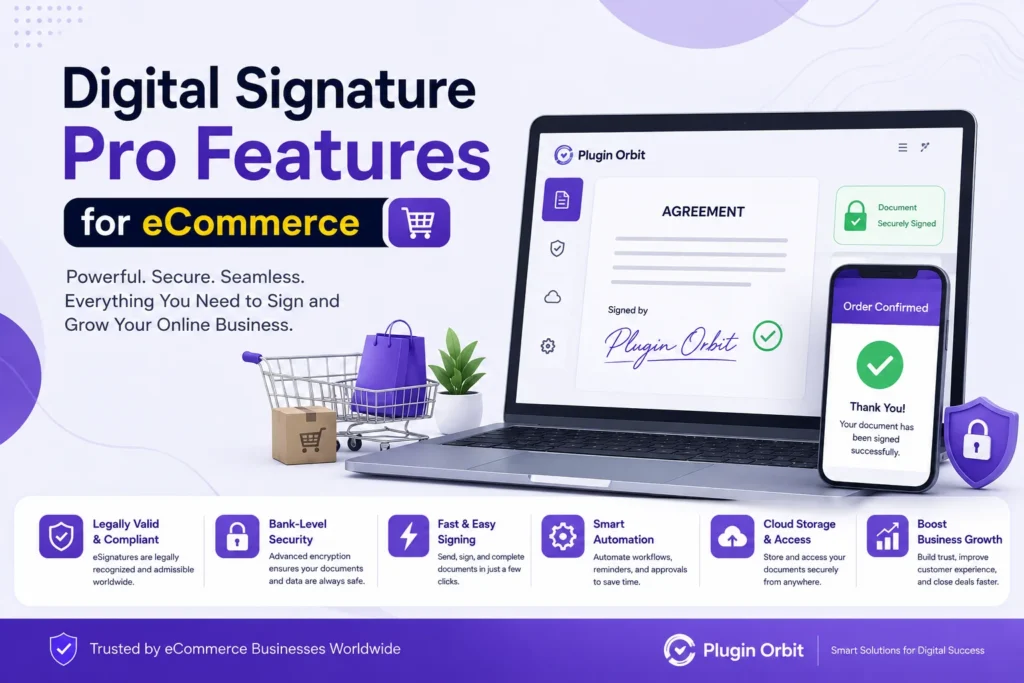
If your business requires customers to approve agreements or sign documents during checkout, a WooCommerce digital signature solution may be relevant.
9. How to Sell Products Online
Learning how to sell products online is about more than getting visitors to your website. You need the right combination of traffic, offer, product presentation, trust, and customer experience.
Your main acquisition channels can include:
SEO
Create useful category, product, and informational content that answers searches related to your products.
Social media
Use platforms where your target audience actually spends time. Product demonstrations, educational content, customer stories, and short-form videos can help build awareness.
Paid advertising
Google Ads, shopping campaigns, and social advertising can generate faster traffic, but paid traffic should be measured against conversion rate, customer acquisition cost, and profit.
Email and retention
Existing customers can be valuable because repeat purchases may cost less to generate than constantly finding new customers.
Remember that traffic alone doesn’t guarantee sales. Your product, pricing, positioning, trust signals, product page, checkout, and post-purchase experience all influence conversion.
10. Optimize Your eCommerce Website for SEO
SEO should be considered from the beginning rather than added after the store launches.
Focus on:
- Search-focused page titles
- Helpful product descriptions
- Descriptive category pages
- Internal linking
- Mobile usability
- Fast page performance
- Crawlable URLs
- XML sitemap
- Canonical URLs where appropriate
- Structured data
- Search Console and analytics
- Original product and category content
Google recommends making an eCommerce site’s structure understandable through navigation and internal links. It also recommends relevant structured data to help Google understand eCommerce content.
For product pages, answer real customer questions rather than producing generic descriptions. Useful information about compatibility, specifications, what is included, delivery expectations, and other purchase considerations can make a page more valuable.
11. Test Your Store Before Launch
Before announcing your store publicly, complete a full test purchase.
Check:
- Product information
- Add-to-cart functionality
- Coupon codes
- Checkout
- Payment processing
- Shipping calculations
- Confirmation emails
- Mobile layout
- Contact forms
- Return/refund information
- Analytics tracking
- Page indexing
Also test the store from a customer’s perspective. Don’t assume that a feature works simply because it appears correctly in the admin dashboard.
12. Launch and Measure Your eCommerce Business
Once your store is ready, launch with a clear plan rather than expecting organic traffic immediately.
Track:
- Website traffic
- Product views
- Add-to-cart rate
- Checkout starts
- Conversion rate
- Average order value
- Customer acquisition cost
- Return/refund rate
- Repeat purchases
These metrics help you identify where customers are dropping out.
For example, high traffic with few product views may indicate a targeting or navigation problem. Many product views but few purchases may point toward pricing, product information, trust, or checkout friction.
Use the data to improve the store instead of making changes based only on assumptions.
How Much Does It Cost to Start an eCommerce Business?
There is no single cost that applies to every eCommerce business.
Your initial budget may include:
- Domain
- Hosting or platform fees
- Product inventory
- Website design
- Plugins or apps
- Payment processing
- Packaging
- Shipping
- Photography/content
- Advertising
- Business and compliance costs
A digital-product store can have very different startup costs from a physical-product business with inventory and warehousing.
The best approach is to calculate your expected costs before launch and identify the minimum viable budget needed to validate the business.
Common eCommerce Mistakes to Avoid
Avoid these common problems when starting an online store:
- Building the website before validating the product
- Trying to target everyone
- Competing only on price
- Ignoring mobile shoppers
- Making checkout unnecessarily complicated
- Installing too many plugins or apps
- Relying entirely on paid advertising
- Ignoring customer feedback
- Launching without analytics
- Scaling before understanding your margins
The goal isn’t to create the biggest store immediately. It’s to create a store that can attract the right customers, convert them efficiently, and operate profitably.
Conclusion
Starting an eCommerce business in 2026 is about building a strong foundation, not launching a huge store from day one. Focus on your target customers, validate your product, choose the right business model, and create a simple shopping experience.
Set up your online store, payments, shipping, product pages, SEO, and marketing step by step. If you’re using WooCommerce, choose functionality based on your actual business needs and work with the best WooCommerce plugin providers when additional features are required.
A strong product, trustworthy store, smooth customer experience, and continuous optimization can help create a sustainable eCommerce business.