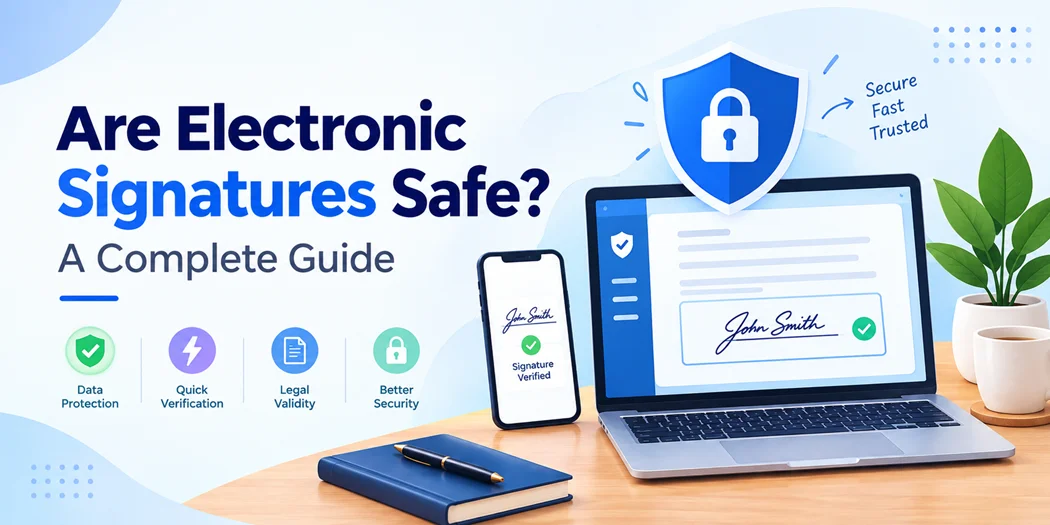
Electronic signatures have changed how people sign contracts, agreements, forms, and business documents. Instead of printing, signing, scanning, and emailing paperwork, users can complete the signing process online within minutes.
But convenience raises an important question: are electronic signatures safe?
Generally, electronic signatures can be secure when they are supported by appropriate authentication, identity verification, document-integrity controls, audit trails, and secure storage. However, the level of security depends on how the electronic signature is created, verified, stored, and managed.
If you are wondering if eSign is safe, this guide explains how electronic signatures work, how they are verified, the main security risks, and what to consider before choosing an electronic signing solution.
Are Electronic Signatures Safe?
Yes, electronic signatures can be safe when they are implemented using appropriate security measures.
An electronic signature is not simply an image of a handwritten signature. Depending on the technology, it can be connected with information that helps establish who signed a document, when it was signed, and whether the document was changed afterward.
The security of an electronic signature generally depends on several factors:
- How the signer is authenticated
- Whether the signer’s identity is verified
- How the document is protected
- Whether changes can be detected after signing
- Whether an audit trail is created
- How signed documents are stored
- How access to signing accounts is controlled
This means there is no single security level for every electronic signature. A basic click-to-accept process and a highly verified digital-signature workflow should not be treated as exactly the same.
How Do Electronic Signatures Work?
Electronic signatures allow a person to indicate their approval or agreement electronically.
A typical signing process looks like this:
- A business or individual prepares a document.
- The document is sent to the intended signer.
- The signer opens and reviews the document.
- The signing system may authenticate the signer.
- The signer applies their electronic signature.
- The platform records relevant signing information.
- The completed document is stored or delivered to the appropriate parties.
Depending on the platform and risk level, additional security measures may be included.
These can include passwords, one-time verification codes, multi-factor authentication, digital certificates, identity verification, timestamps, encryption, and audit trails.
If you are comparing different signing methods, understanding the Types of digital signature can help you determine which approach is appropriate for your use case.
How Does Electronic Signature Verification Work?
Electronic signature verification helps establish whether a signature is associated with the claimed signer and whether the signed document has remained unchanged.
A verification process may use several types of information, including:
- Signer identity
- Authentication details
- Date and time of signing
- Digital certificates
- Signature status
- Document-integrity information
- Audit-trail records
For example, a digital-signature system can use cryptographic technology to detect whether a signed document has been modified after signing.
An audit trail can also provide information about the signing event. Depending on the platform, it may record when the document was sent, opened, signed, and completed.
This additional information can be important when a business needs to demonstrate that a particular person completed a signing process.
What Makes Secure Electronic Signatures?
Not every electronic signing method provides the same level of protection.
If security is important to your business, look for secure electronic signatures that use multiple layers of protection rather than relying only on a visible signature.
Strong Signer Authentication
Authentication helps confirm that the person accessing the signing process has the required credentials.
Depending on the system, authentication may involve a password, one-time code, multi-factor authentication, or another authentication method.
For sensitive documents, stronger authentication can provide additional protection against unauthorized signing.
Identity Verification
Identity verification provides additional assurance about who the signer actually is.
This can be particularly important when signing high-value agreements, regulated documents, or transactions where knowing the signer’s identity is important.
Not every transaction requires the same level of identity verification. Businesses should select controls based on the risks associated with the document and transaction.
Document Integrity
A secure signing system should help determine whether a document has been altered after it was signed.
Cryptographic techniques can connect the signature with the document and help detect subsequent modifications.
This is an important distinction because a secure signing process should provide evidence about what was signed, not simply that someone interacted with a signature field.
Audit Trails
An audit trail records relevant events associated with the signing process.
Depending on the provider, it may include:
- Signer information
- Date and time
- Authentication events
- Document activity
- Signing status
- Completion information
These records can provide useful evidence if the signing process is questioned later.
Encryption and Access Controls
Electronic documents can contain sensitive business or personal information.
A secure platform should therefore use appropriate protections for data transmission and storage while also providing access controls that limit who can view or manage documents.
Account security is equally important. Even a secure signing platform can be exposed if an administrator’s credentials are compromised.
What Are the Main Electronic Signature Risks?
Although electronic signatures can provide strong security, they are not completely risk-free.
Understanding the main electronic signature risks can help businesses create safer signing workflows.
1. Account Compromise
If an attacker gains access to a user’s email or signing account, they may be able to access signing requests or sensitive documents.
Using strong passwords and multi-factor authentication can reduce the risk associated with compromised accounts.
2. Phishing Attacks
Fake signing emails can be used to trick users into clicking malicious links or providing login credentials.
Users should be cautious with unexpected signing requests and verify the sender before entering sensitive information.
3. Weak Authentication
A signing process that relies on minimal authentication may provide less assurance about who actually completed the transaction.
The appropriate authentication method depends on the sensitivity and value of the document.
4. Unauthorized Document Access
Signed documents may contain confidential customer, employee, financial, or business information.
Businesses should control access and establish appropriate policies for document storage and retention.
5. Poor Record Keeping
A business may encounter problems if it cannot retrieve the completed document or supporting signing records when needed.
Maintaining appropriate audit information and secure document storage can make the signing process easier to verify later.
Are E Signatures Safe for Business Contracts?
Are e signatures safe for contracts? In many cases, electronic signatures can be used for business agreements, but the applicable legal requirements depend on the jurisdiction and type of transaction.
For example, U.S. federal law generally recognizes electronic signatures and electronic records in covered transactions under the ESIGN Act.
The European Union has a separate framework under eIDAS. It recognizes different levels of electronic signatures and gives qualified electronic signatures a specific legal status equivalent to handwritten signatures under the applicable framework.
Other countries have their own electronic-signature laws and requirements.
Therefore, businesses should not assume that every electronic signature has identical legal treatment. For important agreements, it is appropriate to consider the applicable jurisdiction, document type, identity requirements, and any exceptions under local law.
Are Electronic Signatures Legally Binding?
Electronic signatures can have legal effect, but legal validity and technical security are two different questions.
A signature may be technically secure while the transaction still has specific legal requirements.
For example, certain documents or transactions may require particular forms of execution, identity verification, witnessing, or other formalities depending on the jurisdiction.
Before implementing electronic signatures for important business documents, check the requirements that apply to your specific situation.
The safest approach is to evaluate both:
- Security: Can you establish who signed and whether the document was changed?
- Legal requirements: Does the signing method meet the applicable rules for the transaction?
Are Electronic Signatures Safe for Ecommerce?
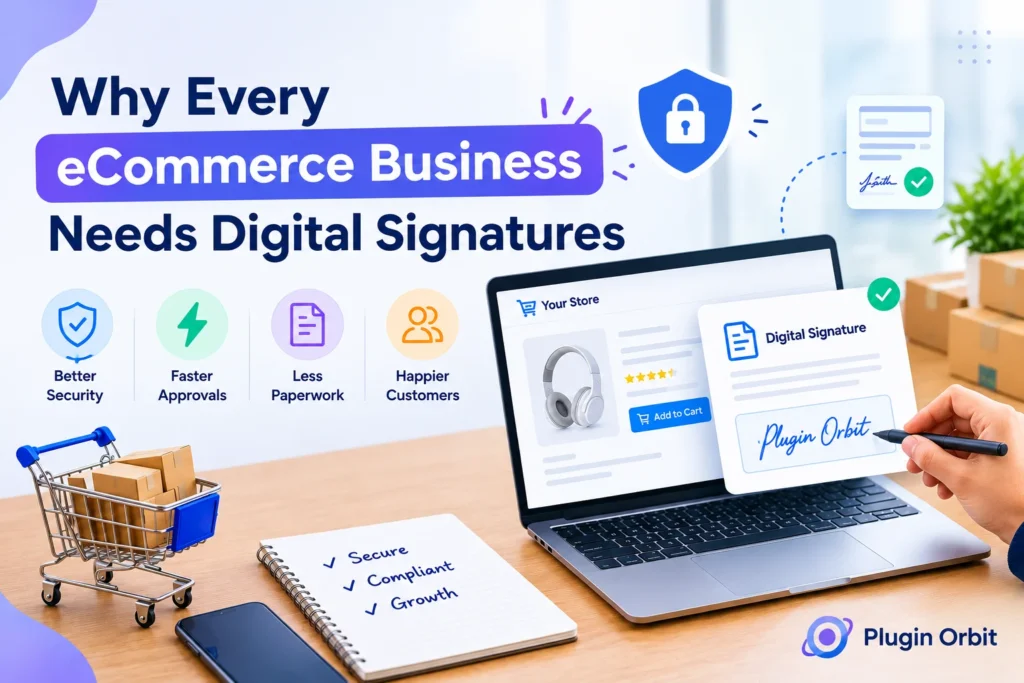
Electronic signatures can also be useful in ecommerce when a customer needs to provide approval, accept specific terms, sign an agreement, or complete a transaction that requires additional confirmation.
For example, an online store may need a customer signature for a customized order, service agreement, consent form, or other transaction-specific document.
Businesses can collect digital signature information as part of their existing website workflow instead of relying on paper-based processes.
For WooCommerce stores, signatures can also be incorporated into checkout when there is a legitimate business reason to obtain customer confirmation.
A Digital signature checkout workflow can connect the signing step with the customer’s purchasing process.
However, ecommerce businesses should consider privacy, data security, access controls, record retention, and the legal requirements applicable to their customers and transactions.
How to Add a Digital Signature Securely
If you want to Add a digital signature to a website, form, contract, or ecommerce workflow, start by determining what level of security your use case requires.
A practical implementation process is:
- Identify why a signature is required.
- Determine what information the signer needs to approve.
- Choose an appropriate electronic or digital-signature method.
- Use suitable authentication and identity verification.
- Protect the document during transmission and storage.
- Maintain an audit trail.
- Restrict access to completed documents.
- Establish an appropriate document-retention policy.
Avoid collecting unnecessary personal information. A good signing workflow should provide appropriate security without creating unnecessary friction for users.
How to Choose Digital Signature Software
When comparing Digital signature software, look beyond the ability to add a signature to a document.
Consider whether the platform provides:
- Signer authentication
- Identity verification options
- Audit trails
- Document-integrity protection
- Secure document storage
- Access controls
- Encryption
- Multi-factor authentication
- Downloadable signing records
- Appropriate compliance features
The right solution depends on your use case.
For example, an internal approval may not require the same controls as a high-value customer contract or regulated transaction.
Instead of choosing software based only on features, consider the consequences of unauthorized access, incorrect signing, or an inability to prove the signing event later.
How Can You Make Electronic Signatures Safer?
Businesses can improve their signing security by using multiple layers of protection.
A practical checklist includes:
- Use reputable electronic-signature software.
- Enable multi-factor authentication where appropriate.
- Use stronger identity verification for higher-risk transactions.
- Protect administrator accounts.
- Limit access to sensitive documents.
- Maintain detailed audit trails.
- Store completed documents securely.
- Train employees to recognize phishing attempts.
- Establish document-retention procedures.
- Review applicable legal requirements.
Security should be treated as a complete process rather than a single feature.
Authentication, identity verification, document integrity, access control, audit records, and secure storage can work together to create a more reliable electronic-signature workflow.
Electronic Signatures vs. Handwritten Signatures
Electronic signatures provide a digital alternative to traditional handwritten signatures.
Paper documents can be lost, damaged, copied, or altered. It can also be difficult to establish exactly when a paper document was signed without additional evidence.
Electronic-signature systems can provide additional digital information such as timestamps, authentication records, audit trails, and document-integrity checks.
However, this does not mean every electronic signature is automatically safer than every handwritten signature.
The security of either process depends on how it is implemented and what controls are used.
Conclusion
They can be, when the technology and signing process are designed with appropriate security controls.
The most important question is not simply whether a signature is electronic. Instead, consider whether the signing process can establish who signed, what was signed, when it was signed, and whether the document remained unchanged afterward.
Before choosing a signing solution, evaluate your documents, users, transaction risks, security requirements, and applicable legal rules. This helps you choose an electronic-signature workflow that is both practical and appropriately secure.
For many everyday agreements and business workflows, electronic signatures can make signing faster and easier while providing useful digital records.
For higher-risk transactions, businesses may need stronger authentication, identity verification, digital certificates, audit trails, and additional security controls.