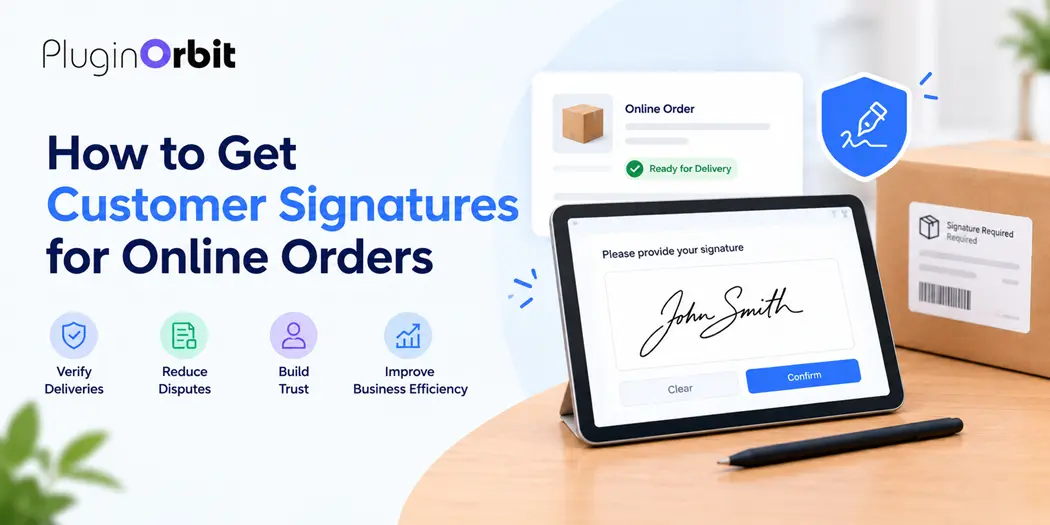
Collecting customer signatures for online orders can be useful when a business needs written acknowledgment, approval of custom work, or acceptance of specific terms before fulfilling an order. However, the best way to collect a signature depends on what the customer needs to agree to and how the store processes orders.
For WooCommerce store owners, the challenge is finding a simple way to add a digital signature to the shopping experience without making checkout unnecessarily complicated.
how to collect customer signatures for online orders, which methods are available, how signature collection can work with WooCommerce, and what to consider before choosing a solution.
What Are Customer Signatures for Online Orders?
Customer signatures for online orders are electronic or handwritten signatures collected as part of an online purchasing or order-approval process. Depending on the business, a signature may document customer acknowledgment, approval of a customized product, acceptance of terms, or confirmation of a particular agreement.
For example, a business selling personalized products may ask a customer to approve a design before production. A service provider may need a signed agreement before beginning work. Another store may require customers to acknowledge specific instructions associated with an order.
The important distinction is that a signature, a checkbox, and a delivery confirmation are not necessarily interchangeable. Each records a different action, and the right choice depends on the purpose of the transaction.
Why Do Online Stores Need Customer Signatures?
Not every online store needs a signature field. For businesses that require additional customer approval, however, a suitable process can make order requirements clearer and help maintain useful records.
1. Approval for custom orders
Businesses that sell personalized products, made-to-order items, or custom services may need customers to approve a design, specification, or proof before work begins.
2. Customer acknowledgment
Some orders involve special instructions, additional conditions, or requirements that the customer should review and acknowledge before proceeding.
3. Service agreements and waivers
Businesses providing certain services may need customers to review and sign agreements or waivers. The appropriate process depends on the agreement, the applicable law, and the type of service.
4. Clearer order records
When a signature is collected and stored correctly, it can help a business document what the customer acknowledged and when. The record is more useful when it also preserves the relevant document version, order reference, timestamp, and other appropriate transaction details.
A signature alone does not guarantee that a business has satisfied every legal or recordkeeping requirement.
How to Collect Customer Signatures for Online Orders
There are several ways to collect customer signatures. The right method depends on whether you need a simple acknowledgment, approval of a document, or a more formal signing process.
Method 1: Use an electronic signature service
An electronic signature service can let customers review and sign a document through a browser or a dedicated signing workflow.
This approach may be suitable for service agreements, contracts, and documents that need a separate signing process. Before choosing a service, check how it handles signer identity, document storage, audit trails, integrations, and applicable compliance requirements.
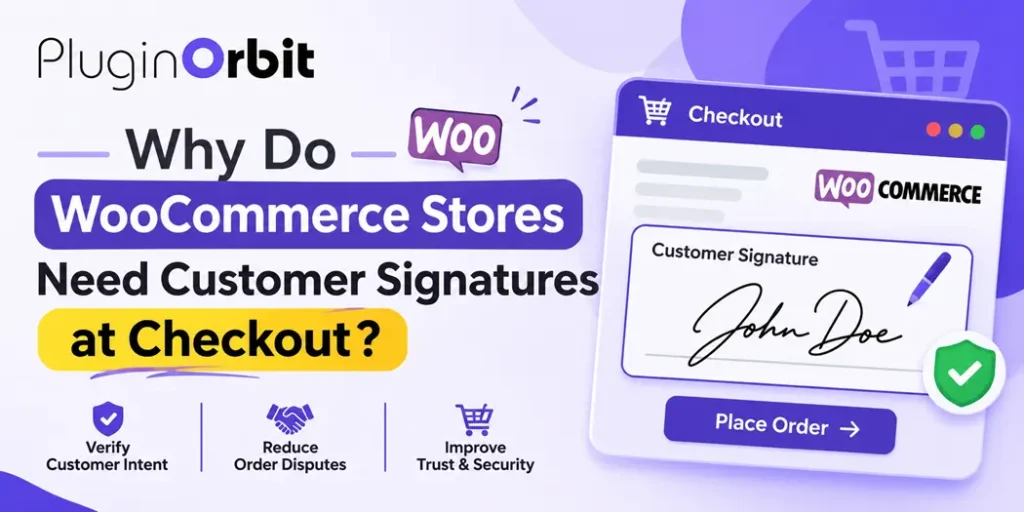
Method 2: Add signature collection to WooCommerce checkout
If your store runs on WooCommerce, you may be able to collect a customer signature through a compatible plugin or a customized checkout workflow.
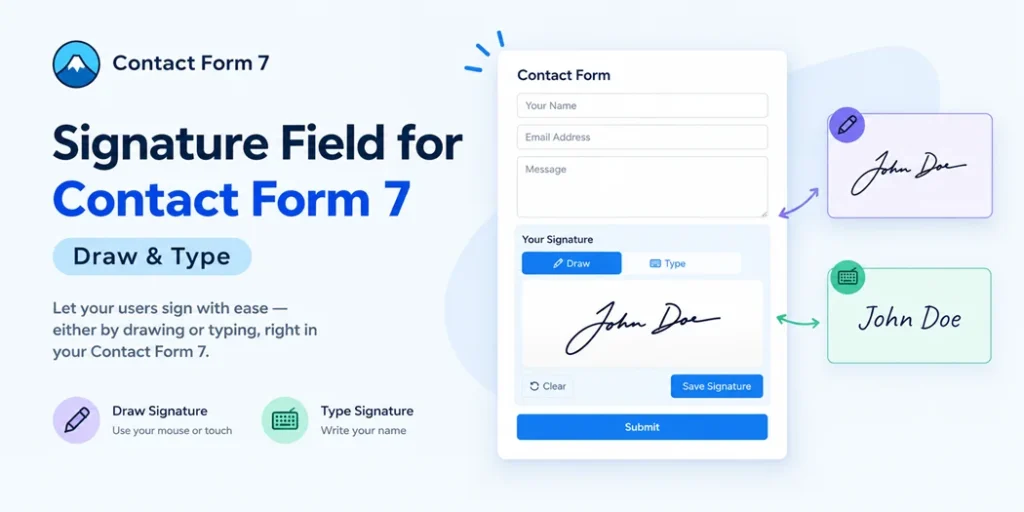
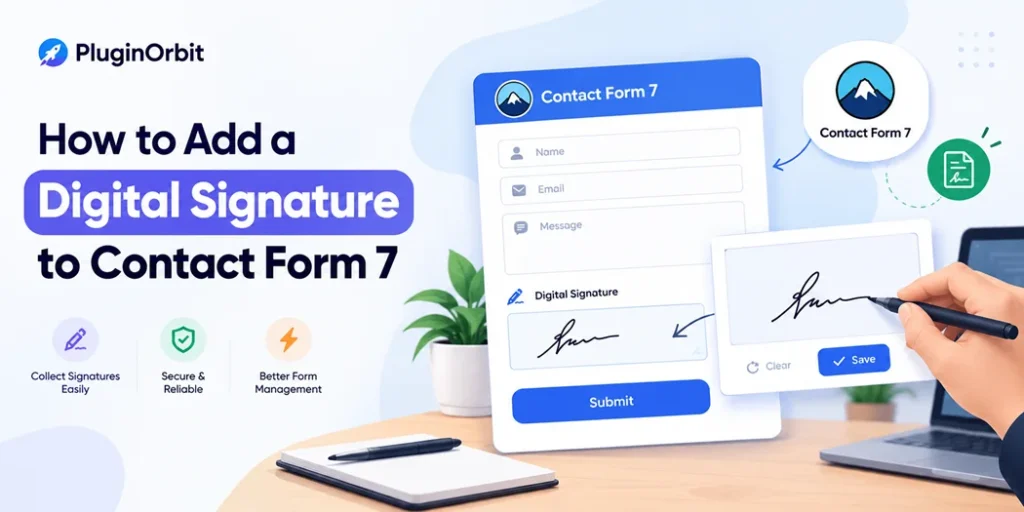
Depending on the implementation, a signature field may allow customers to draw a signature on a touchscreen or use a mouse. The store can then associate the submitted information with the order, provided the plugin supports that functionality.
Before choosing a WooCommerce customer signature plugin, check:
- Whether it supports your current WooCommerce and WordPress setup.
- Where the signature is displayed and stored.
- Whether the signature is associated with the correct order.
- Whether the store administrator can retrieve the signature later.
- Whether the workflow works on mobile devices.
- Whether the solution meets your privacy, security, and recordkeeping needs.
Not every plugin provides the same features, so verify the actual functionality before installing it.
Method 3: Collect approval through a separate form
A business can also use a dedicated form to collect customer approval or a signature before an order moves to the next stage.
This may work for custom products, design proofs, or service requests that require additional information. However, if the form and the order are stored separately, the business should have a reliable way to connect the submission to the correct customer and order.
Method 4: Use a delivery acknowledgment process
Some businesses need confirmation that an order was received rather than a signature at checkout. In that case, a delivery confirmation or proof-of-delivery workflow may be more appropriate.
Collecting a signature before payment and collecting a signature when a parcel is delivered serve different purposes. Choose the process that matches the record you actually need.
How to Add Customer Signature Collection to WooCommerce
If you operate a WooCommerce store, start by defining exactly what the customer must sign and when the signature should be collected.
Step 1: Identify the purpose of the signature
Decide whether you need approval for a custom product, acknowledgment of order instructions, acceptance of an agreement, or another specific action.
This decision determines which type of signature workflow you need.
Step 2: Choose a suitable implementation
Review available WooCommerce extensions or consider a custom integration. A suitable WooCommerce digital signature plugin should support the workflow your store requires rather than simply adding a visual field to checkout.
Check the product documentation for compatibility, supported checkout types, data storage, and order-management features.
Step 3: Configure the signature field or signing workflow
If your chosen solution supports checkout signature collection, configure the field and provide clear instructions explaining what the customer is signing.
Keep the wording specific. For example, distinguish between acknowledging special order instructions and agreeing to a separate contract.
Step 4: Test the customer experience
Place test orders using desktop and mobile devices. Check that the field works correctly, that validation behaves as expected, and that customers can complete checkout without unnecessary friction.
Also test what happens when a customer leaves the signature field empty, refreshes the page, or encounters a checkout error.
Step 5: Verify order storage and retrieval
Complete a test transaction and confirm that the signature or signing record is connected to the correct order. Check whether authorized store administrators can retrieve the record and whether the system retains the relevant supporting information.
Do not assume that a signature is stored simply because it appeared on the checkout screen.
Step 6: Review privacy and legal requirements
Explain why you collect the signature, collect only the information you need, restrict access appropriately, and establish a sensible retention policy.
For contracts or legally significant transactions, check the requirements that apply to your business and jurisdiction. A basic drawn signature field may not be sufficient for every agreement.
What to Look for in a WooCommerce Customer Signature Plugin
Choosing the right WooCommerce plugins can help you streamline your order workflow and meet your store’s specific needs.
Checkout compatibility
Check whether the plugin supports your checkout setup, including any block-based checkout or other checkout extensions your store uses.
Order association
Verify that the signature is saved against the appropriate order and can be accessed by authorized users when needed.
Mobile usability
Customers should be able to complete the signing process on phones and tablets as well as desktop computers.
Clear customer instructions
The interface should explain what the customer is signing and whether the action is required to continue.
Data handling and security
Review storage practices, access controls, retention options, and any integrations that transmit signature data to external services.
Documentation and support
Look for current setup instructions, compatibility details, a clear feature list, and support resources that help you troubleshoot problems.
A plugin should be evaluated against these practical requirements rather than chosen solely because it advertises digital signatures.
Common Mistakes to Avoid When Collecting Online Signatures
Avoiding a few common mistakes can make signature collection more useful for both customers and store administrators.
- Collecting signatures without a clear purpose: Tell customers what they are acknowledging or agreeing to.
- Treating every signature as a legally binding contract: Legal effect depends on the circumstances, applicable law, and the signing process.
- Ignoring mobile users: Test the complete workflow on smaller screens.
- Failing to connect the signature to the order: Make sure the relevant record can be retrieved reliably.
- Collecting unnecessary personal information: Keep the process proportionate to the business need.
- Skipping compatibility tests: Confirm that the plugin works with your actual checkout configuration before deploying it.
- Making signature collection mandatory without a reason: Require a signature only when it serves a legitimate business or transaction requirement.
Conclusion
Collecting customer signatures for online orders can help businesses document approvals, acknowledgments, and agreements when a signature is genuinely needed. The most suitable approach depends on the customer’s task, the complexity of the document, and the store’s recordkeeping requirements.
For WooCommerce store owners, WooCommerce checkout customization can help create a smoother checkout experience and simplify customer signature collection.
Choose a method that solves a real business problem while keeping the ordering experience clear, secure, and convenient for customers.