Running a WooCommerce store does not end when a customer adds a product to their cart. The real goal is getting that customer to complete checkout.
However, many shoppers add products to their cart and leave without placing an order. These WooCommerce abandoned carts represent potential sales that your store has already worked to generate but has not yet converted.
With the right recovery strategy, 10 WooCommerce plugins can help you automatically remind shoppers about the products they left behind, bring them back to their carts, and give them another opportunity to complete their purchase.
In this guide, we will explain what WooCommerce cart abandonment is, how abandoned cart recovery works, effective recovery strategies, and how an abandoned cart plugin for WooCommerce can simplify the entire process.
What Is WooCommerce Abandoned Cart Recovery?
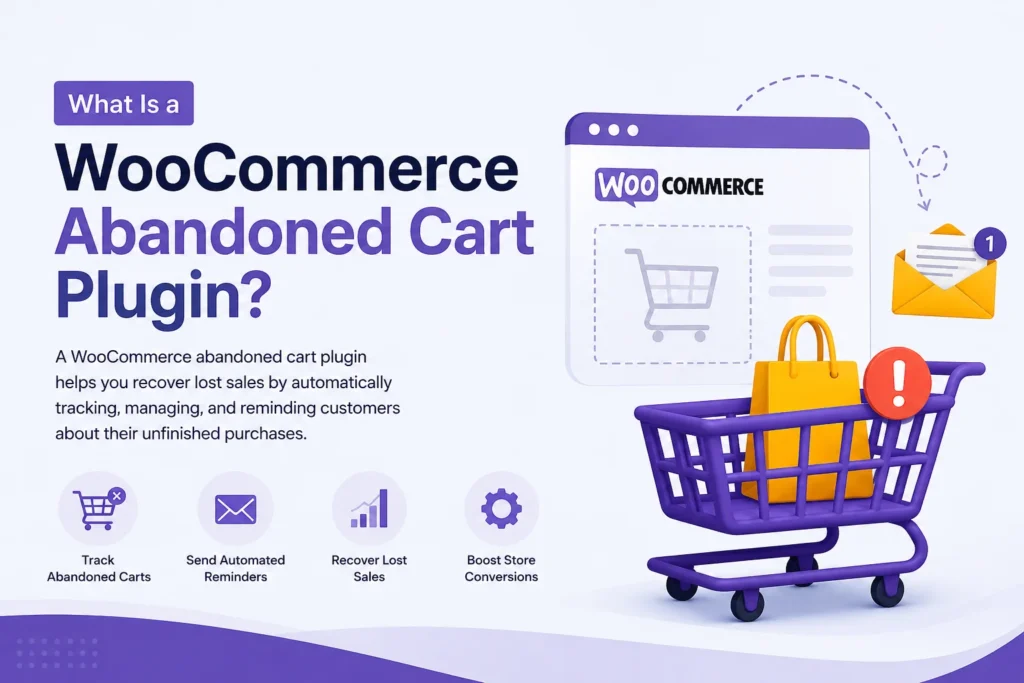
WooCommerce abandoned cart recovery is the process of identifying shoppers who add products to their cart but leave before completing checkout, and then sending them reminders designed to bring them back.
For example, imagine a customer adds a pair of shoes and a shirt to their WooCommerce cart. They enter their email address during checkout but leave the website without paying.
Without a recovery system, that customer may never return.
With a WooCommerce abandoned cart recovery solution, the store can save the cart information, mark it as abandoned after a configured period, and send a recovery email reminding the customer about the products they left behind.
A typical recovery process looks like this:
- A shopper adds products to the cart.
- The shopper starts checkout and provides their email address.
- The shopper leaves without completing the order.
- The cart is identified as abandoned.
- An automated abandoned cart email is sent after a configured delay.
- The customer clicks the recovery link.
- Their cart is restored.
- The customer returns to checkout and can complete the purchase.
This type of automated follow-up can turn otherwise lost shopping sessions into potential sales.
Why Do Customers Abandon WooCommerce Carts?
Cart abandonment can happen for many different reasons. A shopper may be interested in the product but not yet ready to purchase.
Some common reasons include:
- Unexpected shipping costs
- Customers comparing prices with other stores
- Complicated checkout processes
- Customers getting distracted
- Payment problems
- Slow or confusing checkout pages
- Lack of trust
- Customers simply deciding to purchase later
- Technical issues during checkout
- Customers needing more time before making a decision
Not every abandoned cart can be recovered. However, following up with shoppers gives your store another opportunity to convert them.
This is why WooCommerce cart abandonment recovery is useful for stores that want to make more value from their existing traffic.
How Does WooCommerce Abandoned Cart Recovery Work?
A WooCommerce abandoned cart recovery system generally combines cart tracking, customer email information, automated reminders, and a way to restore the original cart.
For example, PO Abandoned Cart for WooCommerce captures guest and logged-in customer carts when the shopper’s email becomes available at checkout. It also supports variable products, so selected variations such as size or color can be retained.
Once a cart is abandoned, configured email rules can send one or more follow-up messages. Each rule can have its own delay and subject line, allowing store owners to create a multi-step abandoned cart email sequence.
When the shopper clicks the recovery link, the plugin restores the cart with the original products, variations, quantities, and other cart details so the customer can continue toward checkout.
7 Effective WooCommerce Abandoned Cart Recovery Strategies
Installing an abandoned cart plugin is only one part of the process. Your recovery strategy also determines how useful those reminders are.
1. Send the First Reminder at the Right Time
Timing is one of the most important parts of an abandoned cart email strategy.
A reminder sent too quickly may feel intrusive, while waiting too long can cause the customer to forget about the purchase.
Instead of sending every customer the same message manually, create automated recovery rules with appropriate delays.
For example, you could test a sequence such as:
- First reminder: after a short delay
- Second reminder: after one day
- Third reminder: after a few days
The ideal timing depends on your products, customer behavior, average order value, and buying cycle.
The important point is to test different timings and monitor which messages actually result in recovered carts.
2. Show the Actual Products Left in the Cart
A generic email saying “You left something behind” may not be enough to bring the customer back.
A more useful WooCommerce abandoned cart email can show exactly what the customer left behind.
This can include:
- Product name
- Product variation
- Quantity
- Price
- Line subtotal
- Cart total
PO Abandoned Cart for WooCommerce supports detailed recovery emails containing this type of cart information, including selected product variations.
This makes the reminder more relevant because the customer can immediately see what they were considering purchasing.
3. Make Cart Restoration Easy
The more steps a customer needs to take, the greater the chance they will abandon the purchase again.
A useful cart recovery system should make returning to checkout as simple as possible.
A one-click recovery link can take the shopper directly back to their restored cart instead of asking them to search for the products again.
PO Abandoned Cart for WooCommerce provides a cart restore link that recreates the customer’s cart with the original selections.
This is particularly useful for stores selling products with multiple variations.
4. Use Multiple Recovery Emails
One reminder is not always enough.
Customers may miss the first email, postpone the purchase, or simply need another reminder before making a decision.
Creating a multi-step abandoned cart email sequence allows you to follow up more than once.
PO Abandoned Cart for WooCommerce supports unlimited recovery email rules, with configurable delays and individual subject lines for each rule.
This allows store owners to build a recovery sequence instead of relying on a single reminder.
5. Track Recovered Carts and Revenue
Sending recovery emails without measuring the results makes it difficult to understand whether your strategy is working.
Your WooCommerce cart recovery system should help you answer questions such as:
- How many carts were abandoned?
- How many were recovered?
- How much revenue was recovered?
- Which carts converted?
- Which recovery emails were sent?
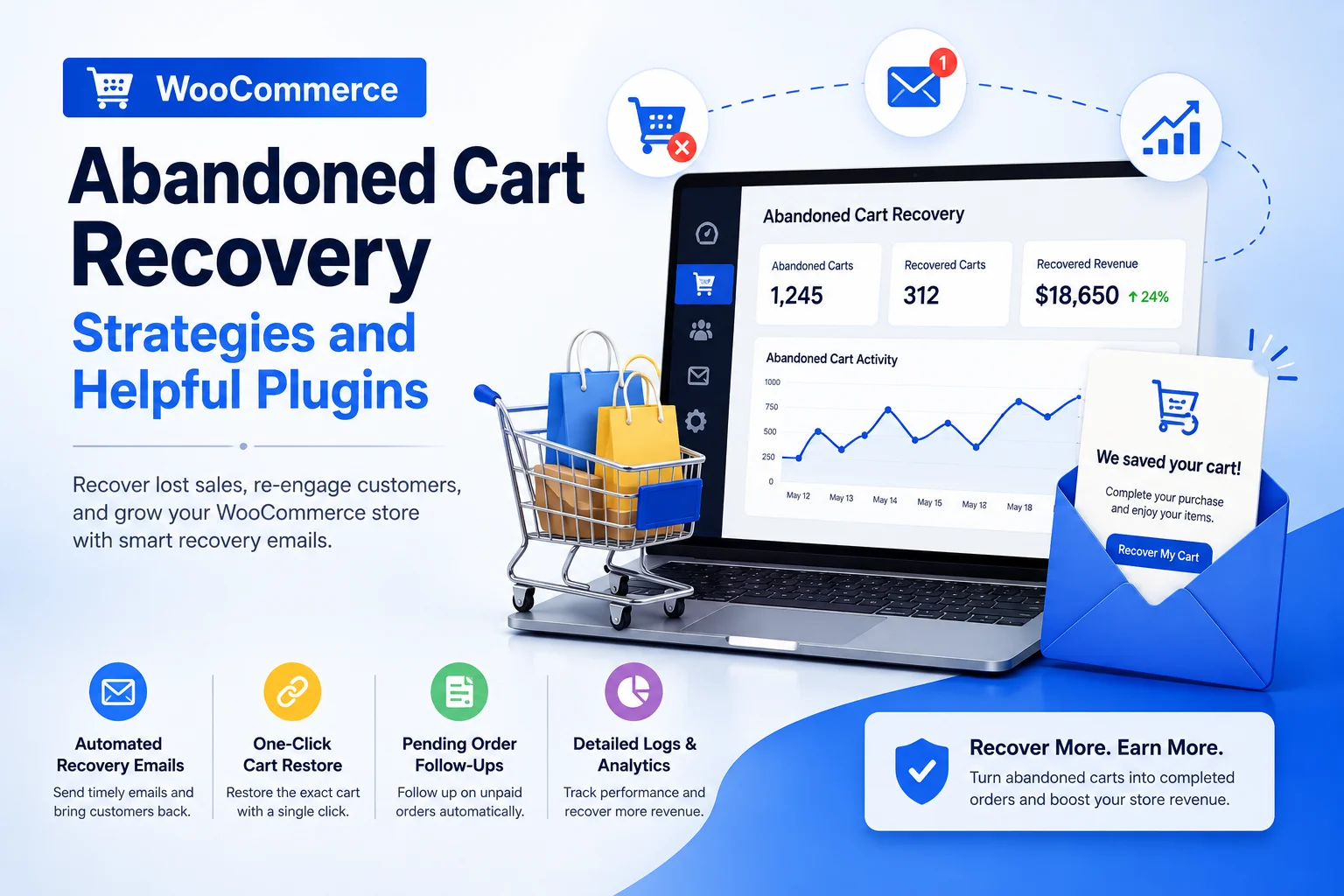
PO Abandoned Cart for WooCommerce includes a recovery dashboard showing abandoned and recovered carts along with recovered revenue. It also maintains a searchable recovered-cart history.
Use these numbers to evaluate your recovery strategy and make adjustments over time.
6. Follow Up on Unpaid Orders
Not every lost sale starts with a traditional abandoned cart.
Sometimes a customer creates an order but never completes payment.
That is why WooCommerce pending order recovery can be an important part of your overall recovery strategy.
PO Abandoned Cart for WooCommerce includes a Pending Orders feature that follows up with customers whose orders are waiting for payment. Store administrators can also manually send follow-up emails in bulk.
This gives store owners another opportunity to recover sales that may otherwise remain unfinished.
7. Keep Your Recovery Data Organized
As your store grows, manually managing abandoned carts can become difficult.
A useful recovery solution should provide clear records of abandoned carts, recovered carts, and sent emails.
PO Abandoned Cart for WooCommerce provides separate dashboard areas for abandoned carts, recovered carts, pending orders, and email logs, using familiar WordPress list-table functionality with search, pagination, and bulk actions.
This makes it easier to review recovery activity directly from the WordPress dashboard.
What Should a WooCommerce Abandoned Cart Plugin Include?
When choosing the best abandoned cart plugin for WooCommerce, do not look only at whether it can send an email.
Consider the complete recovery workflow.
Important features to look for include:
Automatic Cart Tracking
The plugin should automatically identify carts that can be recovered rather than requiring store owners to manually create records.
Guest Customer Support
Guest shoppers are an important part of ecommerce. A recovery plugin should be able to capture an email when a guest provides it during checkout.
PO Abandoned Cart for WooCommerce supports guest customers once they enter their email address at checkout.
Variable Product Support
For stores selling clothing, accessories, shoes, or other products with variations, recovery emails should preserve the customer’s selected options.
The plugin supports product variations such as size and color in the dashboard and recovery emails.
Automated Email Sequences
Look for configurable recovery rules rather than a plugin that only sends one generic reminder.
Cart Restore Links
A direct recovery link can reduce friction and help customers continue their purchase more easily.
Manual and Bulk Recovery
Automation is useful, but store owners may sometimes want to manually send a recovery email to a specific customer or group of abandoned carts.
PO Abandoned Cart for WooCommerce supports both individual and bulk manual recovery emails.
Recovery Analytics
Tracking abandoned carts, recovered carts, and recovered revenue helps you understand the impact of your recovery campaigns.
Email Logs
A complete email history can help you verify which recovery emails were sent and review recovery activity.
PO Abandoned Cart for WooCommerce: A Simple Recovery Solution
If you are looking for a WooCommerce abandoned cart plugin that keeps cart recovery inside your WordPress dashboard, PO Abandoned Cart for WooCommerce is designed specifically for this purpose.
The plugin helps store owners automatically track recoverable carts and send follow-up emails without requiring manual intervention for every abandoned cart.
Its main features include:
- Automatic abandoned cart tracking
- Guest and logged-in customer support
- Variable product support
- Unlimited recovery email rules
- Detailed recovery emails
- One-click cart restoration
- Manual recovery emails
- Bulk recovery email sending
- Admin recovery notifications
- Pending order follow-ups
- Recovered cart history
- Complete email logs
- Search and pagination
- Bulk actions
- Email exclusion list
- Configurable data retention
- Recovery rate and revenue dashboard
- Translation-ready implementation
These features are documented in the plugin’s current WordPress.org readme.
The setup is also straightforward: install and activate the plugin, then go to WooCommerce > Cart Recovery to configure your recovery rules and settings.
How to Set Up WooCommerce Cart Recovery
Once the plugin is installed, the basic workflow is simple.
Step 1: Install the Plugin
Install PO Abandoned Cart for WooCommerce through the WordPress Plugins screen or upload the plugin files manually.
Step 2: Activate the Plugin
Activate it from WordPress > Plugins.
Step 3: Open Cart Recovery Settings
Go to:
WooCommerce > Cart Recovery
This is where you can configure your recovery settings and email rules.
Step 4: Create Your Recovery Email Rules
Add your recovery emails and configure the delay and subject line for each message.
You can create as many email rules as required.
Step 5: Monitor Recovery Results
Use the abandoned-cart, recovered-cart, pending-order, and email-log sections to monitor your recovery activity.
Over time, you can use the available recovery data to improve your email timing and overall strategy.
Final Thoughts
WooCommerce abandoned cart recovery is not about forcing every shopper to complete a purchase. It is about giving interested customers another convenient opportunity to finish an order they already started.
A strong recovery strategy combines timely abandoned cart emails, detailed cart information, easy cart restoration, multiple follow-ups, and clear recovery analytics.
For WooCommerce store owners, using a dedicated abandoned cart recovery plugin can automate this process and make it easier to recover potential sales without manually monitoring every unfinished checkout.
If you want to manage abandoned carts, recovery emails, pending orders, and recovered revenue directly from your WordPress dashboard, PO Abandoned Cart for WooCommerce provides these tools in one WooCommerce-focused solution.