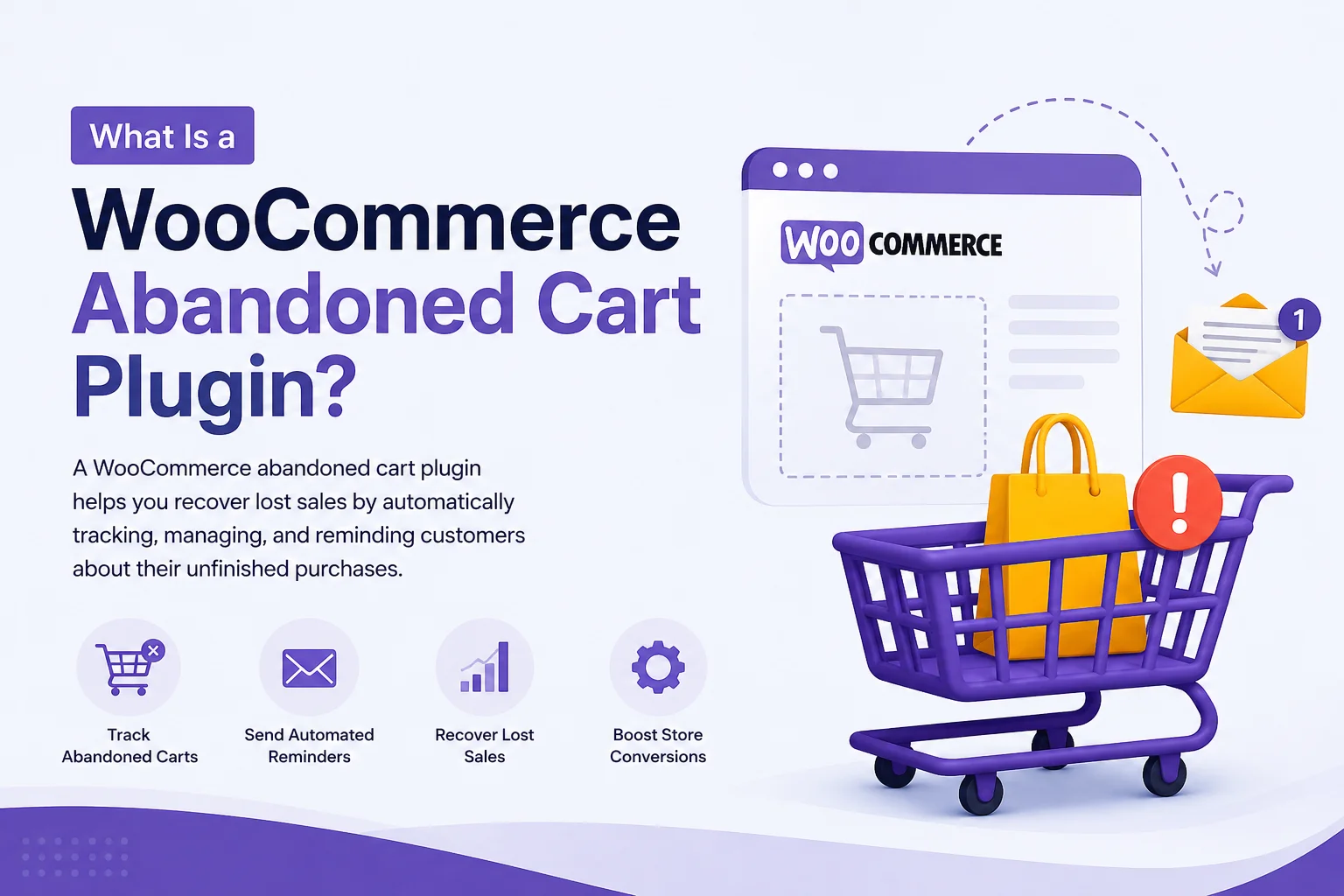
A WooCommerce abandoned cart plugin is a WordPress tool that helps online store owners recover potential sales when shoppers add products to their cart but leave without completing checkout. It can track abandoned carts, send automated reminders, provide recovery links, and help store owners measure how many abandoned purchases are successfully recovered.
Cart abandonment is one of the most common challenges in ecommerce. A customer may add products to their cart but leave because of unexpected costs, a complicated checkout, limited payment options, or simply deciding to purchase later. Our WooCommerce plugins can help store owners improve different parts of the shopping experience.
Instead of treating that customer as a lost sale, a cart recovery solution gives the store another opportunity to bring them back.
What Is an Abandoned Cart in WooCommerce?
An abandoned cart occurs when a shopper adds one or more products to their WooCommerce cart but does not complete the checkout process.
For example, imagine a customer visits an online clothing store, adds a jacket and shoes to the cart, and then leaves the website without placing an order. Those products remain associated with an incomplete shopping session, creating a potential abandoned cart.
Not every abandoned cart represents a lost customer. Some shoppers leave temporarily and return later, while others may need a reminder before completing their purchase.
How Does a WooCommerce Abandoned Cart Plugin Work?
A typical plugin follows a simple recovery workflow:
- Customer adds products to the cart: The shopper selects products and begins the purchasing process.
- Checkout is not completed: The customer leaves without placing the order.
- The cart becomes eligible for recovery: The plugin identifies the abandoned shopping session according to its configured rules.
- A recovery reminder is triggered: The customer may receive an automated email or another type of reminder.
- Customer returns through a recovery link: The shopper can return to the saved cart instead of rebuilding it.
- Purchase is completed: If the customer is still interested, they can continue checkout and place the order.
The exact workflow depends on the plugin, customer information available to the store, and the recovery features being used.
Why Do Customers Abandon WooCommerce Carts?
Installing an abandoned cart woocommerce plugin can help recover customers, but understanding why they abandon carts is equally important.
Common reasons include:
Unexpected Shipping or Additional Costs
Customers may add products based on the advertised price and then discover shipping fees, taxes, or other charges during checkout.
Clear pricing throughout the buying journey can reduce this type of friction.
Complicated Checkout
A checkout with too many fields, unnecessary steps, or confusing instructions can make completing an order feel difficult.
A simpler checkout experience can help reduce abandonment before recovery is even necessary.
Comparison Shopping
Some shoppers use their cart while comparing prices, products, reviews, delivery times, or offers from other stores.
These customers may have genuine purchase intent but need more time before making a decision.
Distractions
A customer may leave because of a phone call, work interruption, browser tab, or another temporary distraction.
A reminder can help them return to a purchase they intended to complete.
Lack of Trust
Customers may hesitate if they are unsure about payment security, returns, delivery, product quality, or customer support.
Trust signals such as clear policies, secure payment options, reviews, and accessible support can improve purchase confidence.
What Does a WooCommerce Abandoned Cart Plugin Do?
Although features vary between solutions, most cart recovery tools are designed around several core functions.
Track Abandoned Carts
The plugin can identify shopping sessions that meet its abandonment criteria and provide information about those carts.
Send Automated Reminders
Recovery messages can be scheduled so that store owners do not need to contact customers manually.
For example, a store may create a reminder sequence based on how long a cart has remained incomplete.
Restore the Customer’s Cart
A recovery link can take the shopper back to their previous cart, reducing the effort required to find and add the products again.
Support Recovery Campaigns
Some solutions provide campaign settings that allow store owners to customize messages, timing, customer conditions, or other recovery rules.
Track Recovery Results
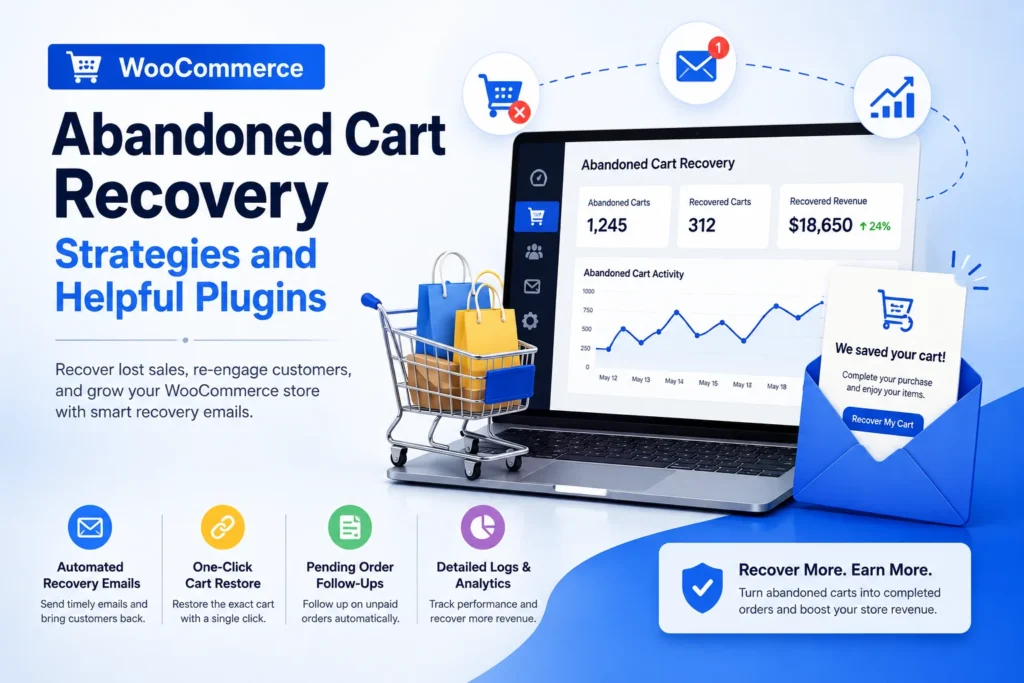
Reporting can help identify abandoned carts, recovered orders, recovery rates, and revenue generated from recovery campaigns.
These insights can also reveal whether a recovery strategy is actually contributing to additional sales.
Benefits of Using a WooCommerce Abandoned Cart Recovery Plugin
A recovery plugin is valuable because it works with customers who have already demonstrated purchase interest.
Recover Potential Sales
The primary benefit is the opportunity to convert some abandoned shopping sessions into completed orders.
A customer who has already selected products can be easier to re-engage than someone who has never interacted with the store.
Automate Customer Follow-Up
Automation saves time by handling repetitive recovery tasks according to predefined conditions.
This becomes particularly useful as the number of customers and abandoned carts increases.
Make Better Use of Existing Traffic
Driving traffic through SEO, advertising, social media, or other marketing channels can be expensive.
Cart recovery helps businesses get additional value from visitors who have already reached the shopping stage.
Identify Checkout Problems
Abandoned-cart data can provide useful signals about customer behavior.
If abandonment remains high even after recovery campaigns are introduced, the store may need to investigate pricing, shipping, checkout usability, payment methods, or trust issues.
Improve the Overall Conversion Strategy
Recovery should not operate separately from the rest of the ecommerce funnel.
The best results usually come from combining a smooth shopping experience with relevant follow-up for customers who still leave without purchasing.
What Features Should You Look for in an Abandoned Cart Recovery Plugin for WooCommerce?
Choosing an Abandoned Cart Recovery Plugin for WooCommerce should start with your business requirements rather than the number of features listed on a product page.
Automated Recovery Emails
Look for flexible scheduling that lets you determine when recovery messages should be sent.
Cart Recovery Links
The recovery process should make it easy for customers to return to their previous shopping session.
Customer and Cart Tracking
Useful tracking can help you understand which carts are abandoned and which customers return to complete purchases.
Recovery Campaign Controls
Campaign settings can provide greater control over message timing, customer conditions, and recovery sequences.
Coupon or Discount Support
Some businesses use incentives to encourage customers to complete their orders.
Discounts can be useful, but they should not be the default solution for every abandoned cart. If customers are leaving because shipping costs or checkout problems are unclear, solving those issues may be more effective.
Reports and Analytics
Recovery data helps store owners measure performance instead of relying on assumptions.
Important metrics may include abandoned carts, recovered carts, completed orders, recovery rate, and recovered revenue.
WooCommerce Compatibility
The plugin should work reliably with your WooCommerce version, theme, checkout setup, payment methods, and other important extensions.
Compatibility is especially important for stores that already use multiple WooCommerce plugins.
Who Should Use a WooCommerce Abandoned Cart Plugin?
A recovery solution can be particularly useful for WooCommerce stores that receive regular traffic and have measurable cart activity.
It may be suitable for:
- Online retail stores
- Fashion and apparel stores
- Electronics stores
- Subscription-related businesses
- Stores with high-value products
- Businesses investing in paid advertising
- Stores with significant cart activity but low checkout completion
- Growing ecommerce businesses that want to automate customer follow-up
For a new store with very little traffic, improving product pages, checkout usability, trust signals, and overall customer experience may be a higher priority.
Once a store generates enough cart activity, recovery automation can become a more valuable part of its conversion strategy.
How to Choose the Right WooCommerce Abandoned Cart Plugin
The best solution is not necessarily the plugin with the longest feature list.
Start by identifying your store’s main problem.
Ask:
- How many carts are abandoned each month?
- Do customers provide enough information for recovery?
- Do I need automated email reminders?
- Do I need recovery reports?
- Will I use coupons or incentives?
- Does the plugin work with my current WooCommerce setup?
- Is it easy for my team to configure and manage?
- Does the expected recovery value justify the cost?
You should also consider documentation, support, performance, compatibility, and ongoing maintenance.
If you are evaluating other tools for your WooCommerce store, 10 WooCommerce Plugins can be used as a related internal resource when comparing solutions for different ecommerce requirements.
How Can You Improve WooCommerce Cart Recovery?
A plugin alone does not guarantee recovered sales. Your recovery strategy should work together with the entire customer experience.
Keep Recovery Messages Relevant
Remind customers about the products they selected and provide a clear path back to their cart.
Use Appropriate Timing
A reminder should arrive when the customer is still likely to remember the purchase. Test different intervals rather than assuming one timing works for every business.
Keep the Checkout Simple
A recovery campaign cannot fully compensate for a checkout that is difficult to use.
Reduce unnecessary fields, clarify instructions, and make payment options easy to understand.
Optimize for Mobile
Many ecommerce customers shop from smartphones. The recovery link, cart, and checkout should work smoothly on smaller screens.
Test Different Messages
Monitor which subject lines, messages, timing, and offers generate better results.
Measure Recovered Revenue
Do not judge a campaign only by the number of emails sent or opened. Look at completed purchases and revenue generated from recovered carts.
How Does Cart Recovery Fit Into a Larger WooCommerce Strategy?
Cart recovery is one part of a broader WooCommerce optimization strategy.
A store may also need tools for checkout customization, customer communication, product selection, document management, and digital workflows.
For example, if customers need to sign agreements during the purchasing process, a resource about Add a Digital Signature to WooCommerce can be useful for understanding how digital signing can fit into a WooCommerce checkout.
Businesses that need digital signing beyond ecommerce checkout workflows can also compare options through Best Digital Signature Software.
The important principle is to select tools based on genuine business requirements rather than adding plugins simply because they provide additional functionality.
Conclusion
A WooCommerce abandoned cart plugin gives store owners a practical way to reconnect with shoppers who leave without completing their purchase. By tracking eligible abandoned carts, automating reminders, restoring shopping sessions, and measuring recovered orders, it can help turn some missed opportunities into completed sales.
However, effective cart recovery involves more than reminders. Stores should understand why customers abandon carts and improve the overall shopping experience. For related digital signing needs, Best Digital Signature Software can also support secure online workflows.
The strongest approach combines simple checkout design, transparent pricing, customer trust, mobile usability, and targeted cart recovery.
If your WooCommerce store already receives consistent cart activity, a well-chosen abandoned cart WooCommerce plugin can become a useful part of your conversion strategy, helping you make better use of existing traffic while giving interested shoppers an easier path back to checkout.