Getting visitors to add products to their cart is a good sign, but the sale is not complete until the customer finishes checkout. When shoppers leave without placing an order, that cart becomes an opportunity to recover a potentially lost sale.
WooCommerce abandoned cart recovery helps store owners bring these shoppers back through automated reminders, recovery links, and other follow-up methods. Instead of manually contacting every customer, you can create a recovery process that works in the background.
This guide explains why customers abandon carts, how recovery works, when to send reminders, and practical ways to reduce cart abandonment in your WooCommerce store.
What Is an Abandoned Cart in WooCommerce?
An abandoned cart is created when a shopper adds one or more products to their cart but leaves the store without completing the purchase.
For example, a customer may:
- Add products to the cart
- Start the checkout process
- Leave the website
- Never complete the payment
The products remain associated with the incomplete shopping session, depending on how your store and recovery system are configured.
Cart abandonment does not always mean the customer has decided not to buy. They may be comparing prices, checking shipping costs, looking for another payment method, or simply getting distracted.
This is why abandoned cart WooCommerce recovery focuses on bringing interested shoppers back rather than treating every abandoned cart as a lost customer.
Why Do Customers Abandon WooCommerce Carts?
Before trying to recover abandoned carts, it helps to understand why shoppers leave.
Unexpected costs
Additional shipping charges, taxes, or fees appearing late in checkout can cause customers to reconsider their purchase.
Showing important costs as early as possible can reduce surprises.
Complicated checkout
A checkout with too many fields, unnecessary steps, or confusing instructions can make the buying process harder than it needs to be.
A simpler checkout gives customers fewer reasons to leave.
Limited payment options
Customers may abandon checkout if their preferred payment method is unavailable or if a payment attempt fails.
Offering commonly used payment methods can remove another barrier.
Customers are still comparing
Some shoppers add products to their cart while comparing prices, features, delivery times, or alternatives.
These customers may return later if you give them a convenient way to continue where they stopped.
Website or checkout problems
Slow pages, confusing layouts, broken buttons, or mobile usability problems can interrupt the checkout experience.
Improving the overall WooCommerce store experience is therefore just as important as sending recovery emails.
How Does WooCommerce Abandoned Cart Recovery Work?
The basic idea behind WooCommerce cart recovery is straightforward:
Customer adds products → leaves without purchasing → cart is identified → reminder is sent → customer returns → checkout is completed.
The exact process depends on the recovery solution you use.
A typical automated recovery system can:
- Detecting an abandoned shopping cart.
- Store relevant cart information.
- Wait for a specified period.
- Send a recovery email or notification.
- Give the shopper a link to return to their cart.
- Track whether the customer completes the purchase.
Automation is useful because store owners do not have to monitor abandoned carts manually.
A good recovery process should also account for completed purchases. Once a customer has ordered, they should not continue receiving unnecessary abandoned-cart reminders.
How to Recover Abandoned Carts in WooCommerce
There are several ways to approach WooCommerce abandoned cart recovery. The right woocommerce store setup depends on your store, audience, and checkout process.
1. Use a WooCommerce abandoned cart plugin
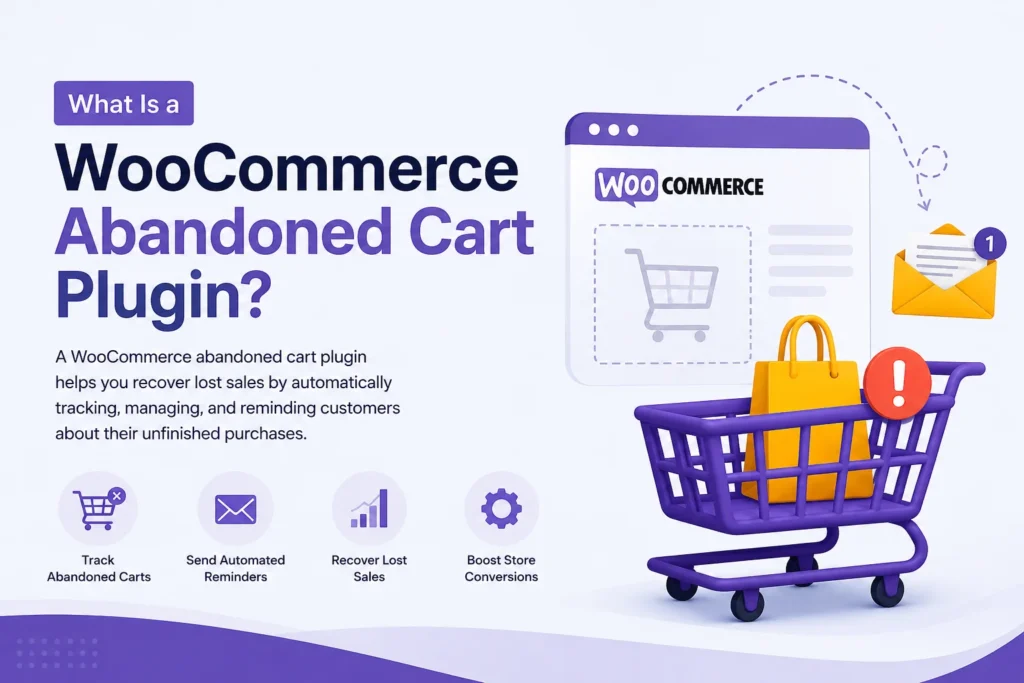
For most store owners, an abandoned cart recovery plugin is one of the simplest ways to automate the process.
Instead of building the entire workflow yourself, the plugin can provide features such as:
- Abandoned cart tracking
- Automated recovery emails
- Scheduled reminders
- Recovery links
- Coupon support
- Customer segmentation
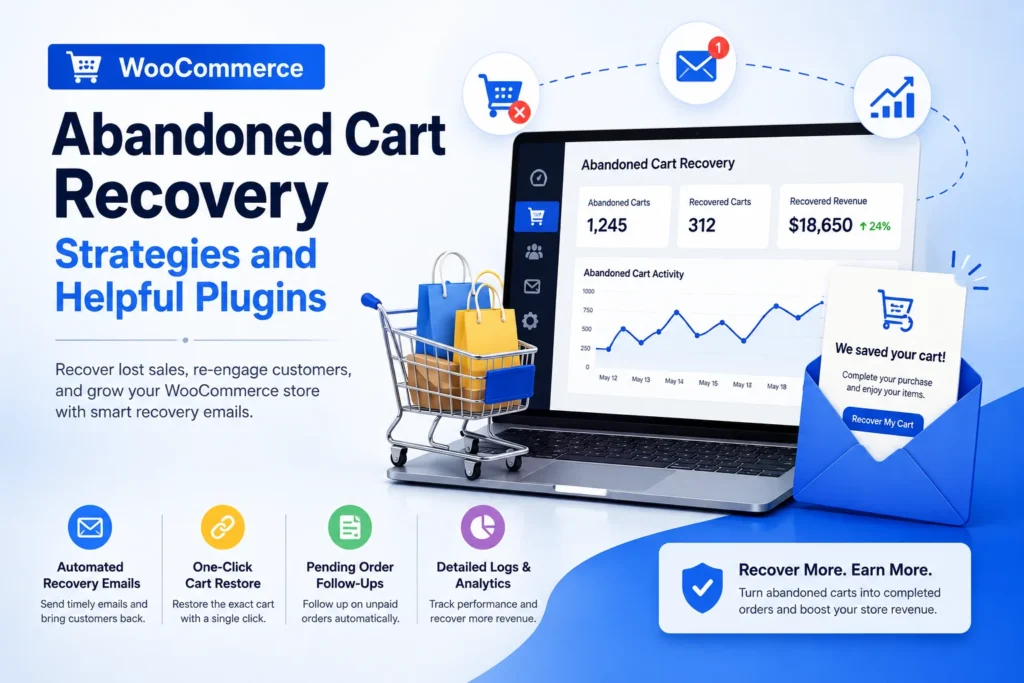
- Recovery reports
- Conversion tracking
When comparing a WooCommerce abandoned cart plugin, don’t focus only on how many features it has. Check whether it works with your current checkout, supports the customer types you want to recover, and provides useful reporting.
The objective is simple: identify genuine abandoned carts and make it easy for shoppers to return and complete their purchase.
2. Send abandoned cart recovery emails
Abandoned cart emails remind shoppers about products they left behind.
A basic recovery sequence might include:
- An initial reminder
- A follow-up reminder
- A final message, if appropriate
The first message can simply remind the customer about the products in their cart. A later message may address common concerns or provide an incentive when it makes sense for your business.
Keep the email focused. Show the products, explain what the customer needs to do next, and provide a clear button that takes them back to checkout.
3. Offer a discount when necessary
A coupon can encourage some shoppers to complete their purchase, but you do not need to offer a discount for every abandoned cart.
If customers learn that abandoning checkout consistently results in a coupon, they may start waiting for the discount.
Instead, consider using incentives selectively. For example, you could reserve discounts for specific campaigns, customer segments, or situations where an additional incentive makes commercial sense.
When Should You Send Abandoned Cart Recovery Emails?
There is no single recovery schedule that works for every WooCommerce store.
The right timing depends on the type of product, purchase value, buying cycle, and customer behavior.
A practical sequence could look like this:
First reminder
Send a simple reminder while the customer’s purchase is still relatively fresh.
The goal is to make it easy for them to return without adding unnecessary pressure.
Second reminder
If the customer has not purchased, a second message can remind them about the products and address a potential reason for hesitation.
Later follow-up
For some stores, a later message may be useful. For others, additional emails may simply become noise.
Monitor your results and adjust the timing based on actual customer behavior.
The important point is that abandoned cart email timing should support the buying process rather than overwhelm shoppers with reminders.
What Should an Abandoned Cart Recovery Email Include?
A useful WooCommerce recovery email should make the next step obvious.
Consider including:
- The product or products left in the cart
- Product images
- A short reminder
- Key product benefits
- A clear return-to-cart button
- Relevant shipping or support information
- A discount only when appropriate
Avoid turning the email into a long sales pitch.
The customer already showed some level of interest by adding the product to their cart. Your job is to remove friction and give them an easy path back to checkout.
A simple message such as “Your cart is still waiting” can work better than filling the email with unnecessary information.
How to Reduce Cart Abandonment in WooCommerce
Recovering abandoned carts is useful, but preventing unnecessary abandonment can have an even bigger impact.
Start by reviewing the checkout experience.
Simplify checkout
Only ask for information that is genuinely required to process the order.
Be transparent about costs
Make shipping charges, taxes, and other costs clear before the final payment step whenever possible.
Improve mobile checkout
Many shoppers complete purchases from mobile devices. Make sure forms, buttons, product information, and payment options are easy to use on smaller screens.
Provide trusted payment options
Give customers convenient ways to pay and make payment errors easy to understand and resolve.
Build trust
Clear return policies, contact information, delivery details, and secure checkout messaging can help customers feel more confident about completing an order.
Improve store performance
A slow or difficult-to-use website can create friction throughout the shopping journey. If performance is affecting your store, work on improving loading times and the overall browsing experience.
You can also review your WooCommerce plugins to make sure every installed extension has a genuine purpose and isn’t adding unnecessary complexity to the store.
How to Choose a WooCommerce Abandoned Cart Recovery Plugin
If you decide to automate recovery, compare plugins based on what your store actually needs.
Look for:
Automated cart tracking
The plugin should be able to identify carts that meet your recovery conditions.
Recovery emails
Check whether you can create and schedule multiple messages.
Recovery links
A shopper should be able to return to their cart or checkout without rebuilding the order from scratch.
Customer support and compatibility
Make sure the solution works with your WooCommerce setup, theme, checkout, and other important extensions.
Reporting
Useful analytics can show how many carts were recovered and how much revenue the recovery campaign generated.
Privacy considerations
If you collect customer information for recovery emails, review the applicable privacy requirements and configure your system appropriately.
If you’re comparing solutions for different WooCommerce requirements, you can also explore our WooCommerce plugins to see other tools available for store customization and optimization.
How to Measure WooCommerce Cart Recovery Results
Installing a recovery system is only the beginning. You should monitor whether it is actually helping your store.
Useful metrics include:
- Number of abandoned carts
- Recovery emails sent
- Email open rate
- Click-through rate
- Recovered carts
- Recovery rate
- Recovered revenue
Recovered revenue is particularly important.
A campaign may generate plenty of email opens and clicks, but if customers are not completing purchases, the recovery strategy needs improvement.
Test different subject lines, message timing, offers, and calls to action. Make changes based on your store’s actual data rather than assuming that one recovery sequence will work forever.
Conclusion
A smoother checkout can also help reduce unnecessary cart abandonment. Depending on your store’s requirements, tools such as a digital signature for WooCommerce checkout can support specific checkout workflows without adding unrelated steps to the recovery process.
Start by understanding why customers leave, then improve the checkout experience and automate appropriate recovery reminders. Keep your messages useful, avoid unnecessary discounts, and track recovered revenue to understand what is actually working.
The strongest approach combines cart recovery with a smoother checkout experience. Recovering more customers is valuable, but making it easier for them to complete the purchase in the first place can reduce abandonment over the long term.