Description
Save Contact Form 7 Submissions to Your WordPress Database
Contact Form 7 is one of the most popular WordPress contact form plugins, but it does not store submitted entries in the WordPress database by default. If a notification email fails, gets lost, or lands in spam, you may lose access to that submission.
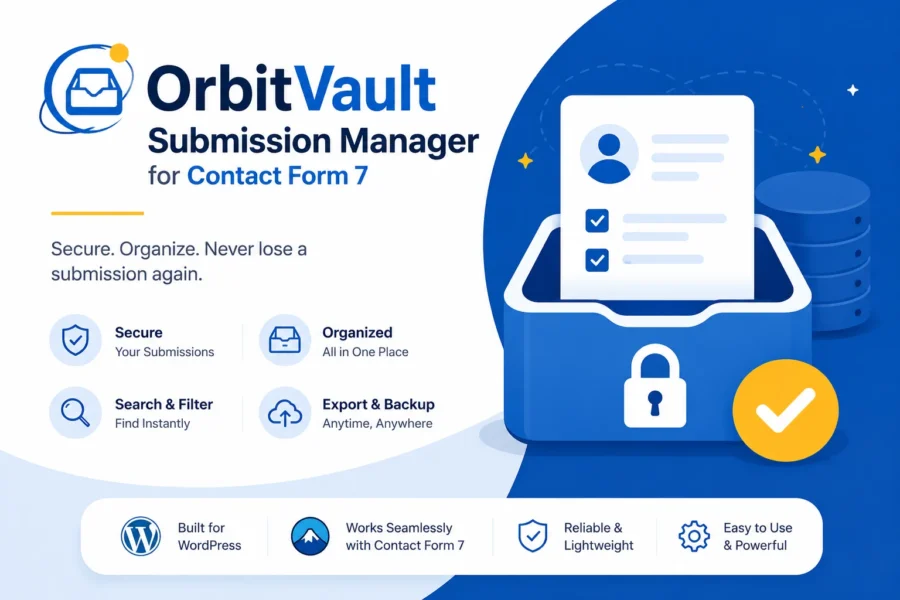
OrbitVault Submission Manager for Contact Form 7 solves this problem by automatically saving your Contact Form 7 entries to your WordPress database and giving you a complete dashboard to view, search, filter, organize, and manage your submissions.
Instead of relying only on email notifications, you can keep a searchable record of your CF7 submissions directly inside your WordPress dashboard.
Why Use OrbitVault?
Never lose an important contact form submission again.
OrbitVault automatically captures submissions from your Contact Form 7 forms and stores them securely in your WordPress database. You can then manage your entries from a clean and organized admin interface.
Whether you receive contact requests, quote requests, inquiries, leads, or other form submissions, OrbitVault helps you keep everything in one place.
Key Features
Automatically Save Contact Form 7 Entries
Every submission from your Contact Form 7 forms is automatically saved to your WordPress database. You don’t need to manually copy information from email notifications.
Manage All CF7 Submissions
View and manage your saved Contact Form 7 entries from a dedicated admin interface. Quickly review submitted information without searching through your inbox.
Email Delivery Status
See whether the notification email associated with a submission was successfully sent or failed. This helps you identify submissions that may otherwise be missed because of email delivery problems.
Clean Entry Management
View important information such as the submitter’s name and email directly in your entries list, making it easier to identify and manage incoming inquiries.
Read / Unread Tracking
Keep track of which submissions you have already reviewed. Mark entries as read or unread to maintain an organized workflow.
Star Important Entries
Mark important Contact Form 7 entries as starred or favorite them so you can quickly find them later.
Built-In Spam Detection
Protect your saved submissions from common spam messages using keyword and pattern-based spam detection.
The spam detection runs locally on your WordPress website and does not require an external API or third-party spam detection service.
Advanced Entry Filters
Find the exact submission you need with powerful filtering options.
Filter your Contact Form 7 entries by:
- Date range
- Contact Form 7 form
- Specific form fields
- Keywords and submitted information
Export Contact Form 7 Entries to CSV
Need your form submissions outside WordPress?
Export your saved CF7 entries to a CSV file for further processing, reporting, backup, or analysis.
Bulk Actions
Manage multiple submissions at once with convenient bulk actions.
You can:
- Mark entries as read
- Mark entries as unread
- Star entries
- Mark entries as spam
- Export entries
- Delete entries
Private Admin Notes
Add private notes to individual submissions for internal communication, follow-ups, reminders, or lead management.
These notes are available to your WordPress administrators and are not displayed to your website visitors.
Automatic Entry Cleanup
Keep your database organized with automatic cleanup of older entries after a configurable number of days.
Important starred entries are automatically preserved, so you can keep the submissions that matter most.
Email Digests
Receive a daily or weekly email digest containing new Contact Form 7 submissions.
This gives you a convenient overview of recent entries without needing to constantly check your WordPress dashboard.
Who Is OrbitVault For?
OrbitVault is useful for WordPress websites that use Contact Form 7 and need a reliable way to save and manage form submissions.
It can be useful for:
- Business websites
- Agency websites
- Service-based businesses
- Lead generation websites
- Contact and inquiry forms
- Quote request forms
- Customer support forms
- Freelancers
- WordPress developers
- Small businesses
Keep Your Contact Form 7 Entries Safe and Organized
Don’t rely entirely on email notifications to keep track of your form submissions.
With OrbitVault, your Contact Form 7 submissions are saved directly to your WordPress database, giving you a reliable place to view and manage your entries whenever you need them.
Privacy-Friendly Spam Detection
OrbitVault’s built-in spam detection works locally on your WordPress website using keyword and pattern-based rules. No external spam detection API is required, so submission data does not need to be sent to an external spam detection service.
Lightweight and Easy to Use
OrbitVault is designed to work alongside Contact Form 7 without requiring you to rebuild your existing forms.
Install the plugin, activate Contact Form 7, and OrbitVault can automatically start saving your submissions.
Get Started
- Install and activate Contact Form 7.
- Install and activate OrbitVault Submission Manager.
- Submit a Contact Form 7 form on your website.
- Open CF7 Entries in your WordPress dashboard.
- View, filter, manage, export, and organize your saved submissions.
OrbitVault Submission Manager makes it easier to save Contact Form 7 submissions, manage CF7 entries, detect spam, track email delivery, and export your form data directly from WordPress.

Reviews
There are no reviews yet.