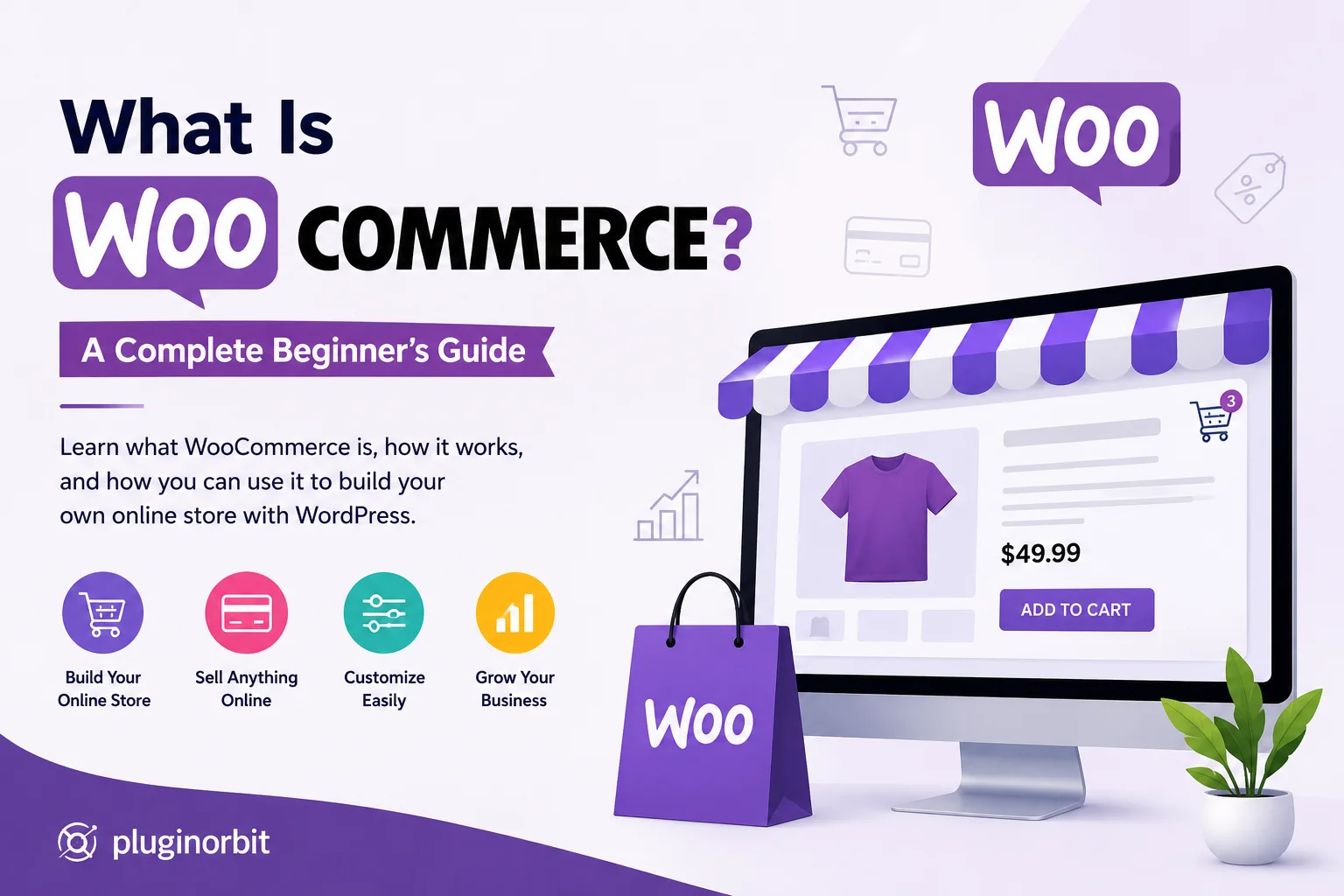
If you want to sell products online using WordPress, you have probably come across WooCommerce. But what is WooCommerce, and why do so many businesses use it for ecommerce?
WooCommerce is an ecommerce plugin for WordPress that adds the functionality needed to run an online store. It allows you to create product pages, manage inventory, accept payments, process orders, configure shipping, and customize the shopping experience. You can also extend your store with features such as WooCommerce abandoned cart recovery to help bring back customers who leave without completing their purchases.
The important part is that WooCommerce does not replace WordPress. Instead, it works with WordPress to turn a regular website into a store. You can start with a simple product catalog and add more functionality as your business grows.
This guide explains how WooCommerce works, what you can use it for, its main features, costs, benefits, and whether it is the right choice for your online store.
What Is WooCommerce?
WooCommerce is a free, open-source ecommerce plugin designed for WordPress websites. It provides the core tools required to sell products and services online while giving store owners considerable control over how their stores work.
Think of WordPress as the foundation of your website. It handles your pages, posts, media, users, and overall website structure. WooCommerce adds the ecommerce layer on top of that foundation.
Once WooCommerce is installed, your WordPress website can include features such as:
- Product pages
- Shopping carts
- Checkout
- Payment options
- Order management
- Inventory management
- Shipping settings
- Customer accounts
- Coupons and discounts
One reason WooCommerce stands out is its flexibility. You are not restricted to one particular type of store. You can sell physical products, digital downloads, services, subscriptions, memberships, or even create a customized ecommerce experience for a specific business model.
It also gives you the option to extend your store when the standard functionality is not enough. Plugins and extensions can add specialized features without requiring you to build every function from scratch.
How Does WooCommerce Work?
WooCommerce works by adding ecommerce functionality directly to a WordPress website.
The process is fairly straightforward.
First, you need a WordPress website with suitable hosting. You then install WooCommerce and configure the basic store settings, such as your location, currency, payment methods, shipping options, and taxes.
Next, you add your products. Each product can include information such as its name, description, price, images, inventory, categories, and variations.
When customers visit your website, they can browse your products and add items to their shopping cart. They then move to checkout, provide the required information, select a payment method, and place their order.
After the purchase, the store owner can manage the order from the WordPress dashboard. Depending on the store setup, this can include confirming payment, preparing the order, updating its status, and arranging delivery.
The process can be summarized as:
Product → Cart → Checkout → Payment → Order → Fulfillment
The advantage is that WooCommerce can be expanded when your store needs more than basic ecommerce functionality. For example, a business that needs customers to sign agreements or confirm documents as part of an online purchase can add a WooCommerce Digital Signature solution.
What Is WooCommerce Used For?
WooCommerce is used for much more than selling standard physical products. Its flexibility allows businesses to build different types of ecommerce stores.
Physical Products
A traditional online store can use WooCommerce to sell clothing, electronics, accessories, furniture, beauty products, food, and other physical goods.
You can manage product variations, inventory, pricing, shipping, and orders from the store dashboard.
Digital Products
WooCommerce can also be used to sell products that customers receive online rather than through physical delivery.
Examples include:
- Ebooks
- Templates
- Software
- Design files
- Online resources
- Downloadable guides
Services
A business can use WooCommerce to sell services or packages instead of physical products. This can be useful for consultants, agencies, freelancers, and other service-based businesses.
Subscriptions and Memberships
With the right extensions, WooCommerce can support recurring payments, subscription products, memberships, and other recurring-revenue models.
Wholesale and B2B
Businesses can also customize WooCommerce for wholesale customers, bulk orders, special pricing, and business-specific purchasing requirements.
So, what is WooCommerce used for? In short, it can support many different ecommerce models as long as the store is configured around the business’s particular requirements.
Key Features of WooCommerce
WooCommerce provides the basic ecommerce tools needed to operate an online store, while extensions can add more specialized functionality.
Product Management
You can create products, set prices, upload images, manage stock, create categories, and add product variations.
This makes it easier to maintain your catalog as the number of products grows.
Shopping Cart and Checkout
WooCommerce provides the core shopping journey from selecting a product to completing a purchase.
You can also customize the checkout experience to better match your store and customer requirements.
Payment Management
A store can connect different payment methods depending on its location, customers, and business needs.
This gives customers more ways to complete their purchases.
Shipping and Tax Settings
You can configure shipping methods and zones according to where you sell and how products are delivered.
Tax settings can also be configured based on your store’s requirements.
Order Management
Once customers place orders, you can manage them from the WooCommerce dashboard.
This helps store owners keep track of order status, customer information, payments, and fulfillment.
Coupons and Discounts
WooCommerce includes tools for creating coupons and promotional offers. These can be used for seasonal campaigns, first-time customers, product promotions, or other marketing strategies.
Extensions and Plugins
This is where WooCommerce becomes particularly flexible.
Instead of trying to include every possible ecommerce feature in the core plugin, you can add functionality based on what your store actually needs.
For example, you might need tools for checkout optimization, marketing, customer retention, digital signatures woocommerce, product customization, or abandoned carts.
If you are researching useful additions for a store, our guide to 10 Must-Have WooCommerce Plugins can help you identify plugin categories worth considering.
Is WooCommerce Free?
Yes, the core WooCommerce plugin is free to use. However, creating and operating a complete online store can involve other expenses.
For example, you may need to pay for:
- Domain registration
- Web hosting
- Premium themes
- Paid plugins
- WooCommerce extensions
- Payment processing
- Professional development
- Website maintenance
This distinction is important for beginners.
When someone says WooCommerce is free, it does not mean that running an ecommerce website will cost nothing. Instead, it means you can use the core ecommerce software without paying a monthly platform subscription for the basic plugin.
Your actual cost depends on what your business needs.
A small store might only need hosting, a domain, and a few essential tools. A larger store may invest in premium extensions, advanced integrations, performance optimization, security, and custom development.
This flexibility allows businesses to build their ecommerce setup around their budget rather than paying for every available feature from the beginning.
Benefits of Using WooCommerce
WooCommerce is popular because it combines ecommerce functionality with the flexibility of WordPress.
Flexible Customization
You can customize the appearance and functionality of your store to match your brand and business requirements.
WordPress Integration
If you already use WordPress, you can add ecommerce capabilities without moving your entire website to another platform.
Multiple Product Types
You are not limited to one type of product. WooCommerce can be adapted for physical products, digital goods, services, subscriptions, and more.
Large Extension Ecosystem
You can add functionality as your store develops. This means you do not necessarily need every advanced feature on day one.
More Control
WooCommerce gives store owners significant control over their website, content, customization, and ecommerce setup.
Room to Grow
A store can begin with a relatively simple setup and become more sophisticated over time as its products, customers, and operational requirements increase.
The biggest benefit is therefore not simply the number of features. It is the ability to build an ecommerce store around your own requirements.
WooCommerce vs WordPress: What’s the Difference?
One of the most common questions beginners ask is whether WooCommerce and WordPress are the same thing.
They are not.
WordPress is a content management system used to build and manage websites. WooCommerce is an ecommerce plugin that adds online-store functionality to WordPress.
For example, a WordPress website can be used for:
- Blogging
- Business information
- Portfolios
- Landing pages
- News websites
When WooCommerce is added, that same WordPress website can also handle:
- Products
- Shopping carts
- Checkout
- Payments
- Orders
- Ecommerce customers
For a more detailed comparison, you can read our guide on WooCommerce vs WordPress.
So, you don’t have to choose between WordPress and WooCommerce. They work together.
WooCommerce vs Shopify
WooCommerce and Shopify are both popular options for creating online stores, but their approaches are different.
WooCommerce works within WordPress and gives you extensive control over your website and ecommerce setup. Shopify is a hosted ecommerce platform designed to manage much of the technical infrastructure for you.
WooCommerce may be a better fit if you want:
- Greater customization
- WordPress integration
- More control over your website
- A broad plugin ecosystem
- Flexibility in choosing your hosting and tools
Shopify may suit you if you prefer:
- A more managed platform
- Simpler technical administration
- Built-in hosting
- A more guided store setup
There is no universal winner. The better option depends on your technical comfort, budget, customization requirements, and the type of store you want to build.
How to Get Started With WooCommerce
Starting a WooCommerce store doesn’t require you to build everything at once.
1. Set Up WordPress
Choose reliable hosting, register your domain, and set up WordPress.
2. Install WooCommerce
Install and activate WooCommerce from your WordPress dashboard.
3. Configure Your Store
Set your location, currency, payment options, shipping settings, and other basic store information.
4. Add Products
Create product pages with descriptions, prices, images, inventory, categories, and variations.
5. Customize the Store
Choose a suitable theme and adjust the design to match your brand.
6. Test the Customer Journey
Before launching, test your product pages, cart, checkout, payment process, emails, and order flow.
7. Launch and Improve
Once everything works correctly, launch your store and continue improving it based on customer behavior and business requirements.
You don’t need to add dozens of plugins immediately. Start with the functionality your store actually needs and expand gradually.
Who Should Use WooCommerce?
WooCommerce can be a strong choice for:
- Small businesses
- Entrepreneurs
- Startups
- WordPress website owners
- Growing ecommerce brands
- Agencies
- Businesses that need custom ecommerce functionality
It is especially useful for businesses that want control over how their online store looks and operates.
However, WooCommerce isn’t automatically the right solution for everyone. Before choosing it, consider your budget, technical requirements, product type, expected growth, and how much control you want over your website.
Conclusion
You can use it to sell physical products, digital downloads, services, subscriptions, and more. Its biggest advantage is the ability to start with the essentials and expand your store as your business needs change.
For someone already using WordPress, WooCommerce can be a practical way to turn a standard website into a fully functional online store while maintaining control over customization. As your store grows, our WooCommerce plugins can help you add specific features and improve your store’s functionality without making the setup unnecessarily complex.
The best approach is to start with your actual business requirements, choose only the features you need, and build your store gradually. This keeps your setup manageable while giving you the flexibility to grow with the right WooCommerce plugins when needed.