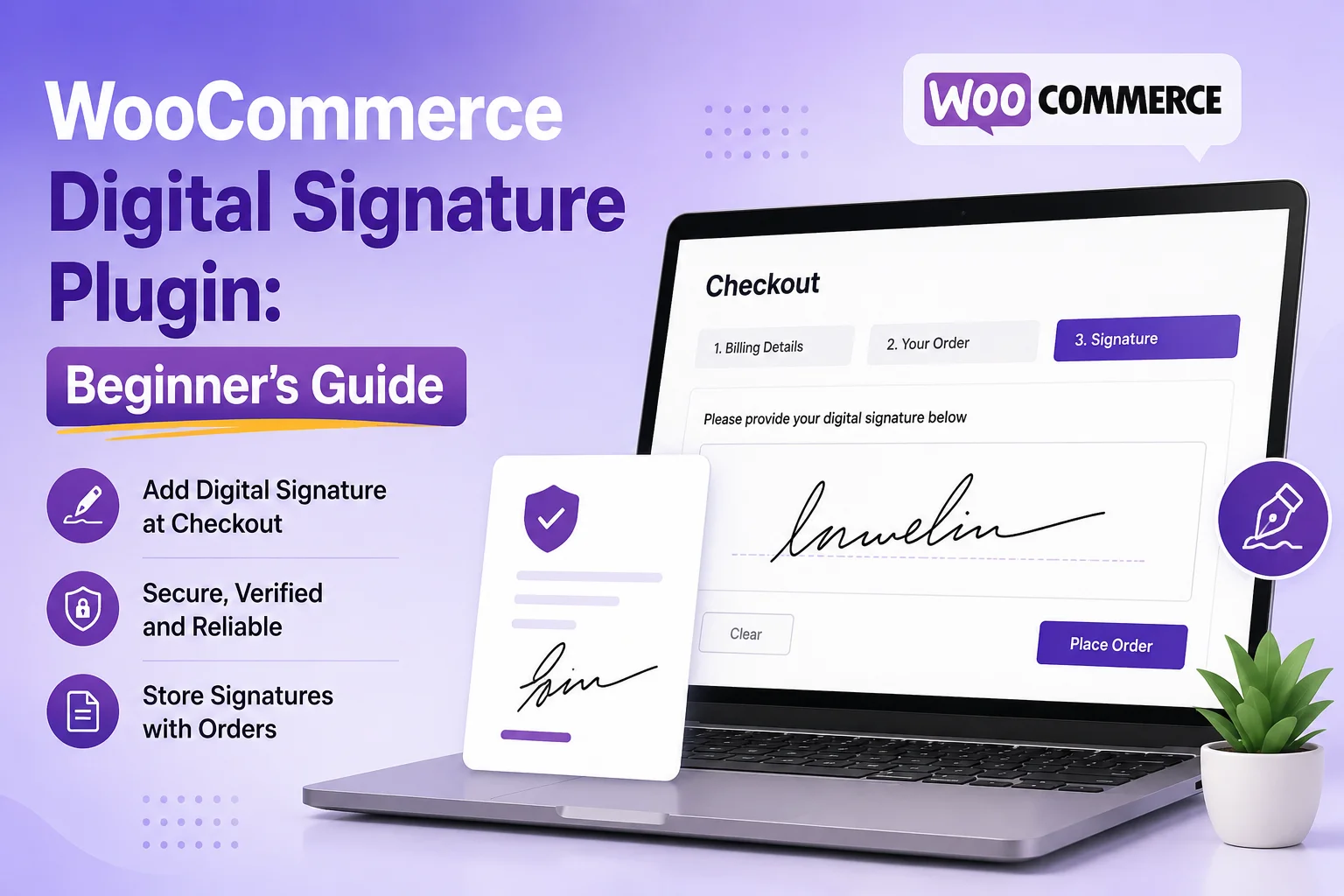
When customers place an order online, some purchases require more than just payment. They may need to approve a custom design, sign a service agreement, accept terms and conditions, or provide consent before the order can move forward.
A WooCommerce Digital Signature Plugin makes this process simple by allowing customers to sign digitally within your WooCommerce store. Instead of printing documents, signing them by hand, and sending them back through email, customers can complete everything online in just a few clicks.
For businesses, this creates a faster and more organized workflow. For customers, it offers a smoother and more professional shopping experience.
In this guide, you’ll learn what a WooCommerce Digital Signature Plugin is, how it works, why businesses use it, and what features to look for when choosing the right solution.
What Is a WooCommerce Digital Signature Plugin?
A WooCommerce Digital Signature Plugin is a WooCommerce extension that lets customers add a digital signature during their shopping journey. The signature can be collected on a product page, during checkout, or through a custom form, depending on how the store is configured.
Once submitted, the signature is linked to the customer’s order, making it easy for both the customer and the store owner to keep track of approvals.
For example, imagine you sell custom-made furniture. Before production begins, you may want the customer to approve the final dimensions, materials, or design. Instead of sending multiple emails, the customer can review the details and sign directly on your website.
The same approach works well for businesses that need signed agreements, waivers, consent forms, or proof of approval before providing a product or service.
Why Is a WooCommerce Digital Signature Plugin Important?
As online businesses grow, managing customer approvals manually becomes increasingly difficult. Printing documents, requesting signatures by email, and organizing paperwork can slow down operations and create unnecessary work for both customers and staff.
A digital signature plugin solves these challenges by bringing the approval process directly into your WooCommerce store.
Builds Customer Trust
Customers feel more confident when they can complete the entire purchasing process on a single website. They don’t have to switch between different applications or download documents before placing an order.
A clear approval process also reduces misunderstandings because customers review important information before signing.
Creates a Paperless Workflow
Paper documents take time to print, scan, organize, and store.
By collecting digital signatures, businesses can reduce paperwork while keeping customer records organized inside WooCommerce. This not only saves time but also makes it easier to find completed agreements whenever they are needed.
Speeds Up Order Processing
When approvals happen online, your team can begin processing orders immediately after the customer signs.
This is especially useful for businesses selling personalized products or offering services that require customer confirmation before work begins.
Helps Reduce Order Disputes
One common challenge for online businesses is proving that a customer approved specific order details.
A digital signature creates a record showing that the customer reviewed and accepted the information before the order was completed. While legal requirements vary depending on your location and use case, keeping documented customer approvals can help support smoother communication and better record management.
How Does a WooCommerce Digital Signature Plugin Work?
Although different plugins offer different features, the overall process is simple and user-friendly.
Step 1: Customer Selects a Product or Service
The customer chooses a product or service that requires approval. This might be a personalized product, a rental agreement, a consulting service, or any purchase where confirmation is needed before processing. For example, customers can customize a WooCommerce Product by providing their specific requirements and submitting them for approval before the order is processed.
Step 2: The Signature Field Appears
The plugin displays a signature field at the appropriate stage of the purchasing journey. Depending on your setup, this could appear on:
- The product page
- The checkout page
- A custom request form
- A registration form
Customers can sign using a mouse on desktop computers or their finger on mobile devices.
Step 3: Customer Reviews Important Information
Before signing, the customer reviews any relevant details, such as:
- Product specifications
- Terms and conditions
- Service agreements
- Pricing information
- Delivery details
Providing this information before the signature helps create a transparent purchasing experience.
Step 4: The Signature Is Saved
After the customer signs, the plugin securely stores the signature with the WooCommerce order.
Many plugins also allow store owners to download signatures, include them in PDF documents, or review them directly from the order details.
Step 5: The Order Is Completed
Once the signature has been collected, the customer completes the checkout process as usual. The business now has a digital record of the customer’s approval, making it easier to manage orders and maintain organized documentation.
If your goal is to collect signatures specifically during checkout, you can also explore our guide on Digital Signature for WooCommerce Checkout, where we explain different ways to integrate signature fields into the checkout experience.
Top Features of a WooCommerce Digital Signature Plugin
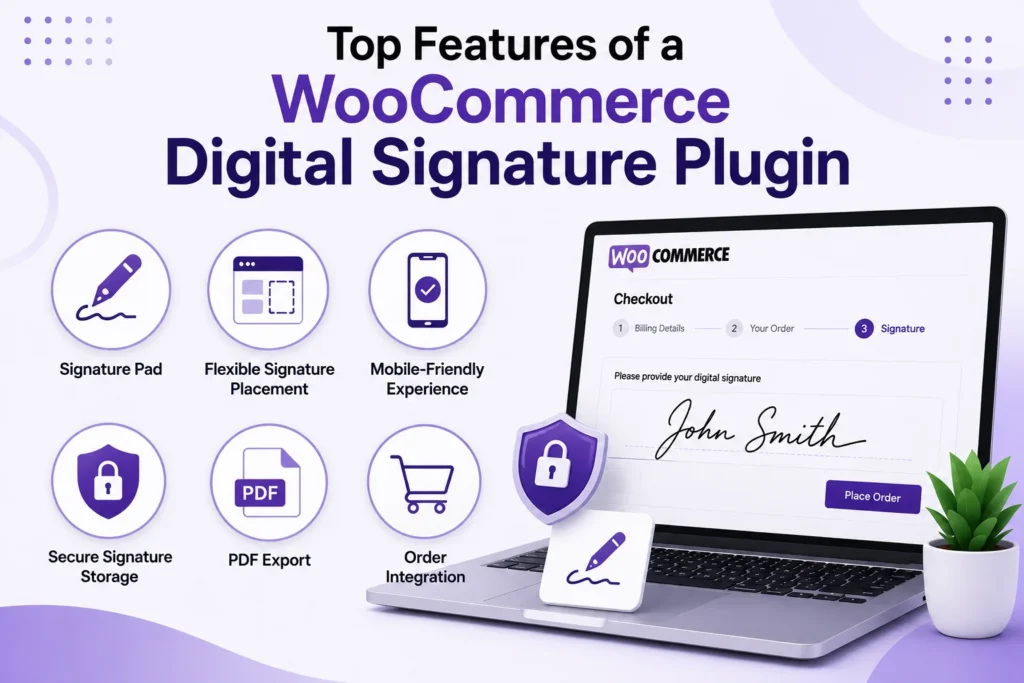
Not all digital signature plugins offer the same functionality. While some only capture signatures, others provide advanced features that improve customer experience and simplify order management. Here are the key features to look for when choosing a plugin.
Signature Pad
A signature pad allows customers to draw their signature using a mouse, finger, or stylus. It should be responsive, easy to use, and work smoothly across desktop and mobile devices.
Flexible Signature Placement
Every business has different requirements. A good plugin lets you display the signature field on product pages, checkout pages, or custom forms, so you can collect approvals exactly where they’re needed.
Mobile-Friendly Experience
Many customers shop from smartphones and tablets. A mobile-optimized WooCommerce Signature Plugin ensures that signing documents is just as simple on a small screen as it is on a desktop.
Secure Signature Storage
Customer signatures should be securely linked to the corresponding WooCommerce order. This makes it easier to review approvals, manage records, and maintain an organized workflow.
PDF Export
Some businesses need signed agreements for documentation or customer records. Plugins that support PDF exports allow you to generate downloadable copies whenever required.
Order Integration
The best plugins integrate directly with WooCommerce orders, so administrators can access signatures without switching between multiple tools or dashboards.
Benefits of Using a WooCommerce Digital Signature Plugin
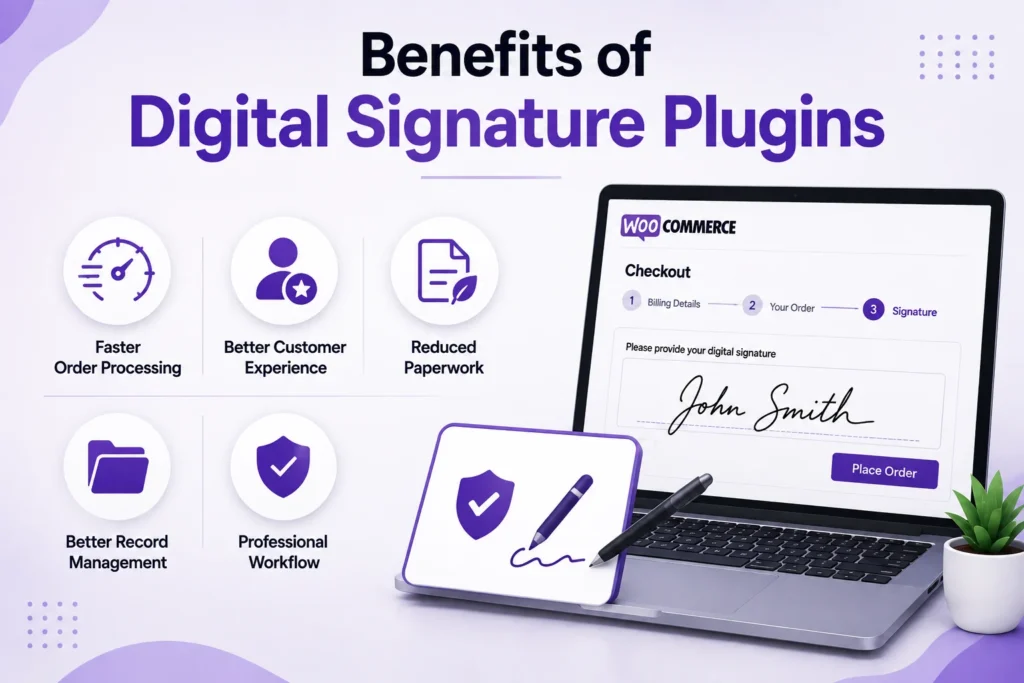
A digital signature plugin isn’t just about collecting signatures-it helps create a faster, more organized, and more professional workflow.
Faster Order Processing
When customers approve their orders online, your team can begin processing them immediately instead of waiting for emailed documents or manual confirmations.
Better Customer Experience
Customers appreciate completing everything in one place. A simple digital signing process reduces unnecessary steps and makes checkout more convenient.
Reduced Paperwork
Replacing printed documents with digital approvals saves time, reduces administrative work, and supports a more paperless workflow.
Better Record Management
Since signatures are stored with WooCommerce orders, businesses can quickly access customer approvals whenever they’re needed.
Professional Workflow
Collecting approvals digitally creates a smoother experience for both customers and administrators while helping businesses appear more organized and trustworthy.
Who Should Use a WooCommerce Digital Signature Plugin?
Digital signatures are useful for many industries, especially when customer approval is required before an order is processed.
Custom Product Stores
Businesses selling personalized products can collect customer approval before production begins, reducing costly mistakes.
Service Providers
Agencies, consultants, designers, and freelancers can request signed agreements before starting client work.
Rental Businesses
Equipment, vehicle, and property rental companies can collect signed rental agreements online before confirming bookings.
Healthcare & Wellness
Healthcare providers, clinics, and wellness businesses can use digital signatures for consent forms or appointment documentation, while ensuring compliance with applicable regulations.
Legal & Professional Services
Law firms, accountants, and financial consultants often require signed engagement letters or agreements before providing services.
B2B Businesses
Wholesale suppliers and manufacturers can collect approvals for quotations, purchase agreements, or customized orders before production or shipping begins, supporting different eCommerce Business Models.
Common Use Cases
A WooCommerce Digital Signature can be used in many real-world scenarios, including:
- Customer approval for personalized products
- Service agreements before project commencement
- Rental contracts
- Consent and waiver forms
- Warranty acknowledgements
- Delivery confirmations
- Quote approvals
- Business-to-business purchase agreements
If your products include multiple options before customers sign, adding a WooCommerce Product Dropdown can help customers select the correct variation before completing the approval process.
How to Choose the Right WooCommerce Digital Signature Plugin
With many plugins available, choosing the right one depends on your business needs. Before making a decision, consider the following checklist.
- Easy to set up and manage
- Mobile-friendly signature pad
- Works with the latest WooCommerce version
- Secure signature storage
- PDF export support (if required)
- Responsive customer support
- Regular plugin updates
- Positive customer reviews
If you’re still evaluating different solutions, comparing several WooCommerce Digital Signature Plugins can help you understand which features best match your workflow and business requirements.
Conclusion
A WooCommerce Digital Signature Plugin helps businesses simplify customer approvals, reduce paperwork, and create a more efficient purchasing process.
Instead of relying on printed documents or lengthy email conversations, customers can review important information and provide their approval directly within your WooCommerce store.
Businesses using inquiry forms can improve product selection with Product Dropdown for Contact Form 7, while Submissions Manager helps organize customer form entries more efficiently.
By choosing a reliable digital signature solution like PluginOrbit, you’ll create a faster, more professional, and more customer-friendly approval process that supports long-term business growth.