
Digital Signature Pro Features for eCommerce
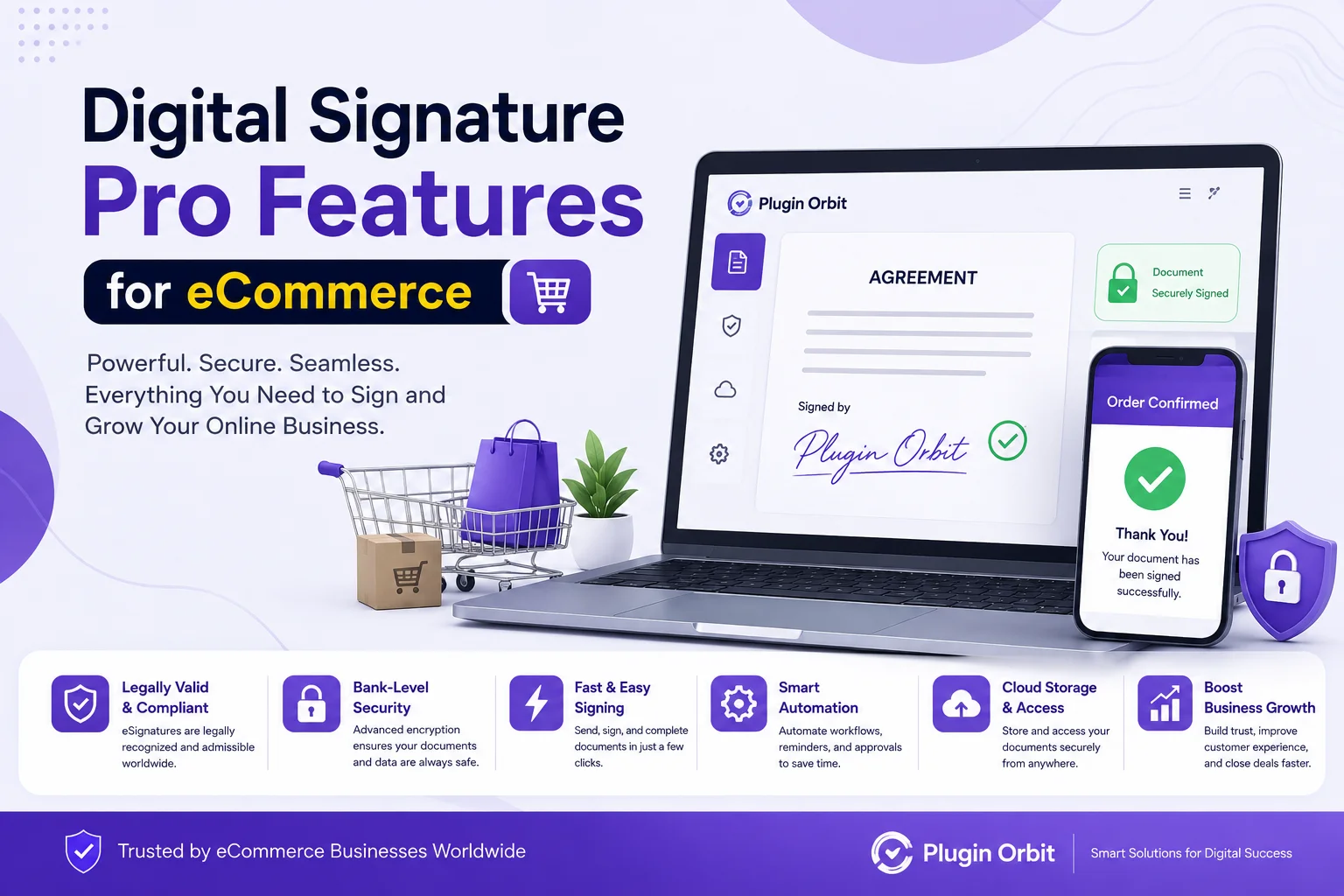
A digital signature can do more than capture a customer’s name at checkout. For eCommerce stores that need customer approval, order confirmation, or signed documentation, advanced signature features can make the process more reliable and easier to manage.
Digital Signature Pro Features add more control over how customers sign, when a signature is required, what information is recorded, and how signed orders are handled afterward. Features such as flexible signature capture, consent validation, order restrictions, audit information, signed invoices, and signature management can help create a more complete signing workflow.
If your store only needs a basic signature field, a standard solution may be enough. However, stores that handle high-value orders, custom products, agreements, or documentation-heavy transactions may benefit from a more advanced approach.
What Are Digital Signature Pro Features?
Digital Signature Pro Features are advanced tools that extend basic customer signature functionality for eCommerce stores. Instead of simply collecting a signature, Pro functionality can connect signing with checkout rules, customer consent, order information, documentation, and administrative workflows.
For stores focused specifically on collecting signatures during checkout, see our guide to Digital Signature for Checkout.
For example, a store can require a signature only for specific product categories or orders above a certain value. It can also collect additional information, such as the customer’s IP address and browser details, to provide more context around the signing event.
This makes digital signature capture more flexible and useful for stores where a signature is part of the order process rather than just an optional checkout field.
Advanced Digital Signature Features for eCommerce
The Pro version is most useful when a store needs more control than a basic signature field provides. The following features cover the main areas where advanced functionality can improve the signing and order-management process.
Flexible Signature Capture
Customers may prefer different ways to sign. Type-to-sign functionality allows them to enter their name and use it as a styled signature, while Draw mode lets them create a handwritten signature.
Giving customers both options can make the checkout experience more convenient without removing the traditional signing method.
You can also control when a signature field appears. Product and order restrictions allow stores to request signatures only for selected product categories or orders that meet a minimum purchase amount.
For example, a store selling customized products may require approval for custom orders but not for standard products. A minimum order rule can also be useful when signatures are needed only for higher-value purchases.
A logged-in user restriction provides another layer of control by requiring customers to sign in before completing the signing process.
Consent, Security, and Verification
A signature may need to be accompanied by customer consent. A customizable GDPR consent checkbox can require customers to agree to specific terms before submitting their signature.
This can be useful when a store needs customers to acknowledge an agreement, policy, authorization, or other order-related information.
A secure digital signature workflow can also record additional signing information. Capturing the customer’s IP address and browser information provides more context for the signing event and can contribute to an audit trail.
The tamper-evidence hash feature adds another verification mechanism by generating a hash associated with the signature data. A timestamp can also be embedded directly into the signature image to show when the signature was captured.
Together, these features provide more information around a signing event than a standalone signature image.
Order and Documentation Management
Collecting a signature is only one part of the process. Store administrators may also need to access, share, and retain signed information after an order has been placed.
With admin signature download functionality, store managers can retrieve customer signatures directly from the WooCommerce order screen. This can be useful when a signed order needs to be reviewed or documented later.
Signatures can also be included in WooCommerce order confirmation emails. This keeps the signed information connected to the customer’s order communication rather than requiring administrators to retrieve it separately.
If you are comparing WooCommerce extensions for different store requirements, our guide to Top WooCommerce Plugin options can help you evaluate the wider plugin ecosystem.
For stores that generate invoices, the signed PDF invoice feature can provide an additional layer of documentation. A signed invoice can include the store’s logo and be attached to customer emails, creating a more complete record of the transaction.
Signature Tracking and Order Administration
As order volume increases, manually checking which orders have signatures can become difficult.
Signature status information in the WooCommerce orders list can make this easier by showing whether an order has been signed. Filtering options can help administrators locate signed or unsigned orders without opening every order individually.
Bulk ZIP export can also simplify administrative tasks when multiple customer signatures need to be downloaded for recordkeeping or review.
Dashboard statistics provide another useful overview. Instead of checking individual orders, administrators can see signed and unsigned order activity from the WordPress dashboard.
These features are particularly useful for businesses where signatures are part of a repeatable order workflow.
Signature Retention and Automatic Deletion
Signature data may not need to be stored indefinitely. A retention setting can help stores define how long stored signatures should remain available.
Automatic signature deletion can remove stored signatures after a selected retention period. This can make signature management easier and support a more controlled approach to stored customer data.
Before choosing a retention period, businesses should consider their contractual, operational, and applicable legal requirements. Data retention should be based on the store’s actual needs rather than keeping customer information permanently by default.
Why Do Digital Signature Pro Features Matter for eCommerce?
Basic signature capture can confirm that a customer signed, but advanced features can help connect that signature to the wider order workflow.
The main benefits include:
- More flexible signing: Customers can use Draw or Type modes according to their preference.
- Better checkout control: Signatures can be required only for relevant products or higher-value orders.
- Additional signing context: IP address, browser information, and timestamps can provide useful audit information.
- Improved documentation: Signatures can be downloaded, included in emails, or added to PDF invoices.
- Easier administration: Signature status, filtering, statistics, and bulk export can reduce manual order management.
- Controlled data retention: Automatic deletion can help manage stored signature information.
For a broader look at why businesses use digital signatures, see our guide to Digital Signature Benefits.
These capabilities can be especially valuable when a signature represents more than a simple confirmation.
Who Should Use Digital Signature Pro Features?
Not every eCommerce store needs advanced signature functionality. A basic signature field may be sufficient when customers only need to provide simple confirmation.
Pro features become more useful when signing is an important part of the transaction.
They can be suitable for:
- Stores selling customized or made-to-order products
- Businesses handling high-value purchases
- Service-based eCommerce businesses
- Stores requiring customer approval before fulfillment
- Businesses that need signed order documentation
- Companies that need additional signing information for internal records
- Stores that want signatures included with invoices or order emails
For example, a custom furniture store could require a customer signature for a high-value customized order before production begins. A service provider could use a signature to confirm customer approval, while a business selling specialized products could require signed acknowledgment for selected orders.
Businesses with broader document-signing requirements may also want to compare their needs with Best Digital Signature Software options before choosing a specific workflow.
Digital Signature Pro Features vs Basic Features
The main difference between basic and Pro functionality is the amount of control available around the signature process.
| Feature | Basic Signature | Pro Features |
| Draw-to-sign | ✓ | ✓ |
| Type-to-sign | — | ✓ |
| Product restrictions | — | ✓ |
| Minimum order restriction | — | ✓ |
| GDPR consent checkbox | — | ✓ |
| Logged-in user restriction | — | ✓ |
| IP and browser information | — | ✓ |
| Tamper-evidence hash | — | ✓ |
| Timestamp embedding | — | ✓ |
| Admin signature download | — | ✓ |
| Signature in order emails | — | ✓ |
| Signed PDF invoice | — | ✓ |
| Signature filtering | — | ✓ |
| Signature statistics | — | ✓ |
| Automatic signature deletion | — | ✓ |
The right choice depends on how your store uses signatures. If you simply need customers to draw a signature, basic functionality may be enough. If signatures need to be connected with order rules, documentation, verification, and administration, Pro features provide a more complete workflow.
How to Choose the Right Digital Signature Approach
Before adding advanced signature functionality, consider what your store actually needs.
Start by identifying when a customer should sign. If every order requires a signature, a standard checkout signature field may be sufficient. If only certain products or high-value orders require signing, product and order restrictions become more important.
Next, consider what information needs to be retained. If your business needs additional signing context, features such as IP information, browser details, timestamps, and verification hashes may be useful.
Understanding the Types of Digital Signature can also help when deciding which signing approach best fits your business and transaction requirements.
You should also consider how signed information will be managed after checkout. If administrators need to download signatures, include them in emails, generate signed invoices, or track signature status, those workflow features can save time.
Finally, think about data retention. Decide how long signature information genuinely needs to be stored and configure retention accordingly.
Conclusion
Digital Signature Pro Features can turn a simple checkout signature into a more structured eCommerce signing workflow. Flexible digital signature capture, customer consent, order restrictions, signing information, timestamps, verification tools, signed invoices, and administrative controls can all contribute to a smoother process.
For stores that only need basic customer confirmation, a simple signature solution may be enough. But when signatures are tied to high-value orders, custom products, approvals, documentation, or internal recordkeeping, advanced features can provide greater control and convenience.
The best approach is to choose the features that match your actual order workflow, documentation needs, and data-retention requirements rather than adding functionality that your store does not need.
Related Posts

Digital signatures have changed how businesses and individuals approve, verify, and manage digital documents. Instead of printing a document, signing...
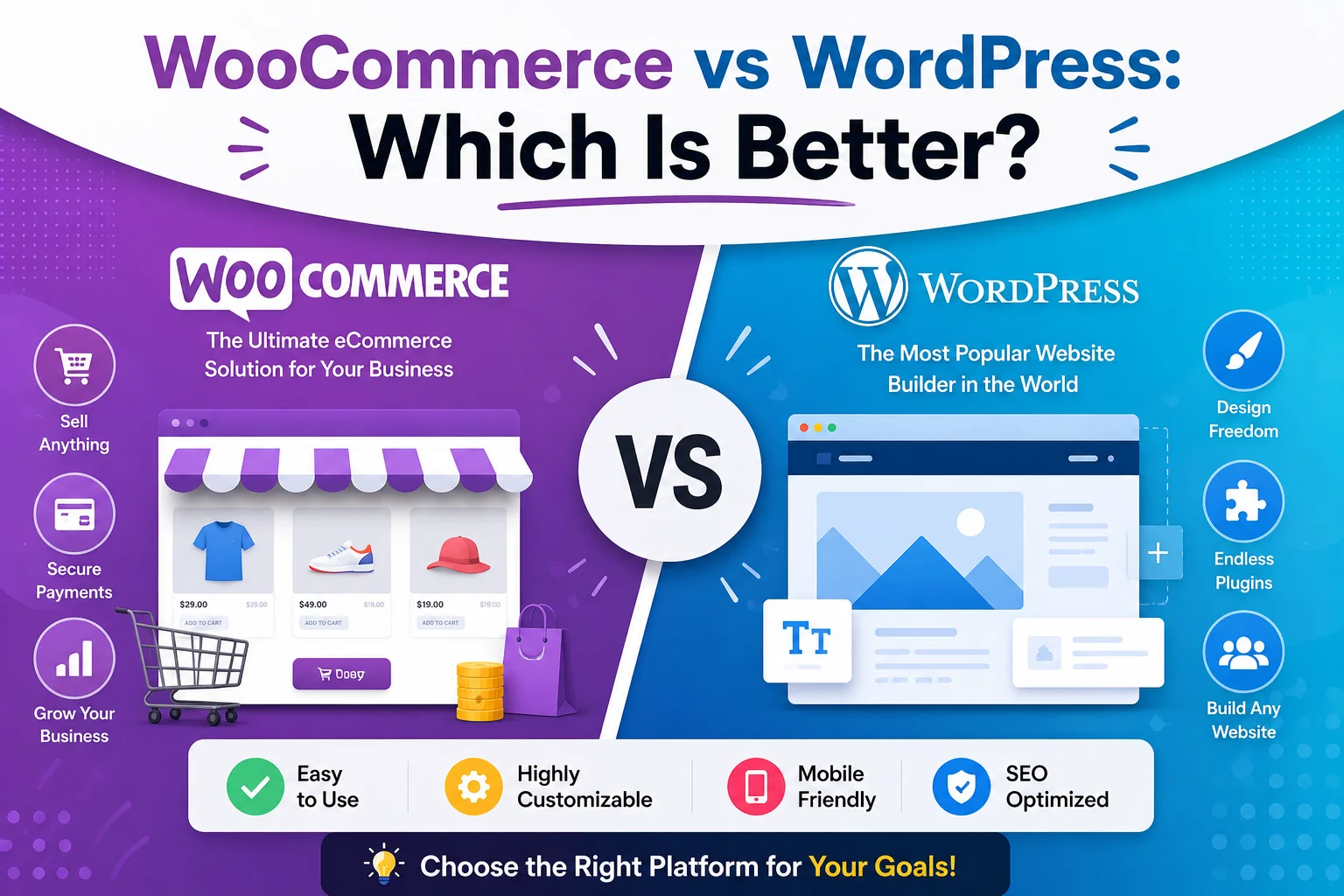
If you are planning to build a website or start selling products online, you may be comparing WooCommerce vs WordPress....
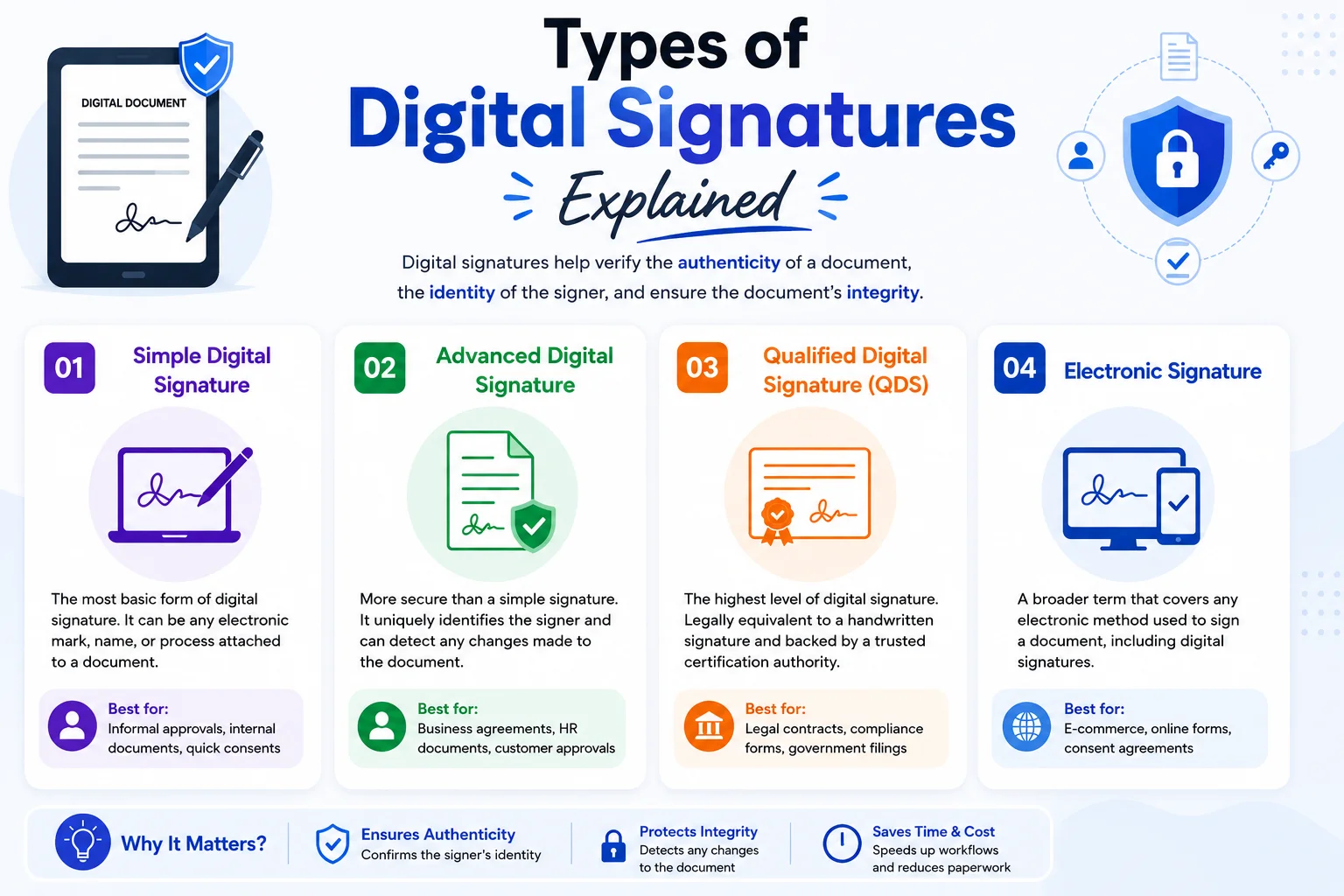
Digital signatures help people and businesses sign electronic documents while verifying the signer and protecting the document from unwanted changes....
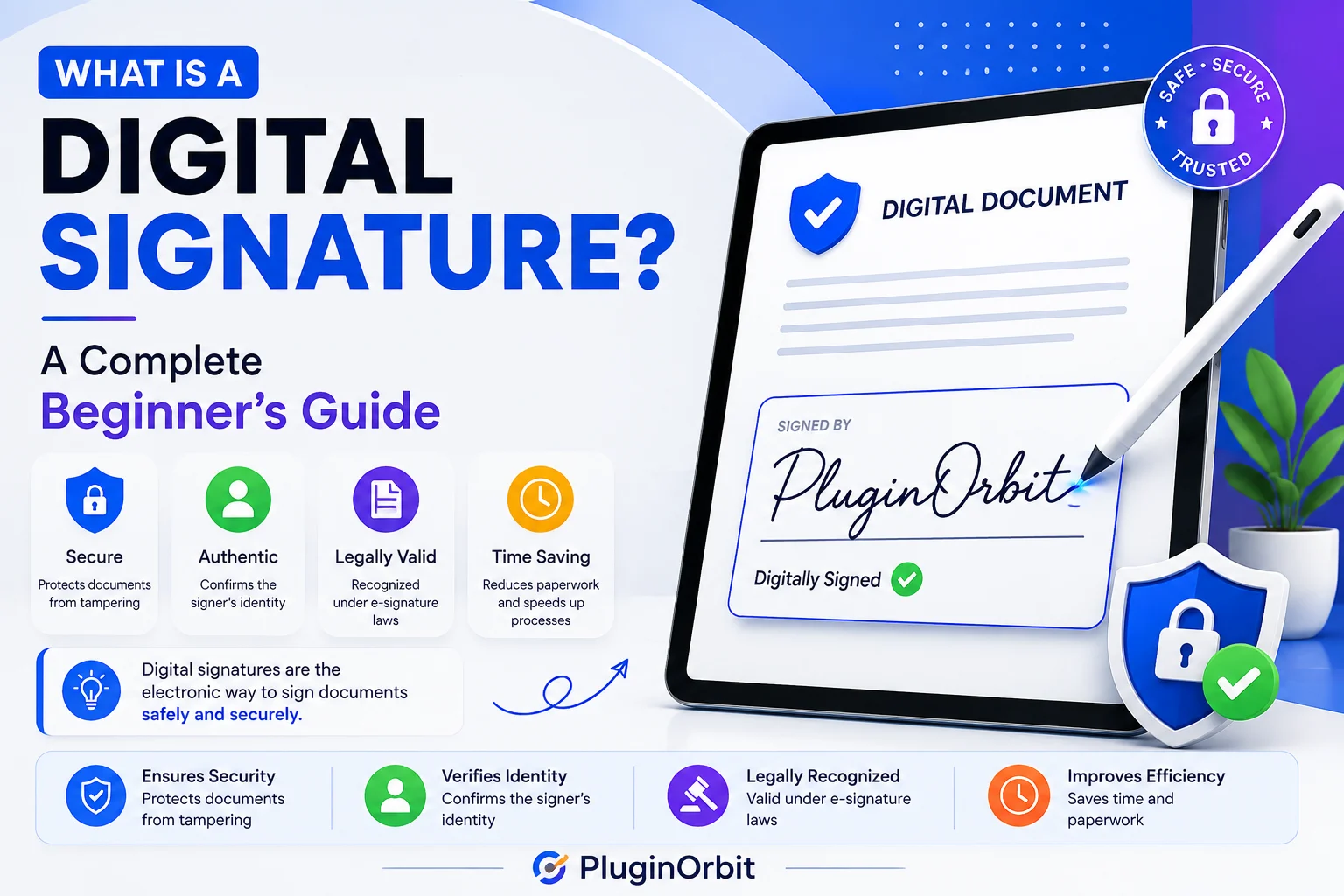
Digital documents are now a standard part of business, ecommerce, finance, and everyday online transactions. As more agreements and approvals...
Small businesses need a simple and reliable way to collect signatures for contracts, customer approvals, waivers, agreements, and other important...
Collecting a customer signature during checkout can help online stores capture clear proof of consent, approval, or agreement before an...