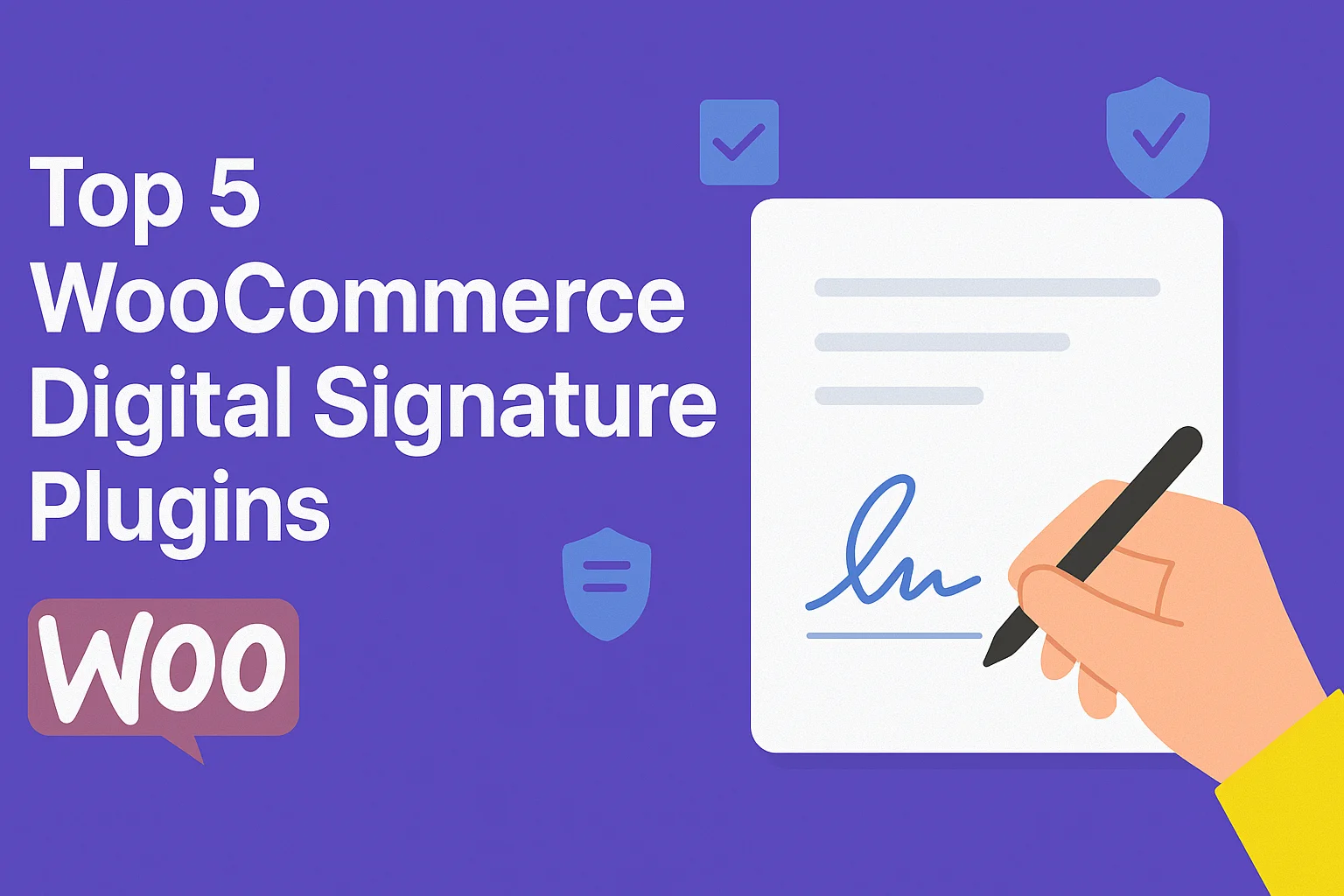
Digital signatures have become essential for online stores that require contracts, agreements, or authorization as part of their sales process. Integrating a digital signature for WooCommerce can improve the customer experience, streamline workflows, and enhance professionalism and security.
A WooCommerce signature plugin can make it easier to collect and manage customer signatures directly within your store’s workflow.With the right e-signature plugin, you can securely collect electronic signatures and improve operational efficiency. If you’re new to WooCommerce, our guide to What Is WooCommerce? explains how the platform works and how it can support your online store.
This guide will walk you through the top 5 WooCommerce digital signature plugins to consider for your online store, exploring their features, benefits, and why they might be the perfect fit for your needs. Let’s get started!
Why Use WooCommerce Digital Signature Plugins?
For many online businesses, obtaining customer agreements is a critical part of operations. If you’re planning to Start an eCommerce Business, setting up efficient digital workflows from the beginning can help reduce manual paperwork and make customer interactions easier.
From service contracts to terms of use acknowledgments, WooCommerce digital signature plugins simplify this process and bring numerous benefits, such as:
1. Streamlined Process
A digital signature plugin eliminates the need to email documents or print contracts for physical signing. It provides a seamless in-store process, ensuring faster transactions and less back-and-forth communication.
2. Legal and Secure
Many plugins generate legally binding signatures that comply with various international e-signature laws. They provide end-to-end encryption, ensuring data security and document authenticity.
3. Customer Convenience
Offering a digital signature option promotes a frictionless customer experience, particularly for service-based businesses or companies handling high-stakes transactions, such as real estate or legal documentation.
4. Cost and Time Efficiency
Automating agreements with a plugin can save you countless hours of manual effort while reducing administrative paperwork costs.
By implementing a robust digital signature for WooCommerce, your store can benefit from greater efficiency, compliance, and customer trust.
Top 5 WooCommerce Digital Signature Plugins for Your Store
To help you find the best e signature WooCommerce plugin, we’ve curated the top options that handle digital signatures effectively. These tools stand out for their user-friendliness, features, and integration capabilities.
1. WP E-Signature by ApproveMe
This premium plugin is one of the most popular digital signature options for WooCommerce. Designed with legal compliance in mind, WP E-Signature integrates seamlessly with WooCommerce to collect legally binding e-signatures from customers.
Key Features:
- Fully compliant with U.S. and international electronic signature laws.
- Supports multiple types of documents, such as contracts or NDAs.
- Offers drag-and-drop document-building tools for customization.
- Integrates smoothly with WooCommerce, making it ideal for store owners.
Why Choose It?
If security, legality, and ease of use are your priorities, WP E-Signature by ApproveMe is a fantastic choice.
2. PluginOrbit WooCommerce Digital Signature
PluginOrbit WooCommerce Digital Signature stands out for its ease of integration and user-centric features. This WooCommerce-specific plugin is perfect for businesses looking to streamline their signature workflows with an e signature plugin that offers useful features without sacrificing functionality.
Key Features:
- Enables customers to sign directly during the checkout process.
- Provides secure, tamper-proof digital signatures.
- Offers customizable signature fields to fit various needs.
- Quick and easy setup with no coding skills required.
3. Digital Signatures for NEX-Forms
Digital Signatures for NEX-Forms is a powerful E-Signature WordPress plugin that enables contract signing directly on your website. It uses Math Logic to calculate costs based on user input and supports custom formulas for unlimited field calculations.
Key Features:
- Fully responsive, compatible with smartphones and tablets.
- Add e-signature fields to forms and digitally sign documents.
- Works seamlessly with forms and emails, automatically capturing and displaying signatures in emails.
4. Signature Addon – ARForms WP Plugin
Signature Addon – ARForms WP Plugin is a highly popular tool designed to collect users’ signatures directly from your online business website. It allows you to seamlessly capture signatures online using ARForms, making the process quick and efficient. The plugin is compatible with all major desktop and mobile browsers.
Key Features:
- Easy Integration: Add signature fields without additional plugins.
- User-Friendly: Drag-and-drop functionality for quick signature input.
- Secure Capture: Safely sends signature data to the web server.
- Image Conversion: Converts signatures into PNG images.
5. Electronic Signature by SwiftCloud
Electronic Signature by SwiftCloud is a plugin that enables E-signature collection, securely storing signed documents in SwiftCloud rather than WordPress. It’s perfect for sales contracts, liability waivers, and permission slips.
Key Features:
- Supports multi-step flows (e.g., form, payment, signature).
- Tracks users who sign the signature form.
- Redirects users to thank-you pages after signing.
- Sends signed documents as PDF email attachments.
Streamline Your Store with Digital Signatures
If you’re looking for top-rated e-signature plugins for WordPress, choosing the right solution can make your signing workflow faster and easier to manage. Before selecting a plugin, it’s also helpful to understand the Types of Digital Signatures available and determine which option best fits your business requirements.
Digitizing your signature process with a WordPress signature plugin is a simple yet impactful way to modernize your WooCommerce store, streamline document workflows, and provide customers with a more convenient signing experience.
Whether you’re running an e-commerce storefront or a service-based business, switching to a digital signature for WooCommerce will save you time, enhance customer satisfaction, and ensure compliance.
Conclusion
Choosing the right WooCommerce digital signature plugin depends on your business needs, signing workflow, document requirements, and customer experience. The five plugins covered in this guide offer different approaches, so compare their features, integrations, usability, security, and pricing before making your decision.
A well-designed digital-signature workflow can reduce manual paperwork, simplify agreements, and create a more professional purchasing experience. And if you’re looking for other ways to improve and extend your store, explore our guide to WooCommerce plugins for more tools and solutions.
Ultimately, the best plugin is the one that fits your workflow and makes signing simple for both your business and your customers.