When a Contact Form 7 form asks visitors to choose a product, service, or item, a standard text field can make the process harder than it needs to be. Visitors have to type product names manually, which can lead to spelling mistakes, incomplete information, and unclear submissions.
A product dropdown in Contact Form 7 gives visitors a structured way to select from available products directly within the form. Instead of asking customers to type what they want, you can present clear product options that are easier to understand and submit.
This approach is particularly useful for WooCommerce stores, product inquiries, quote requests, service requests, and businesses that need customers to identify a specific product before submitting a form.
What Is a Product Dropdown in Contact Form 7?
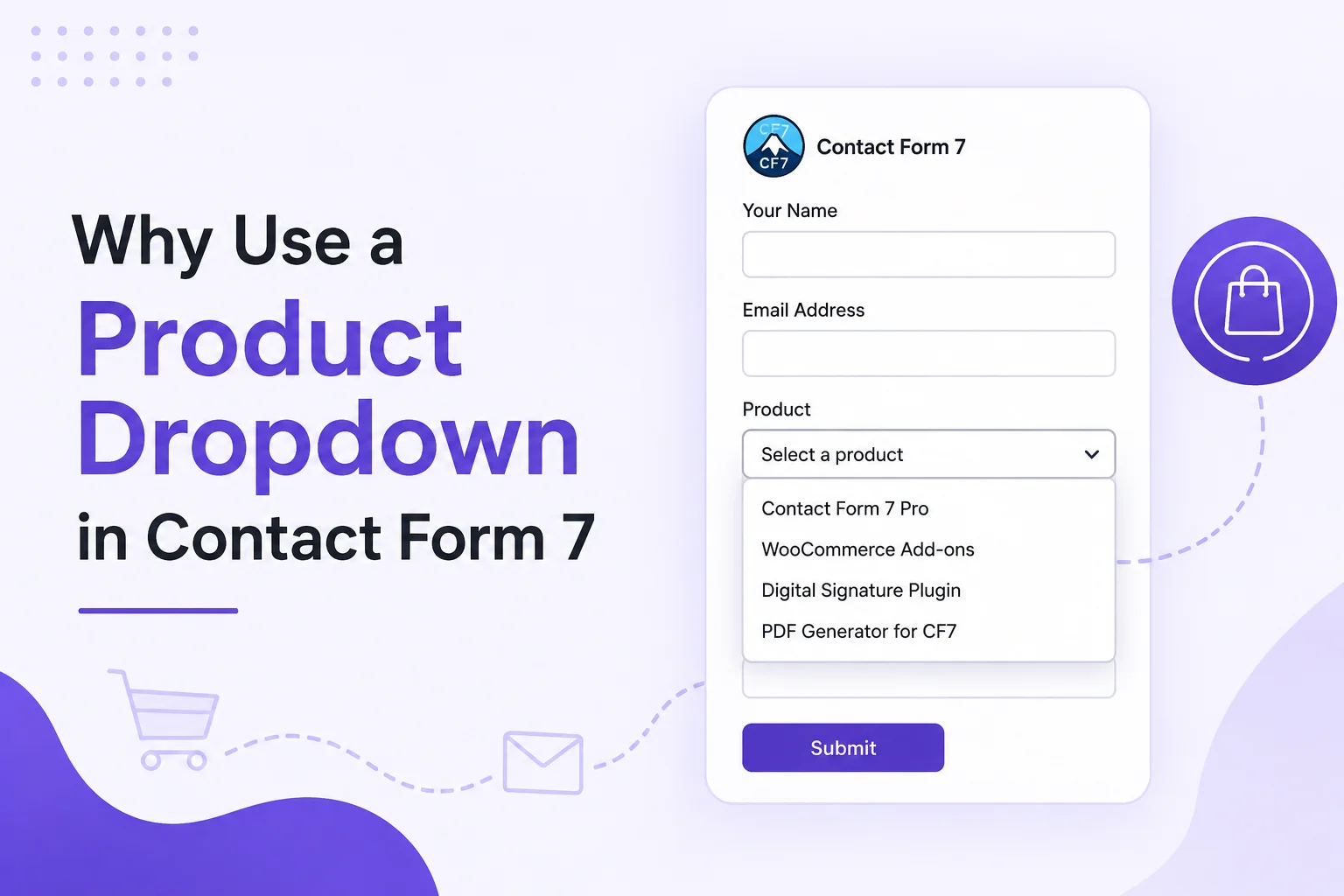
A product dropdown is a selection field that allows users to choose a product from a predefined list within a Contact Form 7 form.
For example, a business selling multiple products could create a form with options such as:
- Product A
- Product B
- Product C
- Product D
The customer simply selects the relevant product instead of entering its name manually.
A basic Contact Form 7 dropdown works well for fixed choices, while a Product Selector for Contact Form 7 can make product selection easier when your WooCommerce catalog changes frequently.
The main purpose is simple: make product selection clearer for the customer and more useful for the business receiving the submission.
Why Use a Product Dropdown in Contact Form 7?
The biggest advantage is that a dropdown turns an open-ended question into a structured selection.
Instead of asking:
“Which product are you interested in?”
you can provide a list of available products and let the visitor choose one.
This can improve the quality and consistency of submitted information while reducing unnecessary typing.
1. Make Product Selection Easier
Customers do not always remember exact product names, model numbers, or product variations. A predefined list makes the selection process faster and easier.
A well-organized Product Selection Form in WordPress can guide users toward the information you actually need.
For example, a product inquiry form could include:
Select a product → Choose an inquiry type → Enter contact details → Submit
This creates a straightforward experience without requiring customers to manually describe the product.
2. Reduce Incorrect Product Names
Manual product entry creates opportunities for errors.
A customer might enter:
- A shortened product name
- An incorrect model number
- A spelling variation
- An old product name
- An incomplete description
A Product Selection Field solves much of this problem by providing predefined choices.
When the customer selects an option, the submitted value follows the format defined by the form.
This can make submissions easier for your team to understand and process.
3. Improve Contact Form Submissions
The information collected through a form is only useful when it is clear and actionable.
For example, compare these two submissions:
Manual entry:
“I need info about the blue one from your website.”
Dropdown selection:
“Product: Wireless Headphones X200”
The second submission gives the business a much clearer starting point.
If your website receives a large number of inquiries, structured product information can make it easier to identify what each customer needs.
You can also connect this workflow with a Contact Form 7 submission management solution to make submitted information easier to review and manage.
4. Support WooCommerce Product Selection
For WooCommerce stores, product selection can be especially useful when customers need to contact the business before purchasing.
This could include:
- Product inquiries
- Bulk order requests
- Custom product questions
- Product availability requests
- Pre-sales questions
- Quote requests
- Support requests
- Return-related inquiries
A WooCommerce product selector can give customers a more direct way to identify the product they are asking about.
Instead of copying a product name or URL into the form, they can select the relevant item from the available options.
When Should You Use a Product Dropdown?
A product dropdown is useful when customers need to identify one or more products as part of the form submission.
Common use cases include:
Product Request Forms
A business may use a Product request form when customers want additional information about a particular product.
For example:
Select Product → Request Information → Customer Details
This is useful for products that require pre-sales communication before purchase.
Quote Request Forms
Businesses selling custom, wholesale, or higher-value products can use product selection as part of a quote request process.
A visitor can select the product first and then provide quantity, specifications, or other requirements.
Product Support Forms
If a company offers multiple products, asking customers to select the relevant product can help support teams understand the issue more quickly.
The form could include:
Product → Issue Type → Order Number → Message
This is more structured than asking the customer to explain the product from scratch.
Product Inquiry Forms
Product inquiries are another natural use case.
A customer might want to ask about:
- Availability
- Pricing
- Specifications
- Compatibility
- Customization
- Delivery
- Product variations
Selecting the product first gives the business useful context before reading the customer’s message.
Product Dropdown vs Manual Product Entry
Both approaches can work, but they serve different purposes.
| Method | Best for | Main advantage |
| Text field | Small or unpredictable product lists | Customers can enter anything |
| Dropdown | Fixed product choices | Consistent product selection |
| Product selector | Larger WooCommerce catalogs | More structured product discovery |
| Multiple selection | Customers choosing several products | Supports multiple choices |
A dropdown works particularly well when the number of choices is manageable.
If your store has hundreds or thousands of products, displaying every product in one long dropdown may not provide the best user experience. In that situation, a searchable product selector or another filtering method may be more appropriate.
The right solution depends on the size of your catalog and what customers need to accomplish.
How Product Options Improve Contact Forms
Contact Form 7 Product Options can make forms more relevant to the visitor’s intent.
For example, instead of creating separate forms for every product, one form can allow visitors to select the product they are interested in.
A business could use:
Product → Request Type → Customer Information → Message
The request type could include:
- Product information
- Pricing
- Availability
- Customization
- Bulk order
- Technical question
This creates a more flexible form without making the customer type the same information repeatedly.
How to Create a Better Product Selection Experience
Adding a dropdown is only part of the process. The way you organize the field can have an impact on usability.
Keep Product Names Clear
Use recognizable product names rather than internal database names or complicated identifiers.
Avoid an Extremely Long Dropdown
If users have to scroll through hundreds of products, selection becomes frustrating. Consider categories, search, or a dedicated selector when the catalog is large.
Use Helpful Labels
Instead of a vague label such as “Select,” use something descriptive:
Select the product you’re interested in
This immediately tells visitors what the field is asking for.
Keep the Form Focused
Only ask for information that is necessary for the request. A shorter form can make the product inquiry process easier to complete.
Consider Mobile Users
A large percentage of visitors may access your form from mobile devices. Test the dropdown and the complete form on smaller screens before publishing it.
Product Dropdown and WooCommerce
Contact Form 7 and WooCommerce serve different purposes.
WooCommerce manages products, shopping, orders, and ecommerce functionality, while Contact Form 7 is primarily used for creating and handling forms.
When these systems are used together, a product-selection workflow can connect customer inquiries with specific WooCommerce products.
For example:
WooCommerce Product → Product Selection → Contact Form 7 Submission → Business Follow-up
This can be useful when a customer wants to ask a question before purchasing.
If you already have a separate WooCommerce product dropdown, you can use internal links between related educational resources so visitors can move from general product-selection information to the specific implementation they need.
What Happens After a Customer Selects a Product?
The selected product becomes part of the form submission.
A typical workflow looks like this:
- The visitor opens the Contact Form 7 form.
- They select a product.
- They provide their contact information.
- They enter their question or request.
- They submit the form.
- The business receives the submitted information.
- The team follows up based on the selected product and request.
This is where storing and managing submissions becomes important.
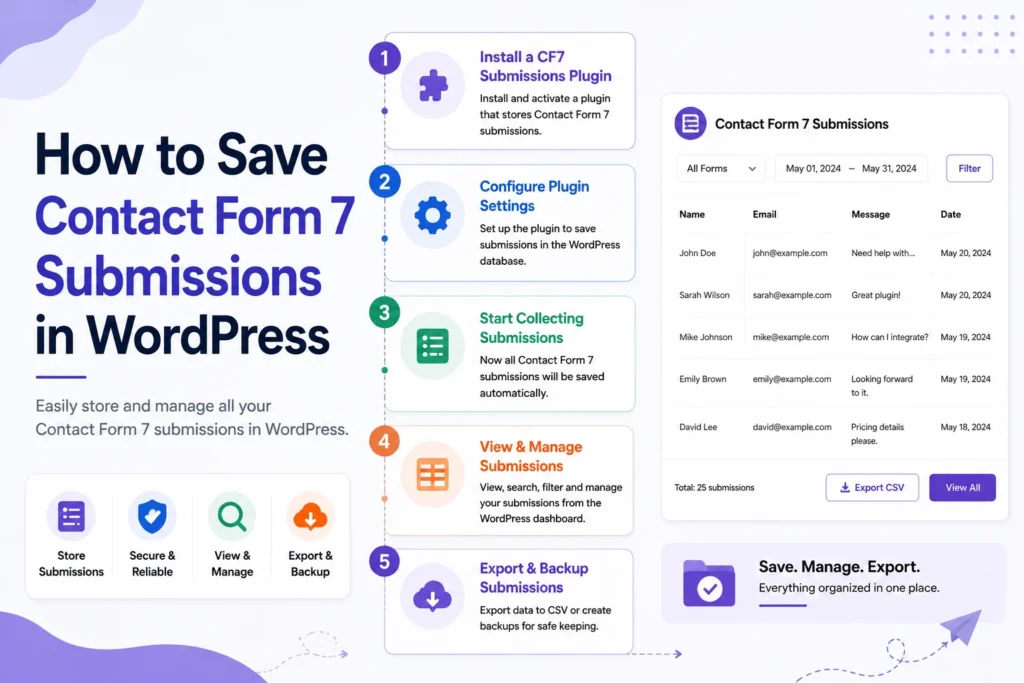
If your website needs to keep form entries for later review, reporting, or follow-up, you can also explore How to Save Contact Form 7 submissions in WordPress.
Is a Product Dropdown Right for Every Contact Form?
Not necessarily.
A dropdown is most useful when:
- Customers need to select from predefined products.
- The product list is relatively manageable.
- Product identification is important to the business.
- You want consistent information in submissions.
It may not be ideal when:
- Customers can request completely custom products.
- The catalog is extremely large.
- Users need to search across many products.
- Multiple products need to be selected frequently.
In those cases, a searchable selector, category-based selection, or another form control may provide a better experience.
The goal is not simply to add a dropdown. The goal is to make product selection clear, fast, and useful for both the customer and the business.
Conclusion
A product dropdown in Contact Form 7 can turn a basic contact form into a more structured product-selection experience. Instead of relying on customers to type product names manually, you can give them clear options and collect more consistent information.
For WooCommerce stores, product inquiries, quote requests, support forms, and product request workflows, this approach can make the communication process easier to manage.
The most important consideration is the user experience. A short product list may work perfectly with a dropdown, while a large catalog may require a searchable product selector or another approach.
When the selection method matches the size of your catalog and the customer’s needs, Contact Form 7 can become a much more effective part of your product inquiry and communication workflow.