Completing an online purchase does not always mean a customer has acknowledged every condition associated with an order. Some purchases involve customized products, service agreements, delivery instructions, cancellation conditions, or specific responsibilities that require clear customer acknowledgment.
This is where WooCommerce customer signatures can provide additional value. By choosing to add a digital signature to WooCommerce, store owners can let customers acknowledge specific terms or authorize an order before completing their purchase. This creates an additional record of customer approval alongside relevant order information.
Adding a WooCommerce checkout signature can help businesses maintain more complete order records, document customer authorization, and reduce misunderstandings about purchase conditions.
However, signatures are not necessary for every online transaction. Their usefulness depends on the products, services, risks, and agreements involved. Understanding when and why to collect them helps store owners create a checkout experience that supports both business requirements and customer expectations.
What Are Customer Signatures at WooCommerce Checkout?
A customer signature at WooCommerce checkout is a digital mark collected from a buyer during the purchasing process to record their acknowledgment, approval, or authorization of specific information.
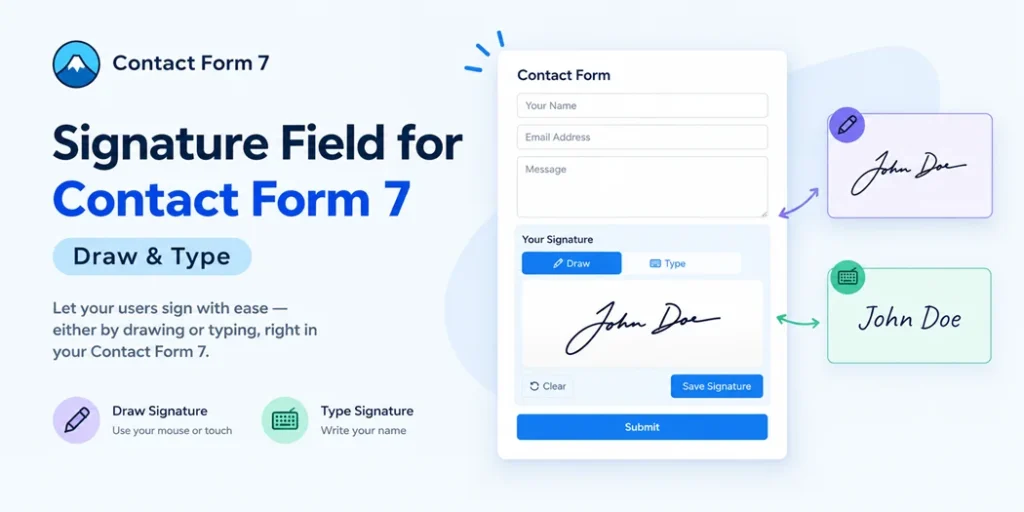
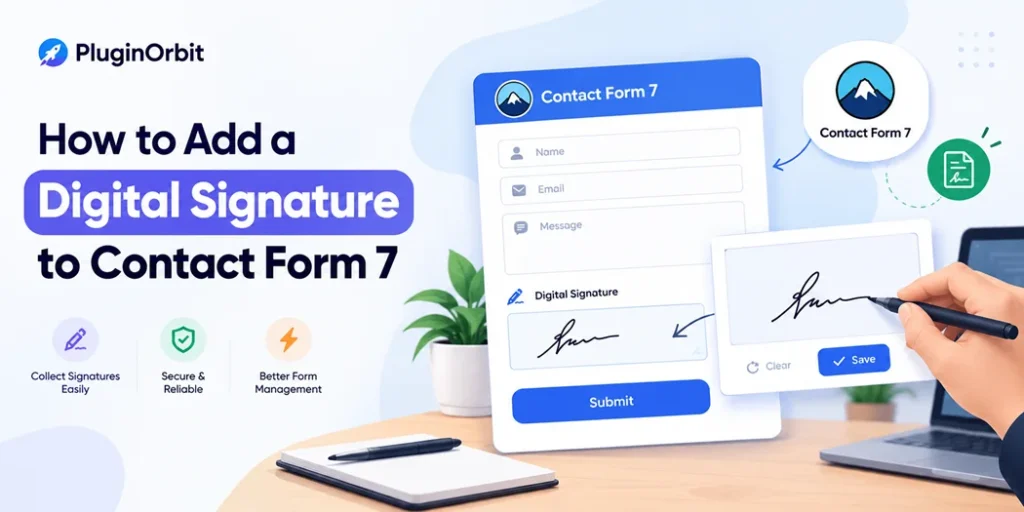
Depending on the checkout setup, customers may be able to draw their signature using a touchscreen or mouse, or enter their name using a typed-signature option.
Unlike a standard checkout confirmation, a signature can be associated with a particular acknowledgment, such as:
- Approval of customized product specifications.
- Acceptance of service-related conditions.
- Confirmation of delivery or installation instructions.
- Authorization for a specific purchase arrangement.
- Acknowledgment of return or cancellation conditions.
The collected signature can then be associated with the relevant WooCommerce order, depending on the plugin’s functionality.
For businesses that need more structured documentation, adding a digital signature to WooCommerce provides a way to introduce signature collection into the purchasing process.
It is important to understand that a drawn or typed signature does not automatically establish every legal requirement for an electronic signature. Legal validity depends on applicable laws, the purpose of the agreement, the signing process, identity verification, consent, and recordkeeping.
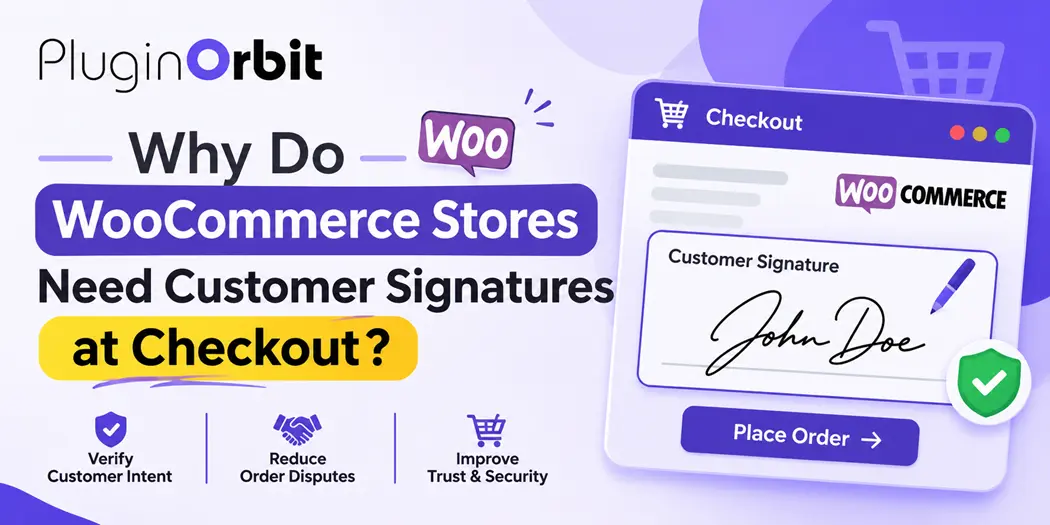
Why Do WooCommerce Stores Need Customer Signatures at Checkout?
Customer signatures are useful when a purchase requires more than basic payment confirmation. They provide an additional way to document what a customer acknowledged or authorized during checkout.
Here are the main reasons businesses may need them.
1. Record Customer Approval Before Processing Orders
Some orders require customer approval before a business can begin production, customization, or service delivery.
For example, a printing company may receive orders for personalized banners, business cards, or promotional materials. Before production starts, the business may want customers to confirm the final specifications.
A signature provides an additional record of that acknowledgment.
With a suitable WooCommerce checkout signature, store owners can associate customer approval with the relevant order rather than relying entirely on separate email conversations.
This can be particularly useful when orders involve custom requirements, special instructions, or additional responsibilities.
2. Document Customer Consent and Authorization
Online businesses frequently ask customers to accept terms and conditions, service policies, or product-specific requirements.
However, a general acceptance checkbox may not provide the level of documentation required for every business transaction.
Digital customer authorization can help record a customer’s acknowledgment of a clearly defined agreement or condition.
For example:
- A rental business may request acknowledgment of equipment-use responsibilities.
- A service provider may request approval of specific service conditions.
- A customized-product seller may request confirmation of final product details.
- A business selling made-to-order products may document approval before production.
The important point is to explain exactly what the customer is signing. A signature should not be presented as blanket approval of unrelated conditions.
3. Reduce Order Disputes and Misunderstandings
Miscommunication can happen when customers and businesses have different expectations about an order.
A buyer might misunderstand customization requirements, delivery responsibilities, or service limitations. These situations can create unnecessary support requests and disagreements.
A properly implemented customer signature process can help document the information presented to the customer and their acknowledgment of it.
For example, if a customer approves a customized product design before production, the store may retain the signed acknowledgment alongside the order details.
This does not guarantee that disputes will be prevented or resolved in the merchant’s favor. However, accurate and accessible records can help both parties understand what was agreed upon.
4. Maintain Better Order Documentation
WooCommerce stores already manage essential order information, including customer details, purchased products, payment status, and shipping information.
For certain businesses, these details may not be enough to document the complete purchasing agreement.
Adding customer signature collection can provide another record associated with the transaction.
Depending on the signature solution, businesses may be able to retain:
- The customer’s submitted signature.
- The associated WooCommerce order.
- The date and time of submission.
- The customer’s acknowledgment statement.
- Available signing activity or audit information.
These records can make it easier for authorized staff to review order-related approvals when handling customer questions.
Businesses should also establish appropriate access controls, retention periods, and backup procedures to protect these records.
5. Support Customized and Made-to-Order Purchases
Customized purchases often involve additional decisions that customers must review before an order moves into production.
For example, a customer purchasing personalized furniture may select dimensions, materials, colors, and finishing options. A business may want confirmation that these selections are correct before manufacturing begins.
A signature can provide an additional acknowledgment of the submitted specifications.
This is especially relevant for businesses offering:
- Personalized gifts.
- Custom furniture.
- Printed merchandise.
- Made-to-order clothing.
- Customized promotional products.
- Special manufacturing services.
For these businesses, signatures can support a more documented approval process and help reduce avoidable production misunderstandings.
6. Improve Accountability for Business Transactions
When multiple employees manage orders, it can be difficult to identify whether a customer approved a particular requirement.
A signature record associated with an order can help employees review the customer’s acknowledgment without searching through multiple email conversations or external documents.
For example, a support representative handling a question about a customized order can review the available approval information before responding.
This can improve internal coordination between sales, order processing, production, and customer support teams.
However, a signature should be treated as one part of a complete order record, not as a replacement for accurate product information, communication, and transaction documentation.
7. Support Business Policies and Specific Compliance Requirements
Certain industries and transactions involve additional documentation requirements.
A signature process may help businesses record acknowledgment of relevant terms, permissions, or responsibilities.
For example, a service provider might collect approval before performing a particular service, while a rental business may document acknowledgment of usage conditions.
However, requirements vary by jurisdiction, industry, and transaction type. Collecting a signature alone does not make a business legally compliant.
Store owners should review applicable electronic-signature, privacy, consumer-protection, and record-retention requirements before introducing signature collection.
Which WooCommerce Businesses Benefit from Customer Signatures?
Not every WooCommerce store needs a signature field. The feature is most useful when a transaction involves specific customer approval, authorization, or acknowledgment.
Here are some practical examples.
Custom Product Stores
Businesses selling personalized products can request confirmation of product specifications before beginning production.
A signature may help document approval of names, measurements, designs, or other customization details.
Rental and Equipment Businesses
Equipment rental businesses may need customers to acknowledge usage conditions, responsibilities, or rental-related agreements.
A checkout signature can support the collection of that acknowledgment.
Service-Based Businesses
Businesses selling installation, repair, maintenance, or professional services may need customer approval before starting work.
A signature can provide an additional record of that approval.
Digital Product and Software Businesses
Some digital purchases involve license conditions, usage restrictions, or specific customer agreements.
Where appropriate, a signature process can document acknowledgment of those conditions. However, ordinary license acceptance may be better handled through a clear electronic consent checkbox rather than an unnecessary signature requirement.
B2B and Wholesale Stores
Business-to-business transactions may involve special purchasing terms, bulk-order specifications, or additional authorization requirements.
A signature can help document approval when a specific agreement or authorization is necessary.
Key Benefits of Collecting Digital Customer Signatures
Beyond recording customer approval, signature collection can improve several parts of an online order workflow.
| Business benefit | Practical value |
| Better documentation | Keeps customer acknowledgments associated with orders |
| Clearer communication | Helps clarify which conditions customers approved |
| Order accountability | Gives employees an additional reference when reviewing orders |
| Custom-order approval | Documents acknowledgment of submitted specifications |
| Organized records | Reduces dependence on scattered email conversations |
| Customer authorization | Supports documented approval for relevant transactions |
The overall value depends on how the signature process is designed and how consistently the business maintains its records.
For a broader explanation of the business applications, the benefits of digital signatures can help store owners understand where signature collection fits into an e-commerce workflow.
What Should a WooCommerce Checkout Signature Process Include?
Collecting a signature is only useful when customers understand what they are signing and the business can manage the resulting records.
Before adding a signature field, consider the following elements.
1. A Clear Signature Request
Explain why the signature is required and what it confirms.
For example:
“By signing below, I confirm that I have reviewed and approved the customized product specifications associated with this order.”
The wording should match the actual purpose of the signature.
2. An Easy Signing Experience
Customers should be able to sign without unnecessary steps.
Useful options include:
- Drawing a signature using a mouse or touchscreen.
- Typing a name as a signature where appropriate.
- Switching between drawing and typing.
- Reviewing the signature before submitting the order.
Mobile usability is particularly important because many customers complete purchases using smartphones.
3. Appropriate Consent and Privacy Information
Explain what information is collected, why it is needed, and how it will be used.
Businesses should avoid collecting unnecessary personal information and should apply appropriate security and retention practices.
4. Order-Related Signature Storage
The signature should be accessible from the relevant order record so authorized staff can review it when needed.
Depending on the business requirements, additional information such as submission timestamps and audit records may also be useful.
5. A Simple Checkout Layout
A signature field should not make the purchasing process unnecessarily complicated.
Place it near the relevant agreement or checkout information, provide clear instructions, and avoid requesting signatures for transactions where they add no meaningful value.
How to Add a Digital Signature to WooCommerce Checkout
WooCommerce does not provide a dedicated customer-drawn signature field as a standard checkout feature. Store owners can use a compatible extension to introduce signature collection without developing the functionality from scratch.
One option is the WooCommerce digital signature plugin.
A typical implementation process involves the following steps:
Step 1: Choose a suitable signature solution
Select a plugin that supports your checkout requirements, including drawing or typing signatures and compatibility with your WooCommerce setup.
Step 2: Configure the signature field
Enable the signature field and decide whether customers should be able to draw their signatures, type their names, or use both options.
Step 3: Add an appropriate acknowledgment statement
Write a short explanation describing what the customer is approving. Make sure the statement is relevant to the product, service, or agreement.
Step 4: Configure signature requirements
Decide whether the signature should be mandatory for all orders or only specific products, categories, or order conditions.
Step 5: Test the complete checkout process
Place test orders on desktop and mobile devices. Check whether signatures are captured correctly and associated with the appropriate order.
Step 6: Review order records
Confirm that authorized administrators can access the submitted signature and any additional information required for recordkeeping.
For more advanced configuration possibilities, advanced WooCommerce signature features can provide additional context when evaluating a solution.
Digital Signatures vs. Electronic Signatures: What Is the Difference?
The terms digital signature and electronic signature are often used interchangeably, but they do not always describe the same thing.
An electronic signature is a broad term covering electronic methods used to indicate agreement or approval. These may include typed names, click-to-sign actions, or other electronic signing methods.
A digital signature, in the stricter technical sense, generally uses cryptographic technology to verify the integrity and authenticity of a signed digital document.
A signature drawn on a WooCommerce checkout screen is not automatically a cryptographic digital signature.
Understanding the distinction helps store owners select an appropriate solution instead of assuming every signature plugin offers the same security or legal capabilities.
Businesses evaluating these options can refer to digital vs. electronic signatures before deciding which approach fits their transactions.
Common Mistakes to Avoid When Collecting Customer Signatures
Even a useful checkout feature can create problems when implemented poorly.
Avoid these common mistakes:
- Requesting signatures unnecessarily: Do not add extra steps to every purchase when a standard checkout confirmation is sufficient.
- Using unclear agreement statements: Customers should understand exactly what they are approving.
- Ignoring mobile users: Test the signature field on touchscreen devices.
- Failing to store signatures properly: Make sure signature records are associated with the correct orders.
- Assuming every signature is legally binding: Review the applicable legal requirements for your transaction and location.
- Overlooking customer privacy: Protect collected information and establish appropriate retention policies.
- Skipping checkout testing: Verify that the signature process works with your theme, payment methods, and other checkout extensions.
A good implementation should make authorization clearer without creating unnecessary friction for customers.
Conclusion
Customer signatures can provide WooCommerce stores with an additional way to document purchase approvals, record customer authorization, and maintain more organized order information.
They are particularly valuable for businesses handling customized products, rentals, service agreements, and transactions that require specific customer acknowledgment.
However, signature collection should serve a clear business purpose. Store owners should explain what customers are signing, provide an accessible checkout experience, protect collected information, and maintain appropriate order records.
For businesses that need this functionality, a suitable WooCommerce digital signature solution can help introduce signature collection into the checkout process without making the entire purchasing experience unnecessarily complicated.