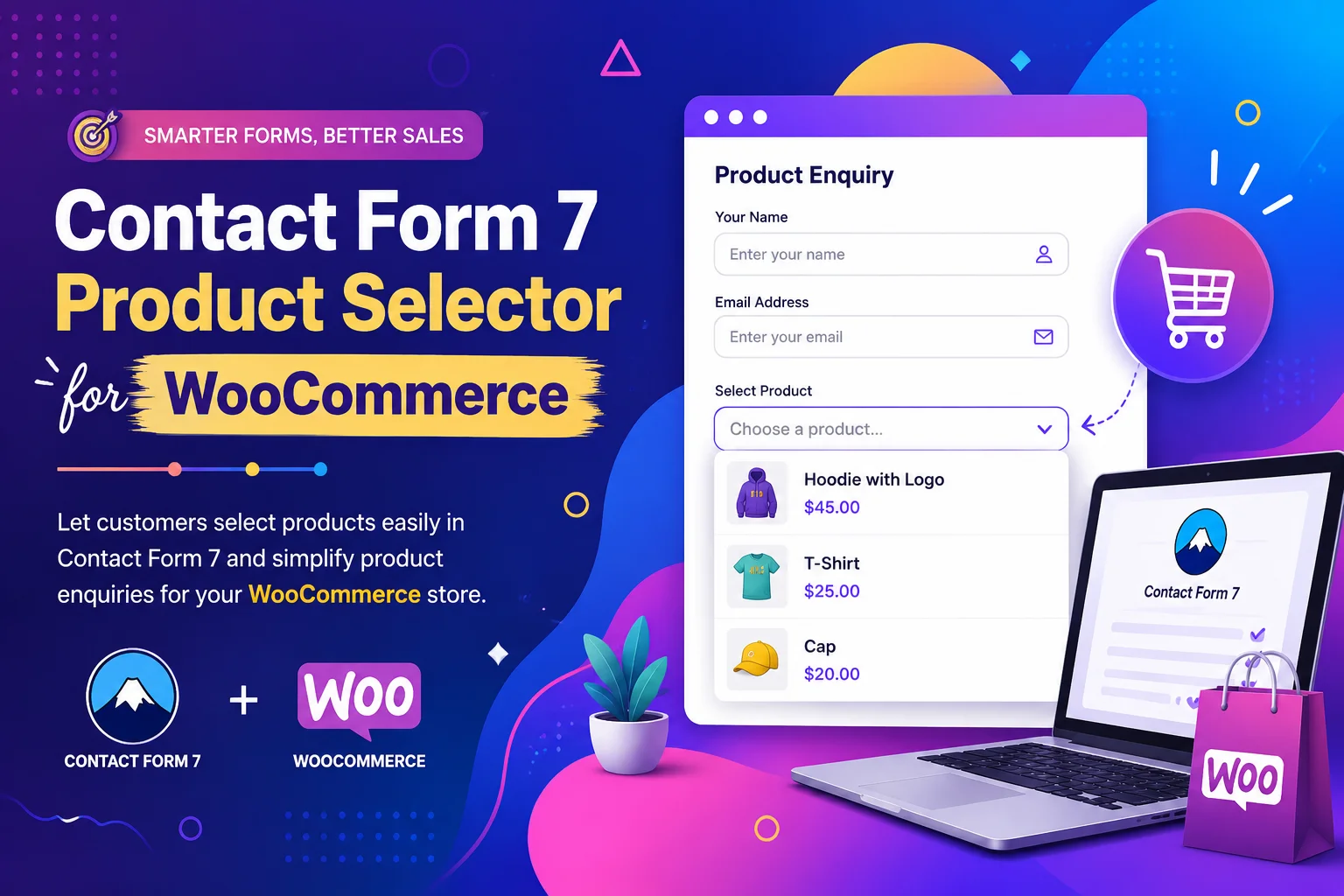
Make it easier for customers to select WooCommerce products directly from your Contact Form 7 forms. Instead of asking visitors to manually type a product name, you can provide a structured product selection field that helps them identify the exact product they want to enquire about, order, or discuss.
The Contact Form 7 Product Selector for WooCommerce is designed for WooCommerce store owners, WordPress developers, agencies, freelancers, and businesses that need a flexible way to collect product-related information through Contact Form 7.
With WooCommerce integration, advanced product filters, conditional display of options, customizable field names and IDs, dropdown and Select layouts, and responsive support, you can create product-focused forms for enquiries, quotations, custom orders, and other ecommerce workflows.
What Is a WooCommerce Product Selector?
A WooCommerce Product Selector is a form field that allows visitors to choose a product from your WooCommerce catalog while completing
This is useful when the product itself is an important part of the customer’s inquiry.
you can allow the customer to select the exact product from the form.
This creates a more structured enquiry and reduces the possibility of incorrect product names, spelling mistakes, or unclear product references.
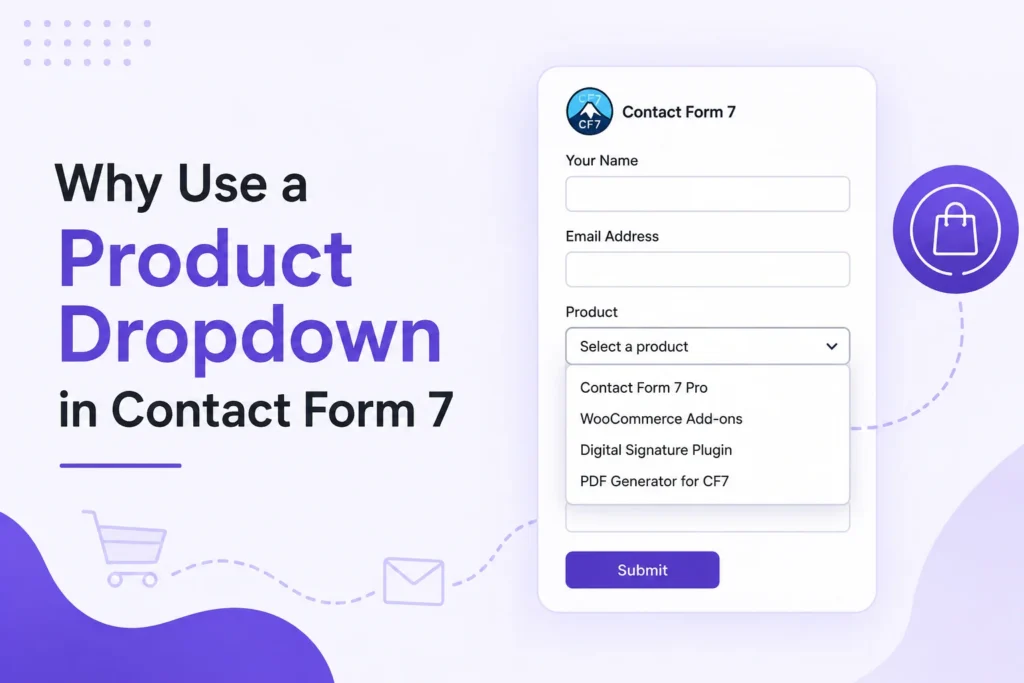
If your website needs a simpler way to let users choose products inside Contact Form 7, you can also explore a product dropdown in Contact Form 7 to understand how this type of form field can improve product selection.
Why Add Product Selection to Contact Form 7?
A standard Contact Form 7 form is useful for collecting general information such as a name, email address, phone number, and message.
However, WooCommerce businesses often need additional context.
A customer may want to ask about a particular product’s:
- Availability
- Price
- Specifications
- Customization
- Compatibility
- Delivery
- Bulk pricing
- Wholesale availability
If the customer only has a message field, they have to manually provide the product information.
That can create unnecessary friction for the customer and additional work for the business.
A dedicated product selection field provides a more straightforward approach. The visitor chooses the product first and then provides the information related to that product.
This means the business receives both the enquiry and the relevant product context together.
Add WooCommerce Products to Contact Form 7
A major advantage of using a WooCommerce product selector is that product selection can become part of the existing Contact Form 7 workflow.
Instead of creating a separate form for every product, you can create a product-focused form that allows visitors to select the relevant item.
A typical workflow could look like this:
Select Product → Choose Options → Enter Customer Details → Add Message → Submit
This type of workflow can be used for:
- Product enquiry forms
- Quote request forms
- Wholesale enquiries
- Bulk order requests
- Custom product requests
- Product support forms
- Pre-sales questions
- Product consultation forms
If you are building this type of functionality from scratch, our guide on how to add a product dropdown to a contact form can help explain the basic implementation approach.
Advanced Product Filters
Product selection becomes more challenging when a WooCommerce store has hundreds or thousands of products.
A long dropdown can be difficult to navigate and may create a poor experience for customers.
Advanced product filters help solve this problem by narrowing the available products according to the requirements of your form.
For example, a business with products across several categories may want a particular enquiry form to display only relevant products.
This can be especially useful for:
- Large product catalogs
- B2B WooCommerce stores
- Wholesale websites
- Stores with multiple product categories
- Specialized product collections
- Websites with frequently changing products
Filtering makes the selection process more focused and reduces the number of irrelevant options customers have to browse.
For developers, it also provides more control when creating different forms for different business workflows.
Conditional Display of Options
A product enquiry form does not always need to show every field to every visitor.
Conditional display allows you to create a more focused experience by showing relevant options based on the user’s selections.
A customer may first select a product. The form can then display additional options that are relevant to that selection.
This can be useful for custom products, technical products, configurable products, or businesses that need additional information before responding to an enquiry.
A conditional workflow might look like:
- The customer selects a WooCommerce product.
- Relevant options become available.
- Customer provides additional requirements.
- Customers enter their contact details.
- The customer submits the form.
This reduces unnecessary fields and can make complex forms easier to complete.
Dropdown or Select Product Selection
Different WooCommerce stores have different product catalogs.
A traditional dropdown can work well when the number of products is relatively small.
However, a large catalog can make a standard dropdown difficult to use.
A Select layout provides a more convenient alternative for larger product collections by giving customers a more searchable selection experience.
This can be particularly useful when:
- The store contains many products.
- Product names are long.
- Products have similar names.
- Customers already know what they are looking for.
- The form is being used for product-specific enquiries.
Having both dropdown and Select layouts gives developers flexibility when designing the form.
The best choice depends on the number of products, the form layout, and how customers are expected to find the product.
Customizable Field Name and ID
Developers often need precise control over Contact Form 7 fields.
Customizable field names and IDs make it easier to integrate the product selector into an existing website structure.
This can be useful for custom CSS, JavaScript, naming conventions, accessibility requirements, or other form-related functionality.
For agencies and freelancers, this flexibility can also make it easier to maintain consistent field structures across different client projects.
Instead of being restricted to a fixed field structure, developers can configure the product selector according to the requirements of the website.
Responsive Product Selection
Customers can access WooCommerce websites from desktops, tablets, and smartphones.
A product selection field therefore needs to remain usable across different screen sizes.
Responsive support helps the product selector fit naturally into modern Contact Form 7 forms.
This is particularly important for mobile users. A customer may discover a product on a smartphone and immediately want to ask a question about it.
If the form is difficult to use on a smaller screen, the customer may abandon the enquiry.
A responsive product selection experience helps reduce this type of friction.
WooCommerce Product Enquiry Form
A WooCommerce product enquiry form is useful for businesses that need to answer questions before a customer completes a purchase.
Not every customer is ready to proceed directly to checkout.
They may want to know:
- Whether the product is available
- Whether bulk pricing is available
- Whether customization is possible
- Whether another specification is available
- Whether the product is suitable for their requirements
- How long delivery will take
A product enquiry form gives customers a direct way to communicate these questions.
By allowing them to select the product first, the business receives useful context with every enquiry.
Instead of asking the customer to clarify which product they mean, the selected product is already part of the form submission.
WooCommerce Product Order Form
Product selection can also be used for specialized ordering workflows.
A WooCommerce product order form can be useful when a business needs to collect additional information before confirming an order.
For example, businesses may handle:
- Wholesale orders
- Bulk purchases
- Custom products
- Special pricing requests
- Business-to-business orders
- Products requiring consultation
In these cases, the form can collect the selected product and additional requirements before the sales team follows up.
The selector therefore complements the standard WooCommerce checkout instead of necessarily replacing it.
Product Selection for Developers
Developers can use the product selector when building customized WooCommerce websites that require more than a basic contact form.
For example, a developer might build a product enquiry workflow with:
Product → Options → Customer Details → Requirements → Submission
Advanced filters can control which products are available, while conditional options can make the form respond to customer selections.
Custom field names and IDs can provide additional control over the implementation.
This makes the solution useful for WordPress developers, agencies, and freelancers who need to create customized forms for different business requirements.
Product Selection for WooCommerce Store Owners
For store owners, the main benefit is a simpler way to collect product-specific enquiries.
Instead of asking customers to manually type a product name, the form can provide a clear selection option.
This can be particularly useful for businesses selling:
- Industrial products
- Furniture
- Electronics
- Wholesale products
- Custom products
- Specialized equipment
- Business supplies
The exact use case can vary, but the objective remains the same: make it easier for customers to tell the business which product they are interested in.
Manage Product-Related Contact Form 7 Submissions
Once customers start submitting product-related forms, the next challenge is managing those enquiries efficiently.
A product selector can provide additional context within Contact Form 7 submissions, making it easier to understand which product is associated with each enquiry.
the business can receive the message together with the selected product.
This additional context can make follow-up communication more efficient.
It can also help sales or support teams prioritize enquiries according to the products or requests involved.
Product Selection and Ecommerce Workflows
Product selection can become part of a larger ecommerce workflow.
For example, a business may use Contact Form 7 to collect product enquiries, quotation requests, or custom order information before moving the customer into another stage of the sales process.
Some ecommerce businesses may also need customer approvals, agreements, or signed documents as part of their workflow.
In those situations, digital signatures for ecommerce can be useful for creating a more complete document and approval process.
Understanding the benefits of digital signatures can also help businesses decide whether digital signing is appropriate for contracts, approvals, order confirmations, or other ecommerce documents.
When evaluating signing solutions, businesses may also need to understand WooCommerce digital vs electronic signatures and choose an approach that fits their specific workflow.
These processes are separate from product selection, but they can work together as part of a broader ecommerce communication and sales workflow.
Product Selector vs Manual Dropdown
A manually created product dropdown may be enough for a website with only a few products.
However, maintaining a static list can become increasingly difficult as the WooCommerce catalog grows.
Products can be:
- Added
- Removed
- Renamed
- Reorganized
- Updated
- Replaced
A WooCommerce-connected selector provides a more practical approach for websites where the product catalog changes regularly.
It also gives customers a more structured way to identify the product they want.
For developers, this can reduce the need to repeatedly maintain product lists inside individual Contact Form 7 forms.
Build Better Product-Specific Forms
A product selector can turn a basic Contact Form 7 form into a more structured product communication tool.
A complete product enquiry workflow could include:
Product Selection
Let the customer choose the relevant WooCommerce product.
Product Options
Use conditional display to show relevant fields.
Additional Requirements
Collect information needed by the business.
Customer Details
Collect contact information.
Message
Allow the customer to explain their requirements.
Submission
Receive the complete enquiry with product context.
This approach helps businesses collect more useful information while keeping the customer experience straightforward.
Key Benefits at a Glance
WooCommerce Integration
Connect product selection with your WooCommerce store.
Advanced Product Filters
Make large catalogs easier to navigate.
Conditional Display of Options
Show relevant options when they are needed.
Dropdown or Select Layout
Choose the selection interface that fits your catalog.
Customizable Field Name and ID
Give developers greater control over the form field.
Responsive Design
Provide a usable selection experience across different devices.
Create a Better WooCommerce Product Selection Experience
The Contact Form 7 Product Selector for WooCommerce provides a structured way to let visitors select products directly from a Contact Form 7 form.
Product selection can become part of a larger ecommerce workflow. Businesses may use Contact Form 7 to collect product enquiries, quotation requests, or custom order information before moving customers to the next stage of the sales process.
For ecommerce businesses that also handle customer approvals or signed documents, it can be useful to understand WooCommerce Digital vs Electronic Signature when choosing the right signing approach for their workflow.
Whether you are a WooCommerce store owner, WordPress developer, agency, freelancer, or business owner, a product selector can make your forms easier to use and your enquiries easier to understand.
Instead of relying on a manual product name field, give customers a clear way to select the product they are interested in and provide the information your business actually needs.