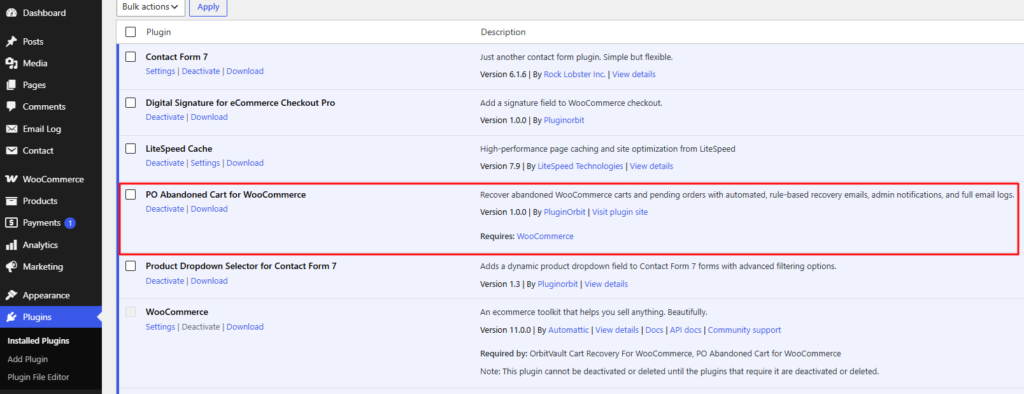
- In your WordPress dashboard, go to Plugins > Add New.
- Search for “PO Abandoned Cart for WooCommerce”.
- Click Install Now, then Activate. (Alternative: if you downloaded the .zip file, go to Plugins > Add New > Upload Plugin, choose the file, then Install and Activate.)
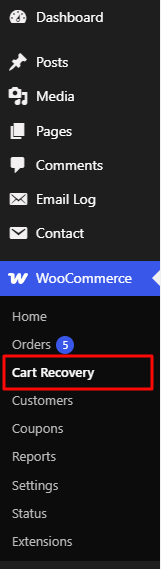
4. Once activated, a new menu item appears under WooCommerce > Cart Recovery.
Note: This plugin requires WooCommerce to be installed and active.
If WooCommerce isn’t active, you’ll see a notice in your dashboard
until you activate it.


