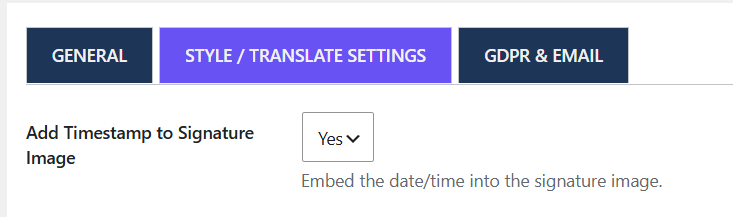
Go to WooCommerce → Digital Signature → Style / Translate Settings.
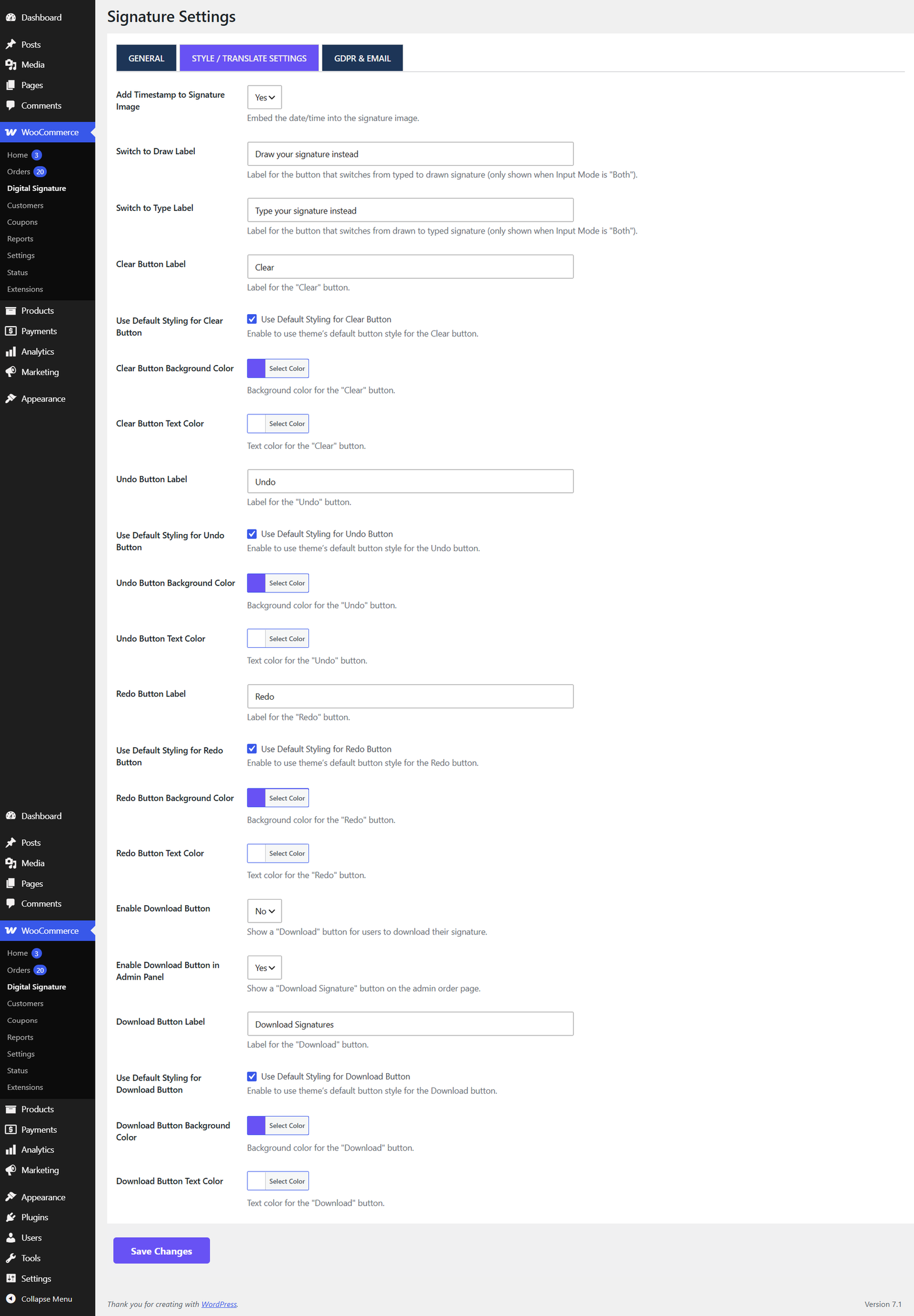
Button labels & colors
Customize the text and colors for the Clear, Undo, Redo, and Download buttons shown under the signature pad. Each button has:
- A label field (the button text)
- A use default styling toggle turn this off to reveal custom background/text colour pickers
Signature Input Mode
| Option | Behaviour |
|---|---|
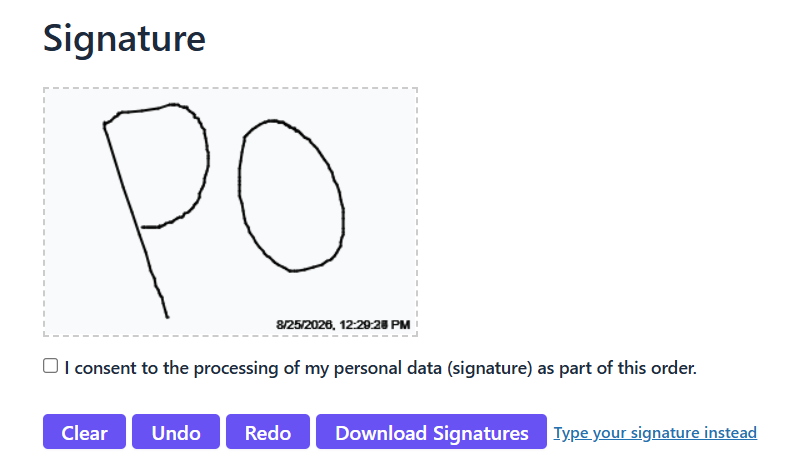
| Draw with mouse/finger | Customers can only draw their signature (this is the only option in the Free version). |
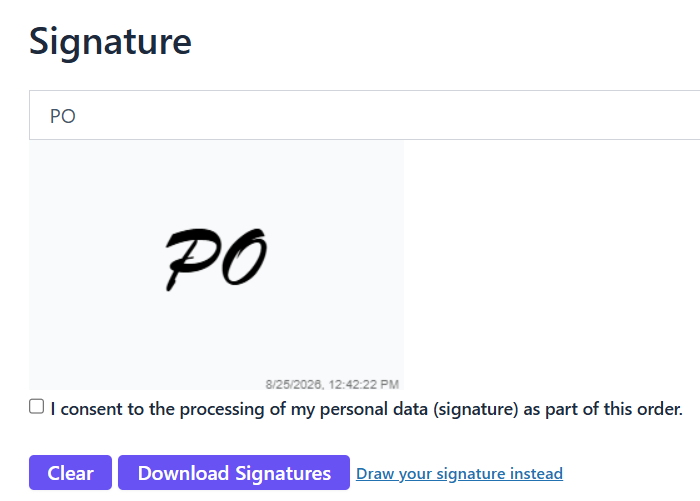
| Type name (auto-styled) | Customers type their name, rendered in a cursive signature style. |
| Both | Customers can switch between Draw and Type using an on-screen toggle button. |
Timestamp
Add Timestamp to Signature Image when enabled, the date and time are stamped into the bottom-right corner of the saved signature image, directly in the picture itself (not just as separate metadata).