1.1 Introduction
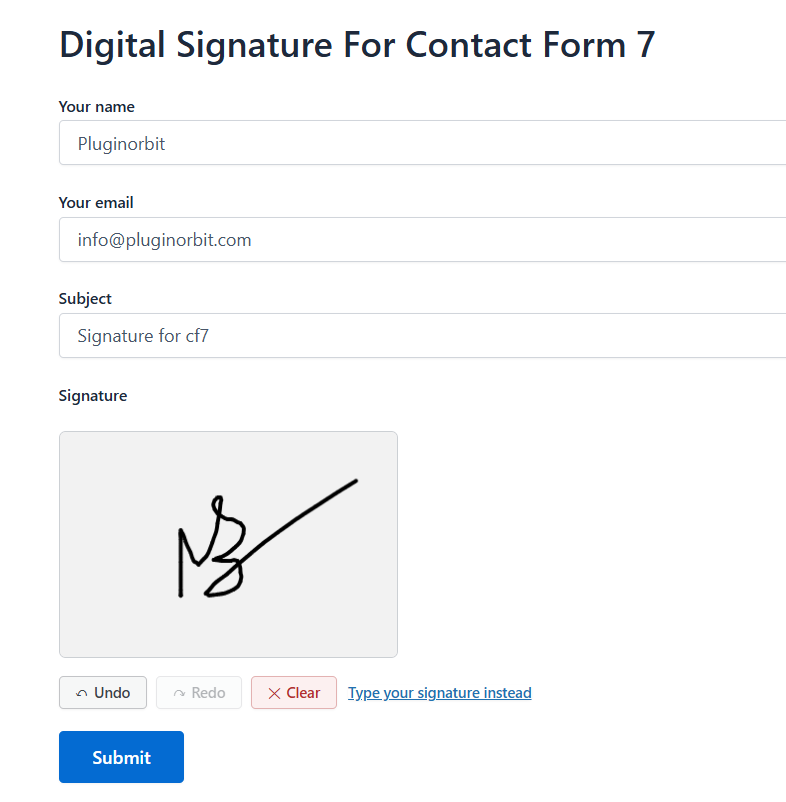
- What the plugin does (adds a draw-your-own signature field to any CF7 form, emails it as a PNG attachment automatically)
- Common use cases: contracts, waivers, delivery confirmations, permission slips, NDAs, rental agreements
- Requirement: Contact Form 7 must already be active
1.2 Installation & Activation
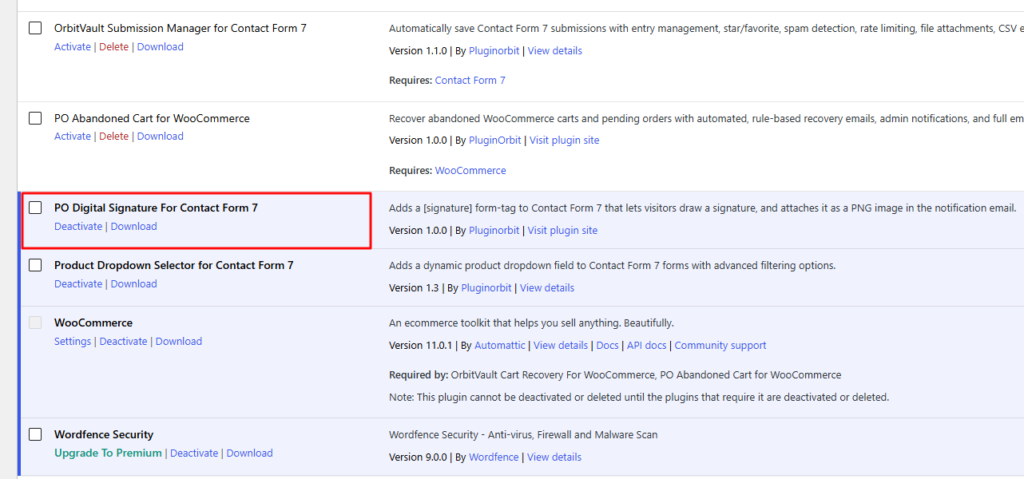
- Upload the plugin zip via Plugins → Add New → Upload Plugin, click Install Now, then Activate
- If Contact Form 7 isn’t installed, you’ll see a notice asking you to install it first
1.3 Adding Your First Signature Field
- Edit a form, open the Form tab, click the signature button in the tag generator toolbar
- The dialog opens with every option already pre-filled with sensible defaults – required checkbox, name, width, height, pen color, pen width, background color, id, class
- Click Insert Tag, then Save
[signature]is optional,[signature*]is required – just check the “Required field” box to switch, no need to edit the tag by hand- View the form on the front end and try drawing – Undo, Redo, and Clear are built in automatically


