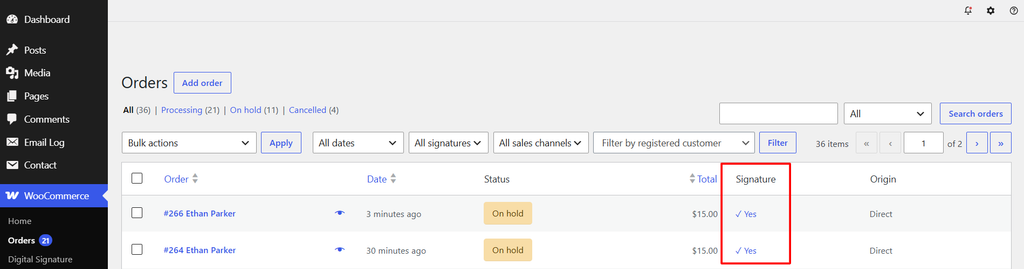
Signature column
A Signature column appears on WooCommerce → Orders, showing a clickable “✓ Yes” link (opens the image) for signed orders, or a dash for unsigned ones.
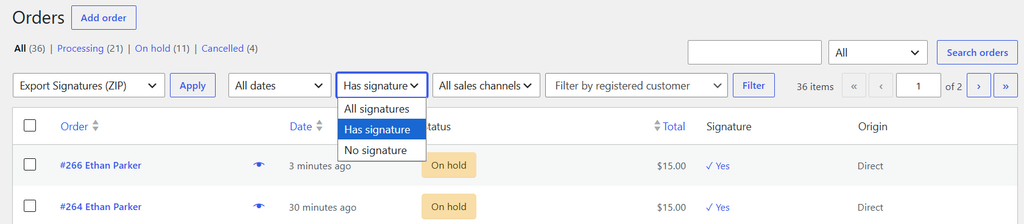
Filtering by signature
Use the All signatures / Has signature / No signature dropdown above the orders list to filter.
Bulk-exporting signatures as a ZIP
- Select the orders you want using the checkboxes.
- Choose Export Signatures (ZIP) from the Bulk actions dropdown and click Apply.
- A notice appears with a Download ZIP link containing every selected order’s signature image.

This requires the PHP ZipArchive extension to be enabled on your server. If you see “the ZipArchive PHP extension is not available,” ask your host to enable the
zipPHP extension.
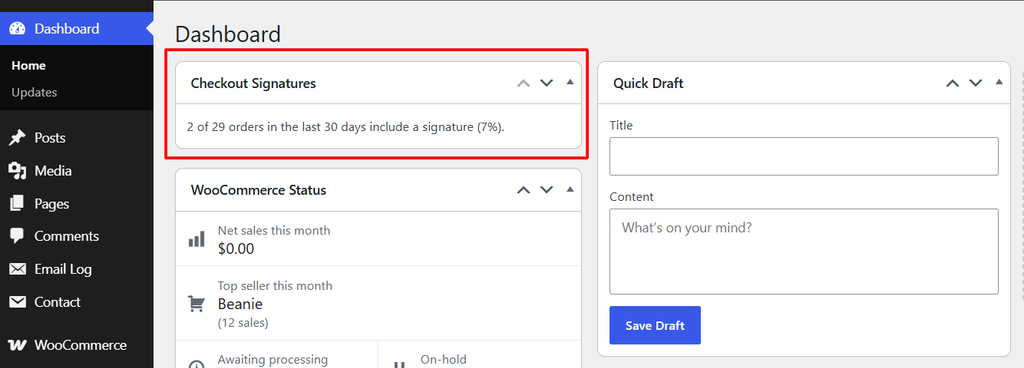
Dashboard widget
A Checkout Signatures widget on your WordPress Dashboard shows what percentage of orders in the last 30 days include a signature.